Elevate Your Game Template


Edit Template Offline
2. Create new page and search for id 6437058
Edit Template Online
Create Awesome Websites


Free Nicepage Builder
Keywords
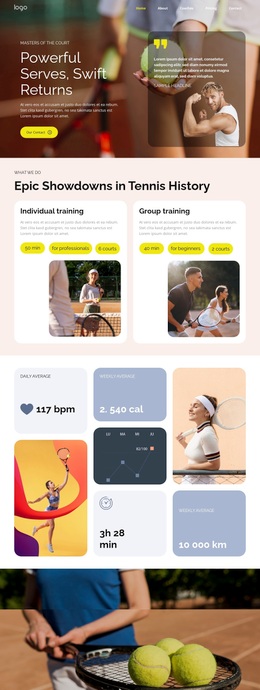
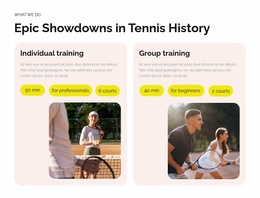
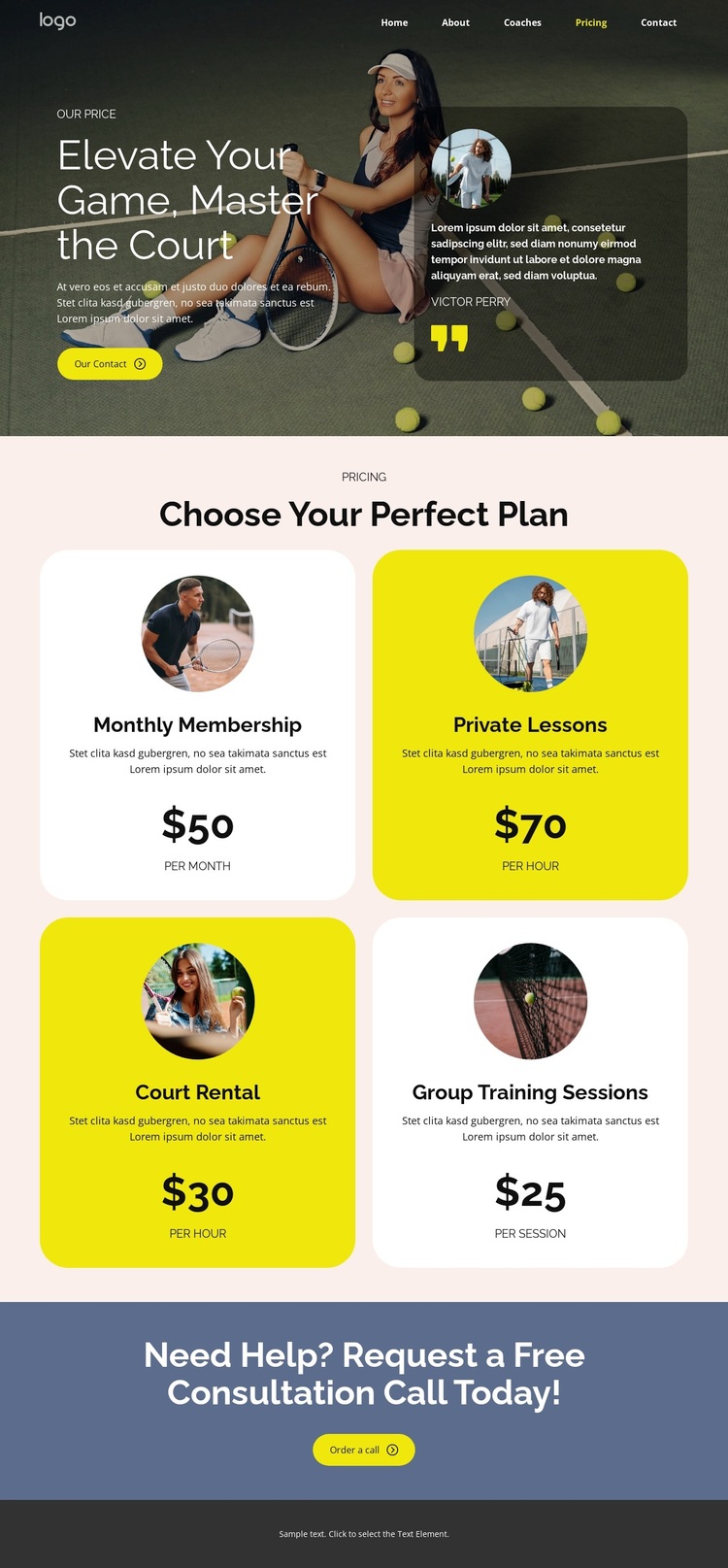
Tennis Imagery and Four Service Choices Define the Design
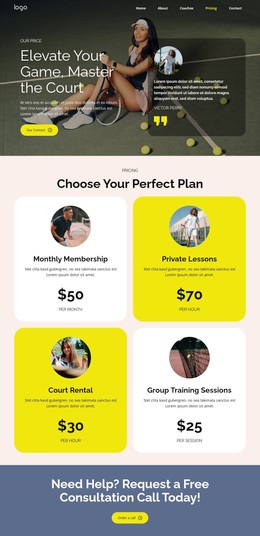
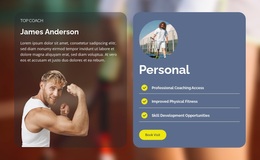
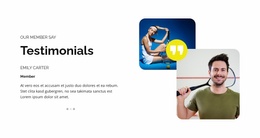
Tennis photography carries the subject immediately, while the “Elevate Your Game, Master the Court” heading gives the page a direct athletic direction. The high-contrast combination of dark imagery, bright yellow accents, blue sections, and charcoal framing makes the design recognizable before visitors reach the main offer. A testimonial-style card beside the hero content adds a people-focused layer, so the page is not limited to a plain list of prices.
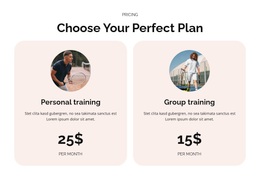
The strongest reason to choose this design is its coverage of several related sports services within one visual system. Monthly Membership, Private Lessons, Court Rental, and Group Training Sessions address different ways visitors may engage with the club. The four repeated rounded cards make those choices easy to distinguish, while monthly, hourly, and per-session billing units show that the layout can accommodate different pricing models without losing consistency.
The design also includes a clear next step: a full-width blue section asks visitors to request a free consultation call after reviewing the options. That gives the page a useful relationship between exploration and assistance. It suits a sports club, coach, or court-service project that needs to present several offers, maintain a strong athletic visual tone, and give uncertain visitors a direct way to start a conversation. The result is more specific than a generic sports homepage because pricing is the organizing idea.
Customize with Nicepage
Open this ready-made template in the Template Builder and customize it visually in the Nicepage editor. Replace demo content, edit page sections, and adapt the design to your project without rebuilding the template from scratch.
Start With a Ready-Made Template
Choose a Design for a New Page
Use a ready-made template as a starting point instead of creating every page from a blank canvas. When adding a new page in Nicepage, browse available designs, compare different layouts, and choose an option that already fits the general purpose and visual direction of your project.
Browse Different Page Designs
Explore Page Designs using search, thematic categories, Design Sets, and full-page previews. The collection includes layouts for different subjects and page purposes, making it easier to compare alternatives before selecting a design to customize.
Customize the Selected Template
After choosing a design, create the page and continue editing it visually in Nicepage. Replace the demo content, adjust images, typography, colors, sections, and other elements, and adapt the ready-made layout to your own content instead of rebuilding the design from the beginning.
Explore More Design Directions
If the first option does not match your project closely enough, return to the design collection and compare other templates before committing to a layout. This makes the template library useful not only for faster page creation, but also for exploring different visual approaches and finding a suitable starting point for a new project.
This workflow gives you access to a broad collection of ready-made designs that can be selected, compared, and customized according to the needs of each new page or project.