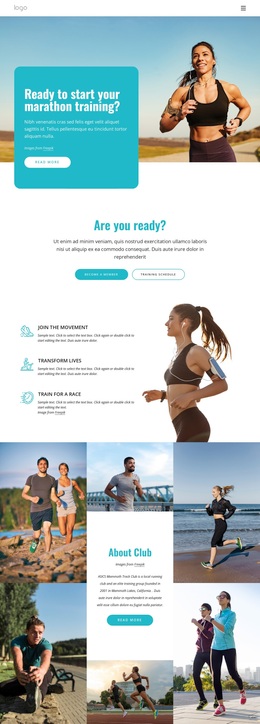
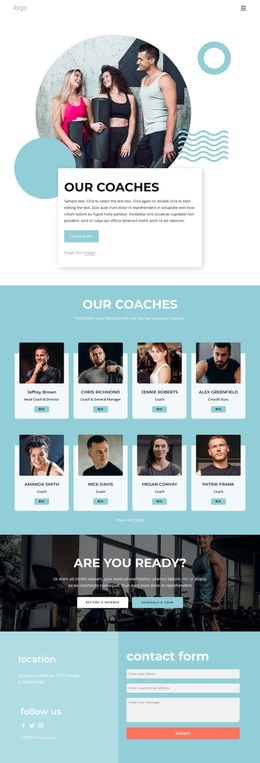
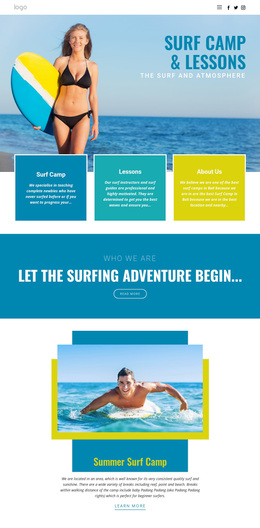
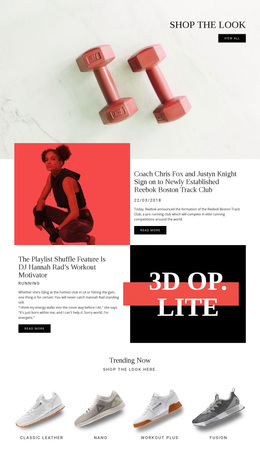
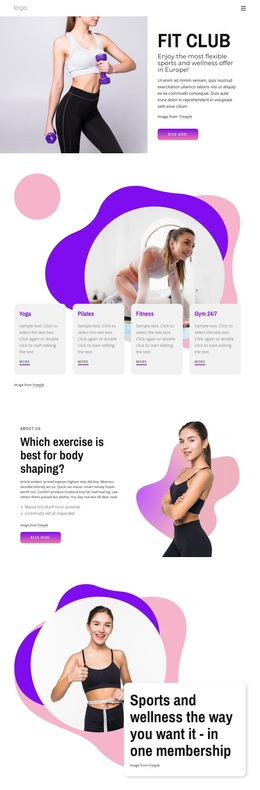
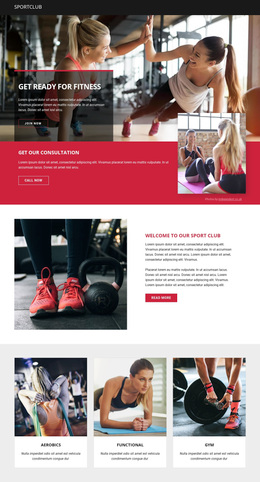
Sport and wellness center Template



Edit Template Offline
2. Create new page and search for id 4927783
Edit Template Online
Create Awesome Websites


Free Nicepage Builder
Keywords
Three Workout Paths Anchor a Broad Fitness Design Choice
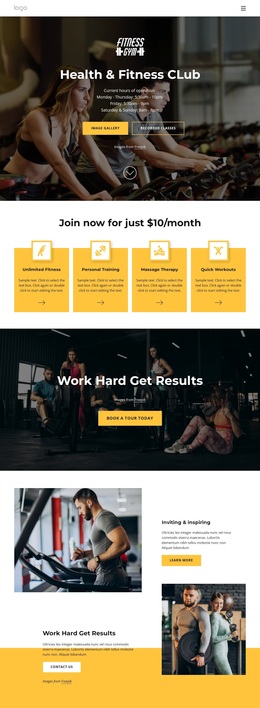
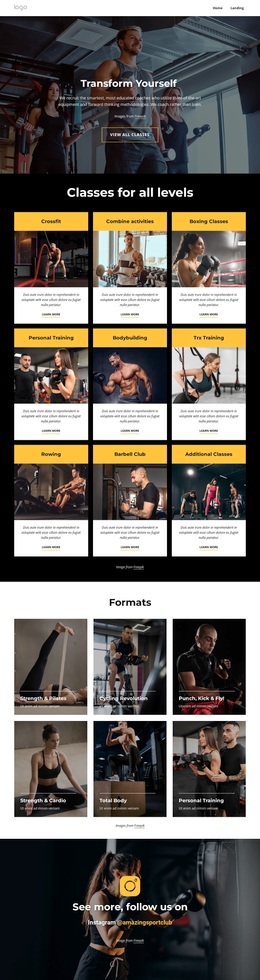
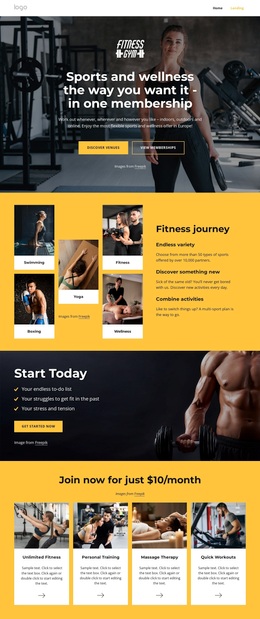
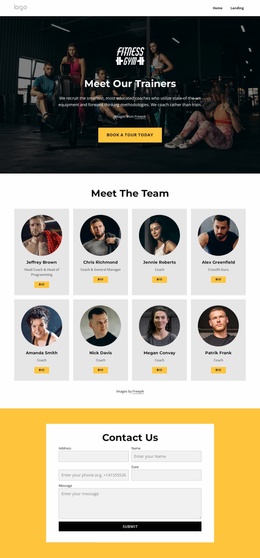
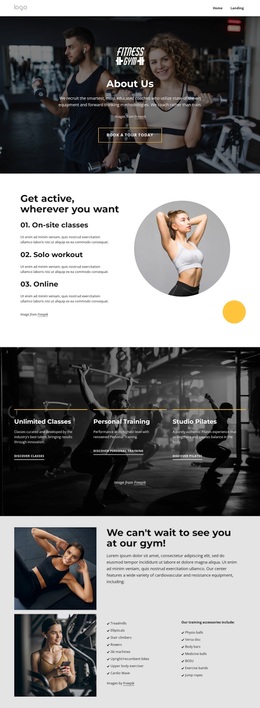
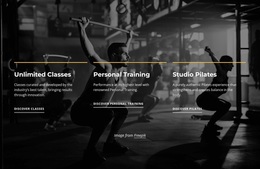
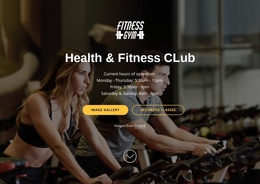
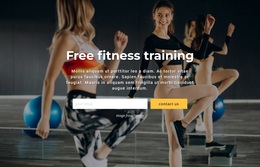
The design begins with a strong subject signal: dark fitness photography, centered hero text, and a Book A Tour Today button make the fitness-club purpose clear before visitors reach the deeper content. Its strongest distinguishing feature is the combination of broad participation choices and specific services. On-site classes, solo workout access, and online coaching describe different ways to engage, while the three service cards focus attention on Unlimited Classes, Personal Training, and Studio Pilates.
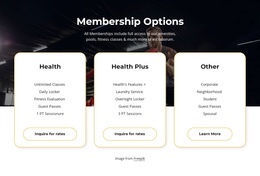
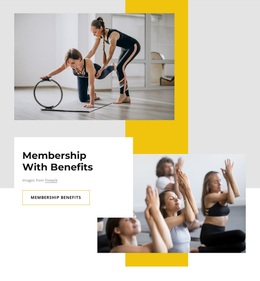
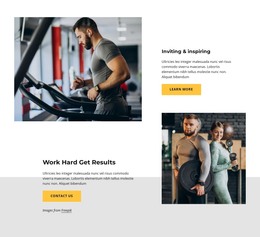
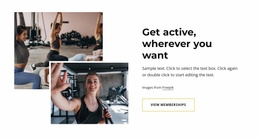
That coverage gives the page more range than a layout built around one class type or one promotional message. The facilities section adds practical depth through separate cardiovascular equipment and training-accessory lists, including machines, free-training aids, and balance or conditioning equipment. The Membership With Benefits block then introduces a visually different promotional moment using overlapping photographs, yellow accents, and a white text panel. A second About Us collage adds another opportunity to explain the club without repeating the service-card format.
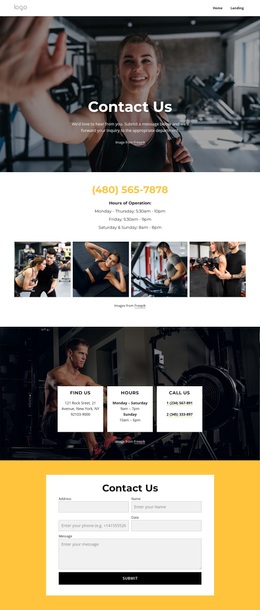
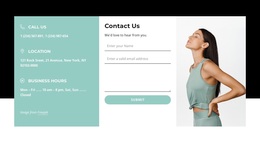
The Instagram prompt and final contact panel complete the communication mix by connecting social discovery with direct inquiry. The design is worth considering for projects that need energetic imagery, recognizable fitness categories, equipment detail, and membership-oriented content in one presentation. Its strength is not a single component, but the way program choice, service detail, facility evidence, and response content coexist.
Customize with Nicepage
Open this ready-made template in the Template Builder and customize it visually in the Nicepage editor. Replace demo content, edit page sections, and adapt the design to your project without rebuilding the template from scratch.
Start With a Ready-Made Template
Choose a Design for a New Page
Use a ready-made template as a starting point instead of creating every page from a blank canvas. When adding a new page in Nicepage, browse available designs, compare different layouts, and choose an option that already fits the general purpose and visual direction of your project.
Browse Different Page Designs
Explore Page Designs using search, thematic categories, Design Sets, and full-page previews. The collection includes layouts for different subjects and page purposes, making it easier to compare alternatives before selecting a design to customize.
Customize the Selected Template
After choosing a design, create the page and continue editing it visually in Nicepage. Replace the demo content, adjust images, typography, colors, sections, and other elements, and adapt the ready-made layout to your own content instead of rebuilding the design from the beginning.
Explore More Design Directions
If the first option does not match your project closely enough, return to the design collection and compare other templates before committing to a layout. This makes the template library useful not only for faster page creation, but also for exploring different visual approaches and finding a suitable starting point for a new project.
This workflow gives you access to a broad collection of ready-made designs that can be selected, compared, and customized according to the needs of each new page or project.

Design Set (23)
-

-
-
-
-
-
-
-
-
-
-
-
-
-
-
Free Website Builder SoftwareDownload
-
-
-