Our Coaches Template


Edit Template Offline
2. Create new page and search for id 5612990
Edit Template Online
Create Awesome Websites


Free Nicepage Builder
Keywords
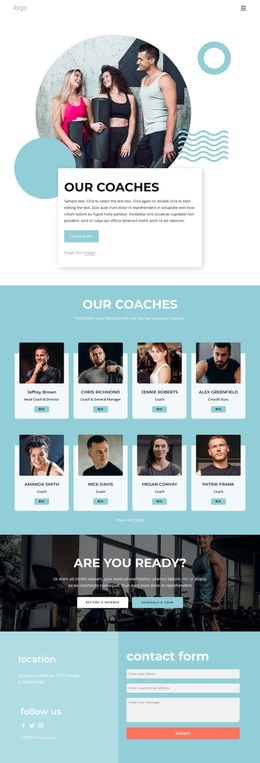
Eight Profiles Give the Fitness Page a Clear Point of Difference
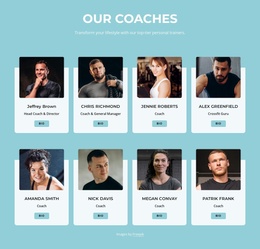
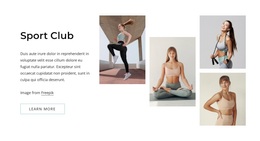
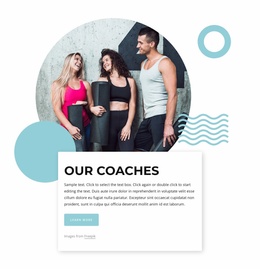
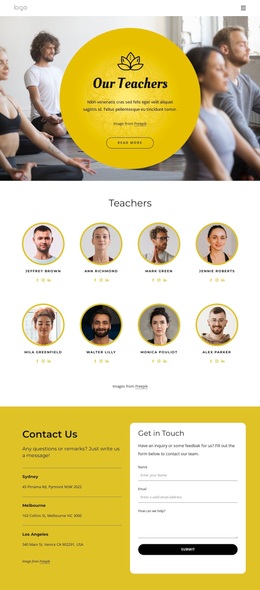
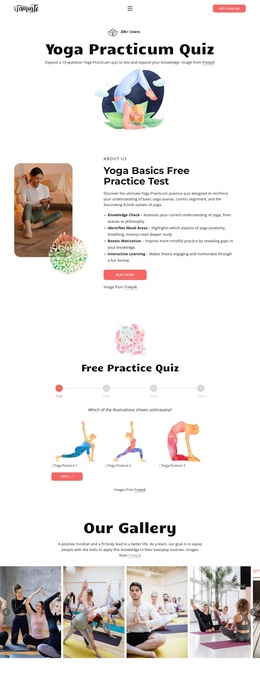
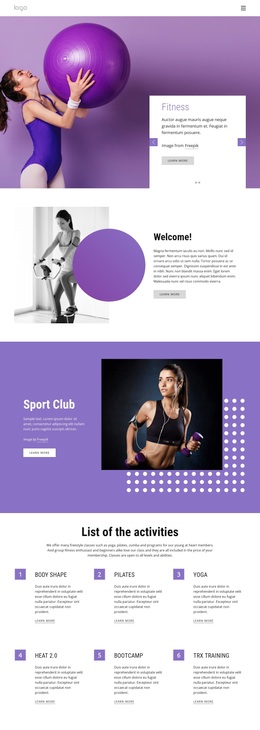
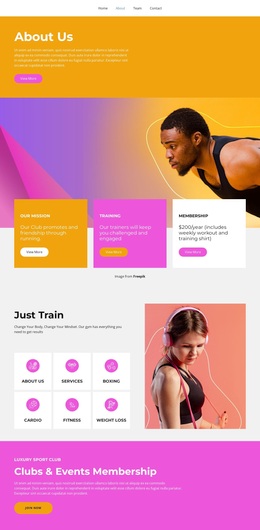
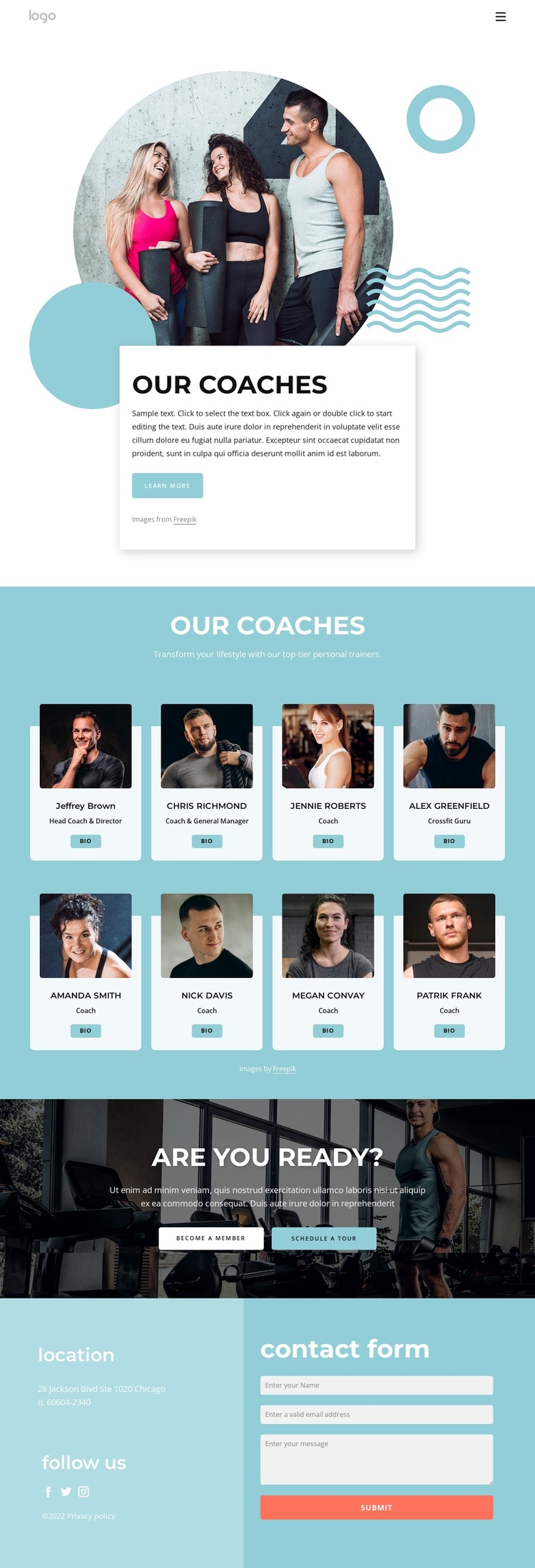
The repeated directory of eight coach profiles is the design’s most distinctive choice. Instead of presenting fitness coaching as an abstract list of benefits, the page places real structural emphasis on the people visitors may want to meet. Profile images, role labels, names, and Bio actions create a useful pattern for projects that need to show team depth while keeping each coach identifiable. The circular imagery and rounded white cards reinforce that people-focused direction without making the page feel like a dense staff register.
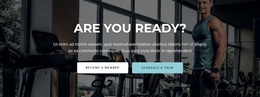
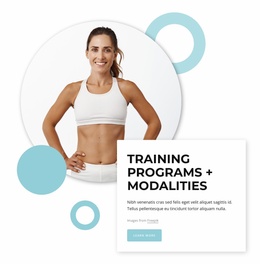
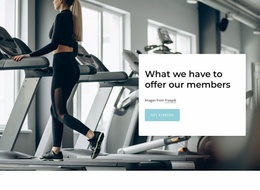
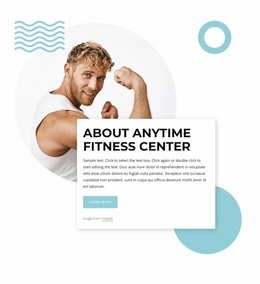
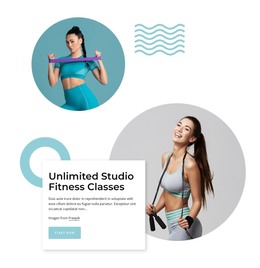
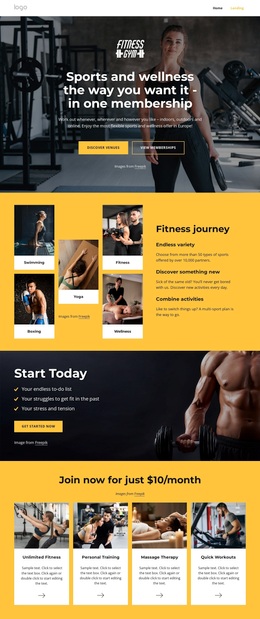
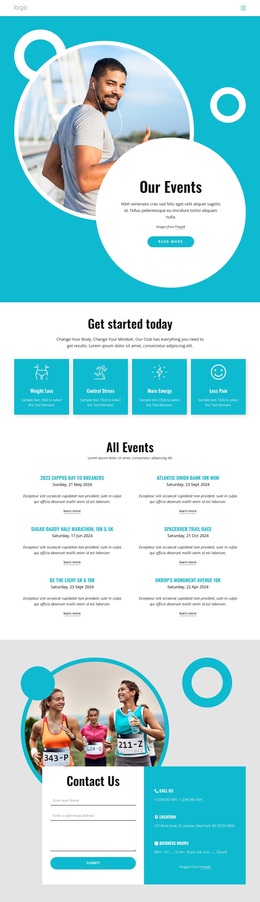
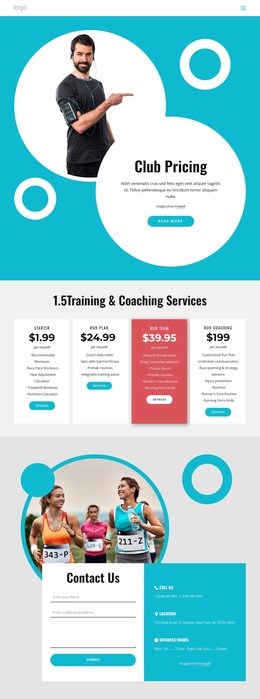
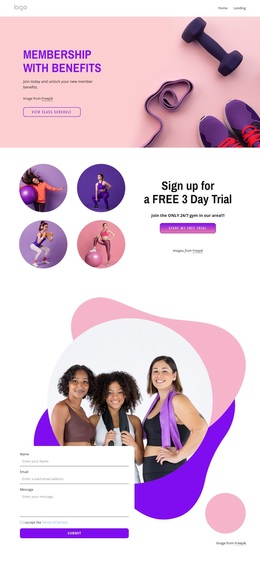
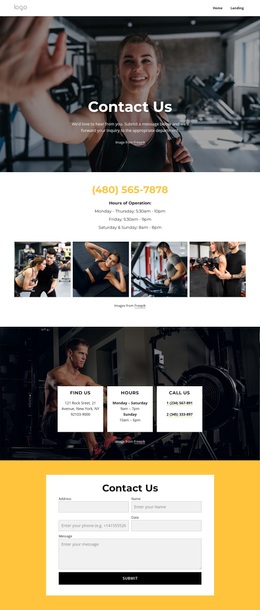
The surrounding sections broaden the design’s usefulness. A compact hero introduces the coaching subject with a circular fitness image, aqua shapes, and a white content card, while the dark photographic band adds two different next steps: membership and tour scheduling. The closing contact area extends the page beyond team presentation by pairing location and social links with a form. This combination makes the template a strong option for a gym or personal training project that needs one page to explain who provides the service, invite visitors to see the facility or join, and preserve a direct inquiry route. The palette, spacing, card repetition, and energetic photography support that content choice rather than competing with it.
Customize with Nicepage
Open this ready-made template in the Template Builder and customize it visually in the Nicepage editor. Replace demo content, edit page sections, and adapt the design to your project without rebuilding the template from scratch.
Start With a Ready-Made Template
Choose a Design for a New Page
Use a ready-made template as a starting point instead of creating every page from a blank canvas. When adding a new page in Nicepage, browse available designs, compare different layouts, and choose an option that already fits the general purpose and visual direction of your project.
Browse Different Page Designs
Explore Page Designs using search, thematic categories, Design Sets, and full-page previews. The collection includes layouts for different subjects and page purposes, making it easier to compare alternatives before selecting a design to customize.
Customize the Selected Template
After choosing a design, create the page and continue editing it visually in Nicepage. Replace the demo content, adjust images, typography, colors, sections, and other elements, and adapt the ready-made layout to your own content instead of rebuilding the design from the beginning.
Explore More Design Directions
If the first option does not match your project closely enough, return to the design collection and compare other templates before committing to a layout. This makes the template library useful not only for faster page creation, but also for exploring different visual approaches and finding a suitable starting point for a new project.
This workflow gives you access to a broad collection of ready-made designs that can be selected, compared, and customized according to the needs of each new page or project.

Design Set (22)
-

-
-
-
-
-
-
-
-
-
-
-
-
-
-
-
-
Free Website Builder SoftwareDownload
-
-