24 hour fitness center Template



Edit Template Offline
2. Create new page and search for id 1168433
Edit Template Online
Create Awesome Websites


Free Nicepage Builder
Keywords
Equipment, Classes, and Visual Proof in a Fitness-Centered Choice
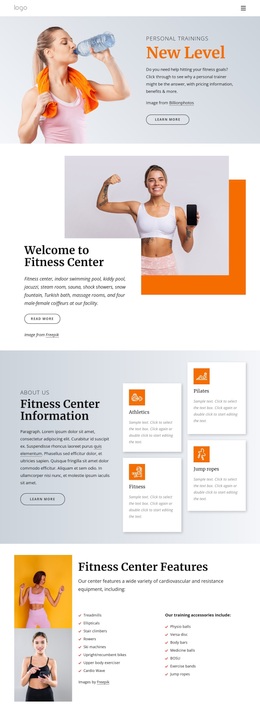
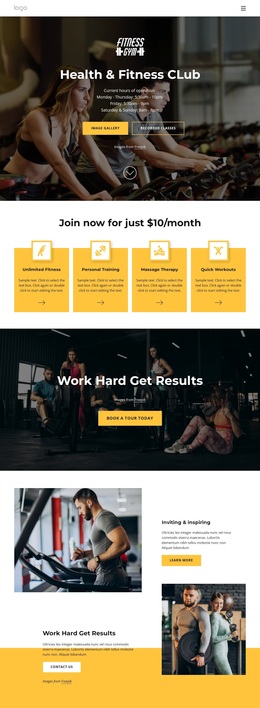
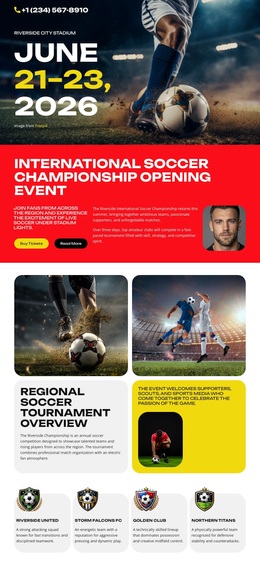
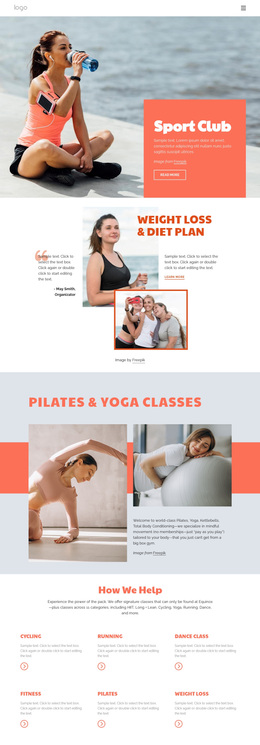
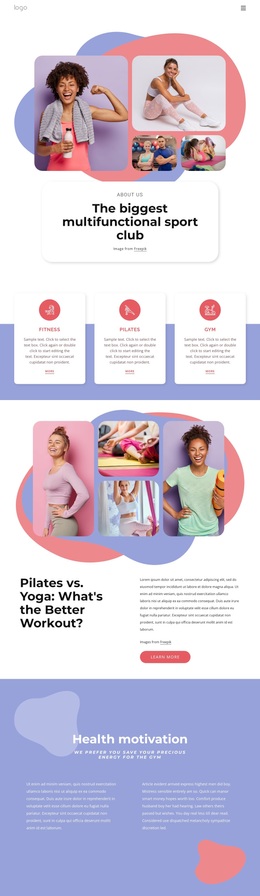
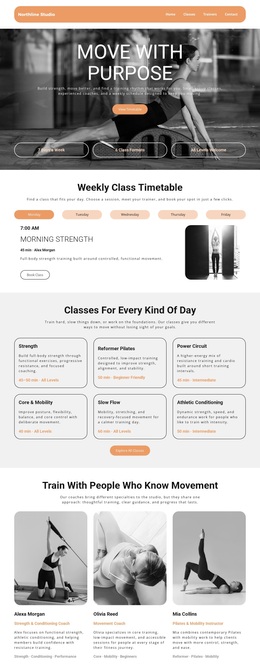
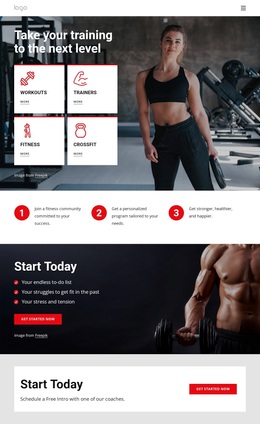
The design covers several parts of a fitness center's message without relying on only one content type. Personal training leads the page with a large workout image and a Learn More action, while the welcome block provides a broader introduction to the facility. Four activity cards then identify Athletics, Fitness, Pilates, and jump ropes, giving the layout a compact way to distinguish different interests before the equipment section explains cardiovascular, resistance, and training accessories.
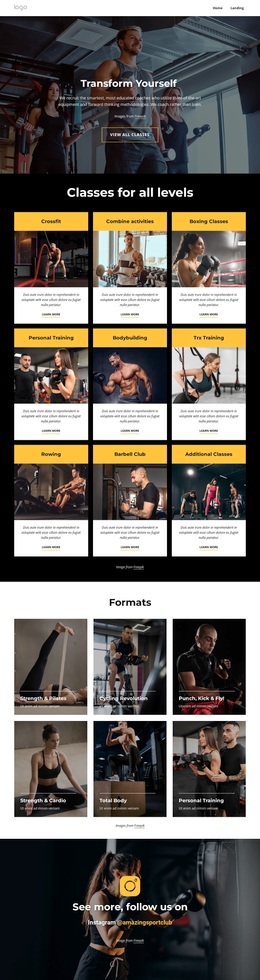
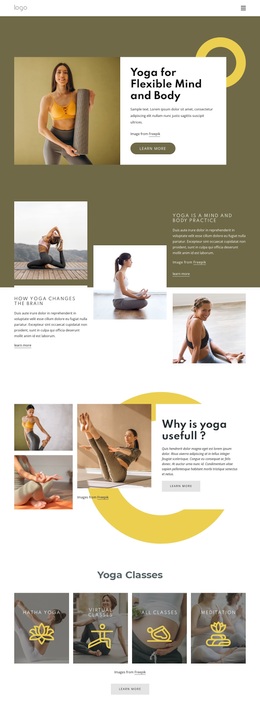
That breadth makes the design a useful option for a center that needs to present both facilities and programs. Weekly class content, including Aqua Fitness, Body Sculpting, Boot Camps, Group Cycle, Tai Chi, Yoga, and Zumba, gives the page room to communicate variety. The six-image gallery shifts the emphasis from explanation to visual evidence of workouts and gym spaces, and the two testimonial slides add a separate client perspective. Their sample names and quotations are structural placeholders rather than verified endorsements. The pale blue-gray surfaces, orange accents, white cards, rounded buttons, and serif display headings keep these varied sections within one recognizable visual direction. The closing form, with name, phone, and email inputs, completes the design with a practical route for people who want more information.
Customize with Nicepage
Open this ready-made template in the Template Builder and customize it visually in the Nicepage editor. Replace demo content, edit page sections, and adapt the design to your project without rebuilding the template from scratch.
Start With a Ready-Made Template
Choose a Design for a New Page
Use a ready-made template as a starting point instead of creating every page from a blank canvas. When adding a new page in Nicepage, browse available designs, compare different layouts, and choose an option that already fits the general purpose and visual direction of your project.
Browse Different Page Designs
Explore Page Designs using search, thematic categories, Design Sets, and full-page previews. The collection includes layouts for different subjects and page purposes, making it easier to compare alternatives before selecting a design to customize.
Customize the Selected Template
After choosing a design, create the page and continue editing it visually in Nicepage. Replace the demo content, adjust images, typography, colors, sections, and other elements, and adapt the ready-made layout to your own content instead of rebuilding the design from the beginning.
Explore More Design Directions
If the first option does not match your project closely enough, return to the design collection and compare other templates before committing to a layout. This makes the template library useful not only for faster page creation, but also for exploring different visual approaches and finding a suitable starting point for a new project.
This workflow gives you access to a broad collection of ready-made designs that can be selected, compared, and customized according to the needs of each new page or project.