Fitness studio Template


Edit Template Offline
2. Create new page and search for id 81178
Edit Template Online
Create Awesome Websites


Free Nicepage Builder
Keywords
A Free Class Pass Connects Practical Benefits With People-Focused Content
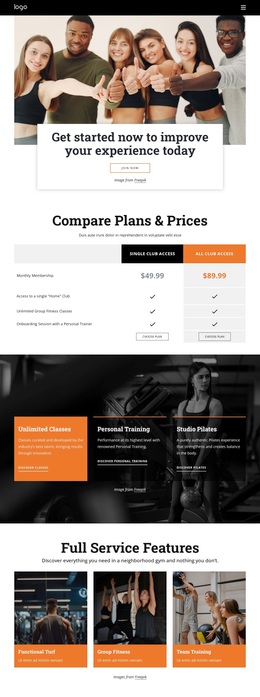
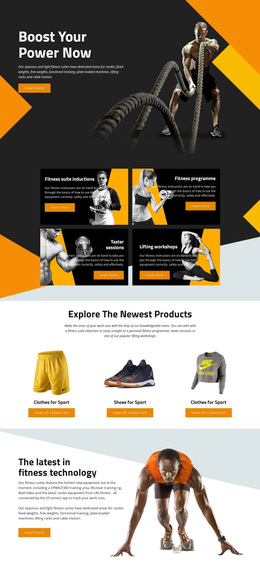
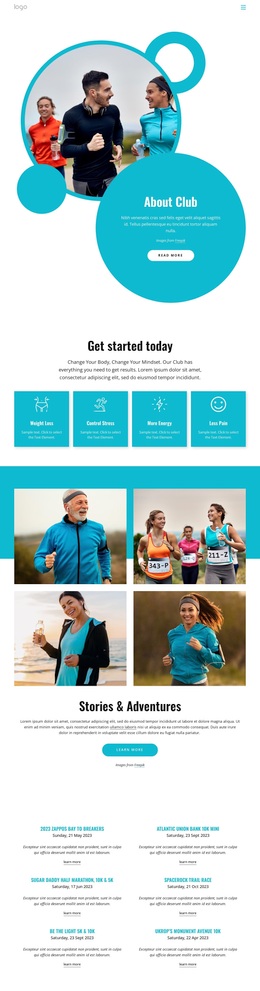
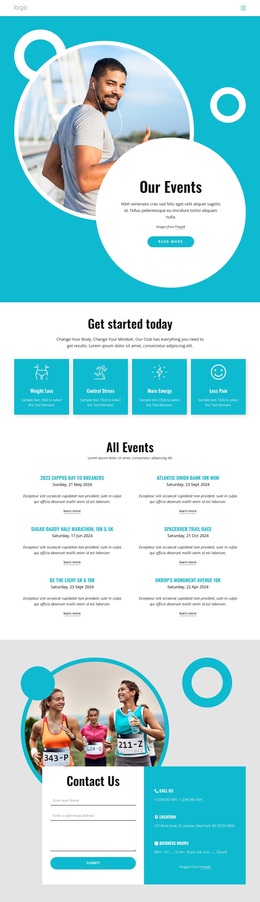
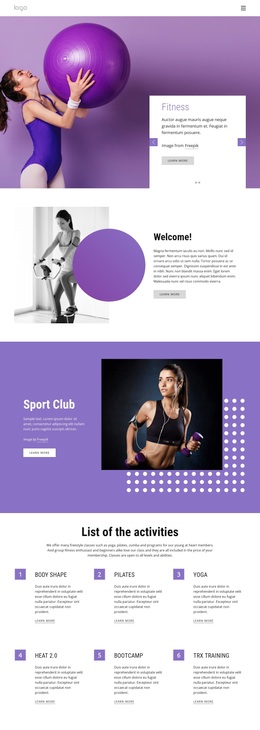
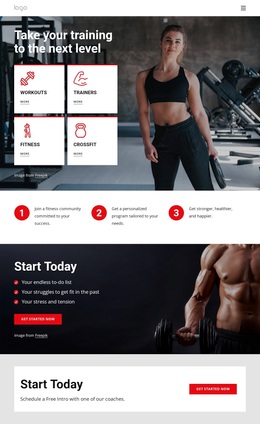
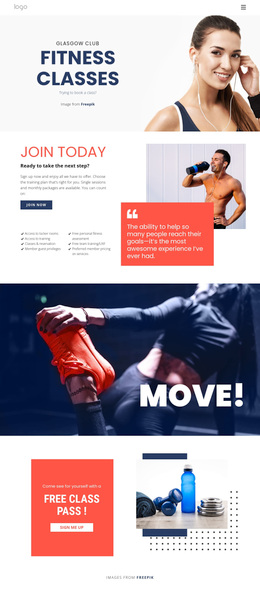
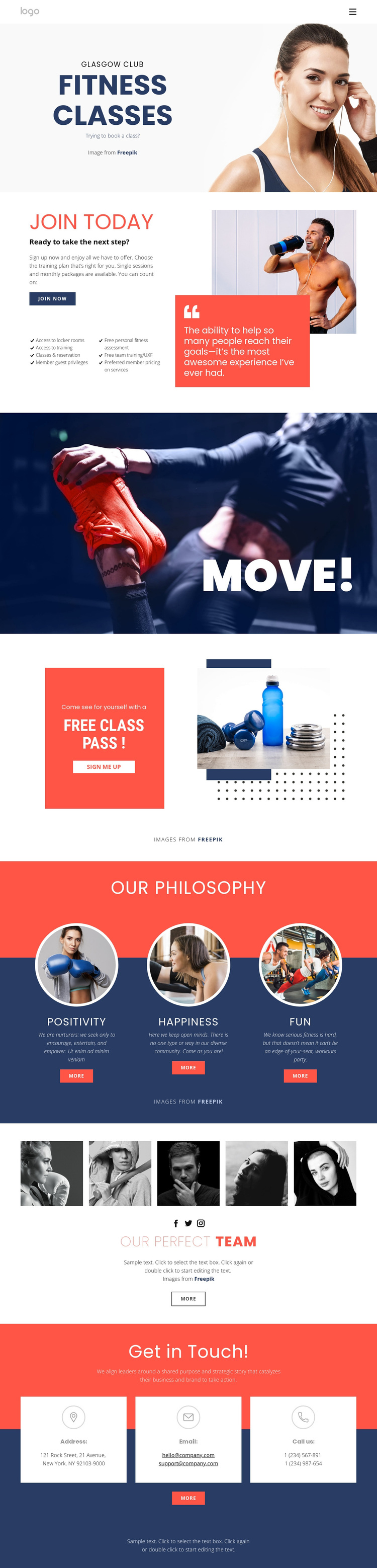
The split Fitness Classes hero immediately establishes the design’s strongest subject: active participation in a club environment. Beside the large fitness photograph, the booking prompt gives the opening section a clear connection to classes rather than presenting only a general gym image. Join Today then expands the page with concrete membership coverage, including locker room access, training access, class reservations, guest privileges, fitness assessment, team training, and preferred pricing on services.
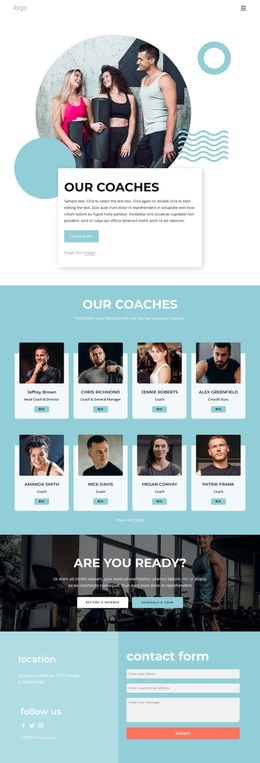
The design is worth considering because it balances practical information with more human and motivational content. The coral Free Class Pass card creates a distinctive promotional focal point, while the Move! image statement keeps the visual direction energetic without adding a dense block of copy. Three philosophy cards—Positivity, Happiness, and Fun—give the club a memorable values layer, and the five-image team gallery makes the people behind the experience part of the presentation.
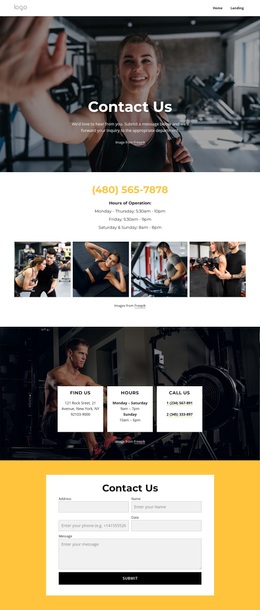
Social links and three contact channels extend that coverage beyond the central offer. Together, these elements make the template suitable for fitness clubs that need to explain classes and membership while also showing atmosphere, team presence, and ways to get in touch. Its combination of strong color contrast, fitness photography, repeated cards, and action-oriented sections distinguishes it from a purely schedule-based or equipment-focused layout.
Customize with Nicepage
Open this ready-made template in the Template Builder and customize it visually in the Nicepage editor. Replace demo content, edit page sections, and adapt the design to your project without rebuilding the template from scratch.
Start With a Ready-Made Template
Choose a Design for a New Page
Use a ready-made template as a starting point instead of creating every page from a blank canvas. When adding a new page in Nicepage, browse available designs, compare different layouts, and choose an option that already fits the general purpose and visual direction of your project.
Browse Different Page Designs
Explore Page Designs using search, thematic categories, Design Sets, and full-page previews. The collection includes layouts for different subjects and page purposes, making it easier to compare alternatives before selecting a design to customize.
Customize the Selected Template
After choosing a design, create the page and continue editing it visually in Nicepage. Replace the demo content, adjust images, typography, colors, sections, and other elements, and adapt the ready-made layout to your own content instead of rebuilding the design from the beginning.
Explore More Design Directions
If the first option does not match your project closely enough, return to the design collection and compare other templates before committing to a layout. This makes the template library useful not only for faster page creation, but also for exploring different visual approaches and finding a suitable starting point for a new project.
This workflow gives you access to a broad collection of ready-made designs that can be selected, compared, and customized according to the needs of each new page or project.