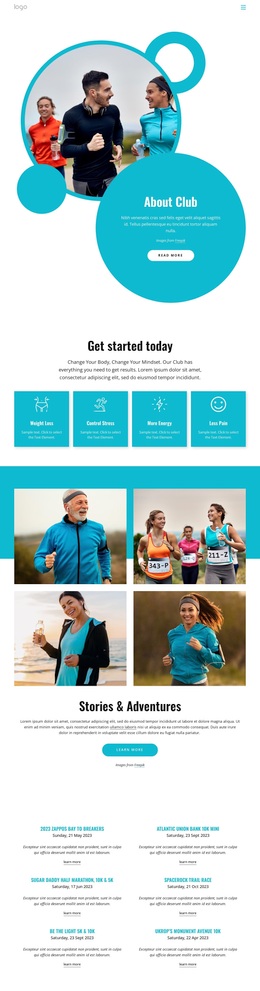
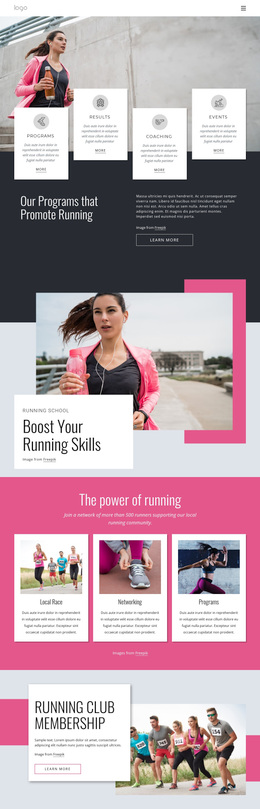
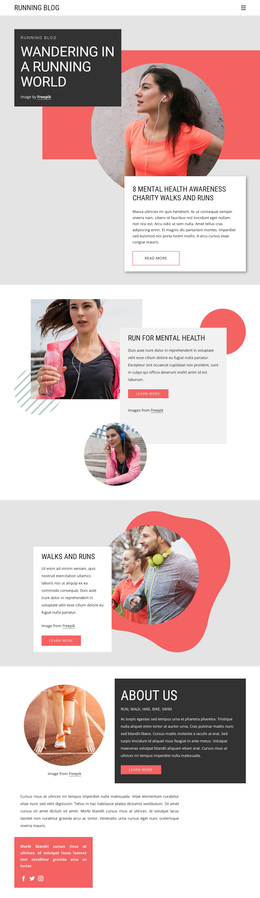
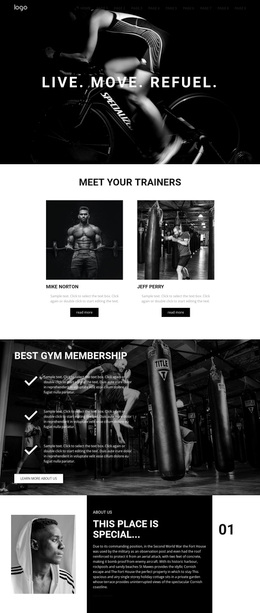
Gym, swimming, fitness classes Template



Edit Template Offline
2. Create new page and search for id 4916463
Edit Template Online
Create Awesome Websites


Free Nicepage Builder
Keywords
Five Activities and Six Amenities Give the Design Broad Coverage
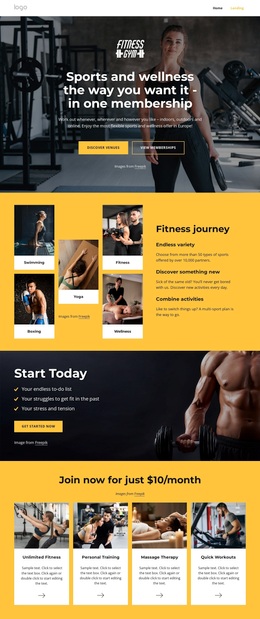
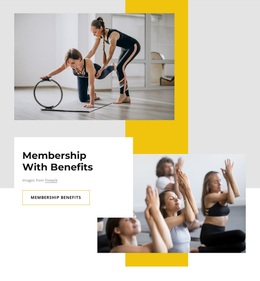
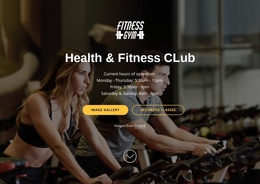
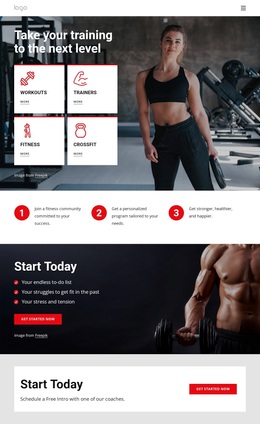
The strongest reason to choose this design is the breadth of its fitness and wellness story without losing a clear visual focus. The hero presents sports and wellness access through one membership, then the Fitness journey section gives that promise tangible range with five activity labels, including swimming, boxing, yoga, fitness, and wellness. This makes the page suitable for a project that needs to communicate variety rather than promote only one class or training service.
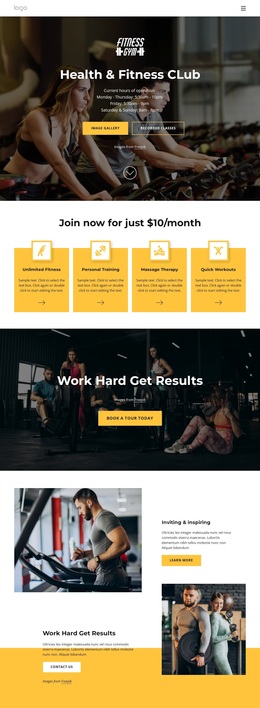
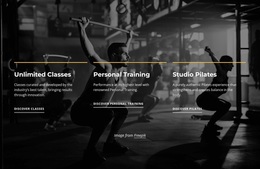
The offering structure adds another layer of coverage. Four image cards identify Unlimited Fitness, Personal Training, Massage Therapy, and Quick Workouts, while the Relax and unwind section introduces Pilates, Yoga, and Meditation as a distinct wellness group. The six-item Amenities gallery shifts attention from programs to the environment, showing Pool and Jacuzzi, Studios, Lounge and Cafe, Sauna, Outdoor Spaces, and Basketball Court. Together, these sections let the design present activities, services, recovery, and facilities as related reasons to explore membership.
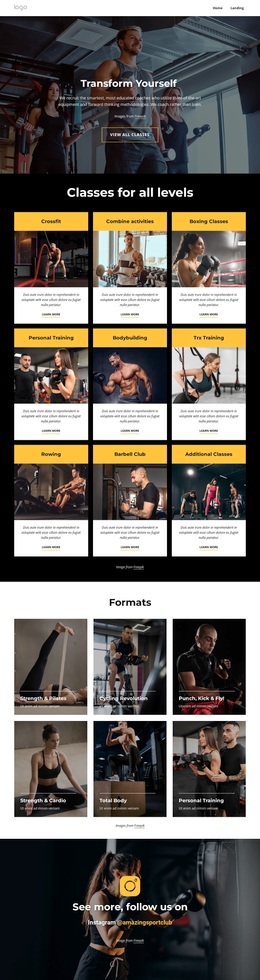
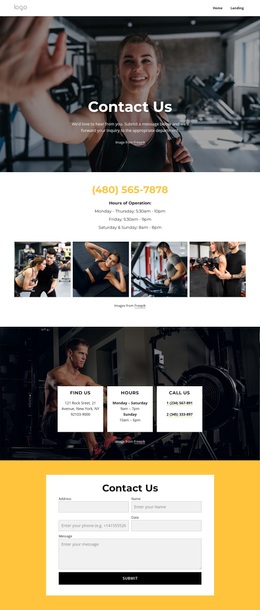
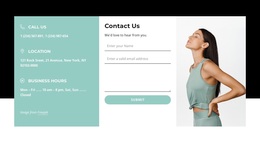
Three success-story profiles and three Why Us cards provide supporting selection content, and the two forms make the design practical for projects that need both training-interest and general inquiry responses. The black, white, and yellow palette, generous spacing, and large photography keep these varied subjects connected. Compared with a narrow class page or a simple gym brochure, this option is distinguished by its combination of membership breadth, wellness depth, amenities, and response opportunities.
Customize with Nicepage
Open this ready-made template in the Template Builder and customize it visually in the Nicepage editor. Replace demo content, edit page sections, and adapt the design to your project without rebuilding the template from scratch.
Start With a Ready-Made Template
Choose a Design for a New Page
Use a ready-made template as a starting point instead of creating every page from a blank canvas. When adding a new page in Nicepage, browse available designs, compare different layouts, and choose an option that already fits the general purpose and visual direction of your project.
Browse Different Page Designs
Explore Page Designs using search, thematic categories, Design Sets, and full-page previews. The collection includes layouts for different subjects and page purposes, making it easier to compare alternatives before selecting a design to customize.
Customize the Selected Template
After choosing a design, create the page and continue editing it visually in Nicepage. Replace the demo content, adjust images, typography, colors, sections, and other elements, and adapt the ready-made layout to your own content instead of rebuilding the design from the beginning.
Explore More Design Directions
If the first option does not match your project closely enough, return to the design collection and compare other templates before committing to a layout. This makes the template library useful not only for faster page creation, but also for exploring different visual approaches and finding a suitable starting point for a new project.
This workflow gives you access to a broad collection of ready-made designs that can be selected, compared, and customized according to the needs of each new page or project.

Design Set (23)
-

-
-
-
-
-
-
-
-
-
-
-
-
-
-
Free Website Builder SoftwareDownload
-
-
-