Fitness and pilates wellness center Template


Edit Template Offline
2. Create new page and search for id 6557670
Edit Template Online
Create Awesome Websites


Free Nicepage Builder
Keywords
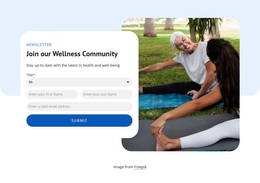
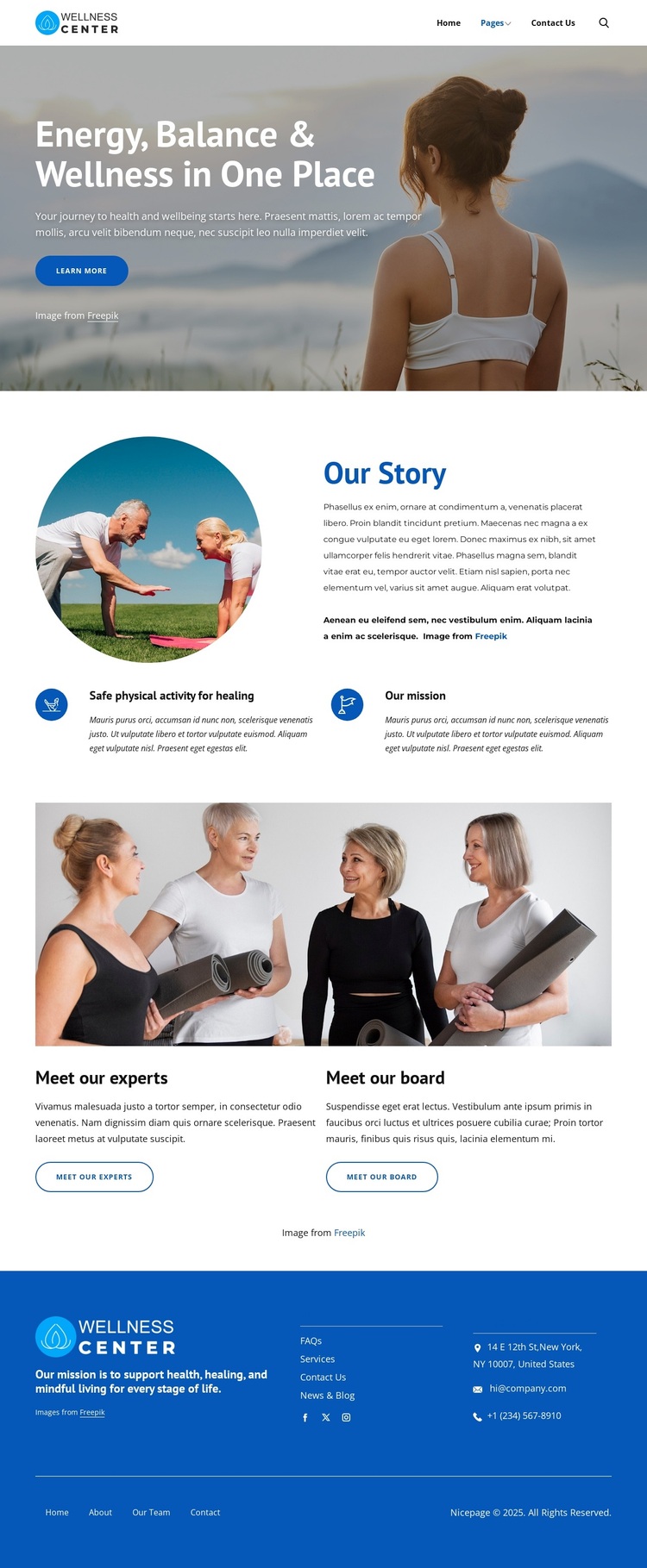
A photographic introduction connects mission, people, and contact content
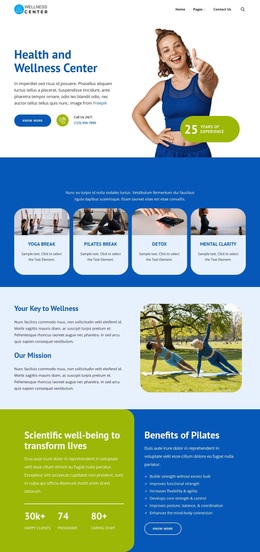
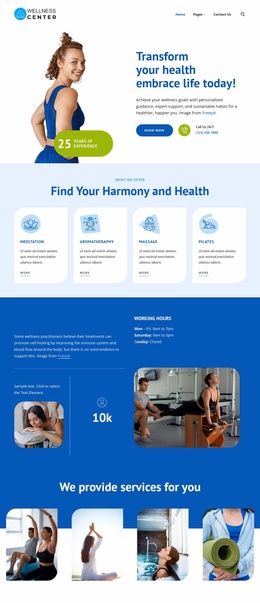
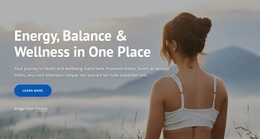
The large lifestyle photograph and the heading “Energy, Balance & Wellness in One Place” make the design a useful option for projects that need to communicate wellbeing through atmosphere as well as text. The opening does not rely on a dense list of services; instead, it establishes a broad wellness direction and invites further exploration with a Learn more button. That makes the layout particularly relevant when the organization’s story is part of the message.
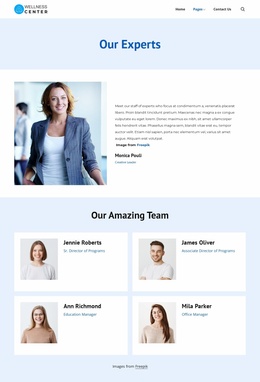
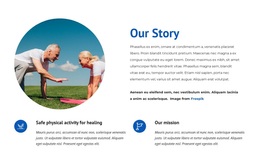
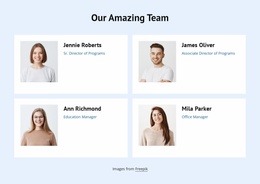
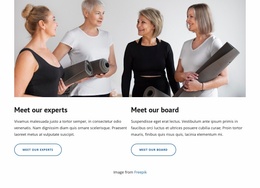
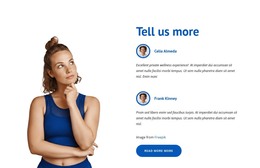
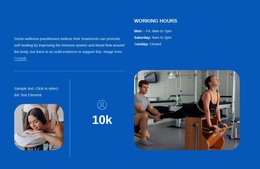
The central content gives the design more coverage than a simple introductory page. “Our Story” combines an activity image with organizational explanation and two mission-related features, including “Safe physical activity for healing” and “Our mission.” This pairing allows a project to present background, values, and purpose in adjacent but distinguishable areas. The people section adds another useful dimension by separating “Meet our experts” from “Meet our board,” using a full-width team photograph and two information cards with actions.
The visual direction remains consistent through the blue palette, white content areas, rounded imagery, clean sans-serif typography, and blue accent buttons. A concentrated blue footer completes the choice with mission messaging, help links, contact channels, social links, and secondary navigation. Since the displayed contact details are sample data, they should be replaced before publication. Overall, the design suits an About Us project that wants to connect wellness imagery with organizational identity, leadership information, and accessible contact routes.
Customize with Nicepage
Open this ready-made template in the Template Builder and customize it visually in the Nicepage editor. Replace demo content, edit page sections, and adapt the design to your project without rebuilding the template from scratch.
Start With a Ready-Made Template
Choose a Design for a New Page
Use a ready-made template as a starting point instead of creating every page from a blank canvas. When adding a new page in Nicepage, browse available designs, compare different layouts, and choose an option that already fits the general purpose and visual direction of your project.
Browse Different Page Designs
Explore Page Designs using search, thematic categories, Design Sets, and full-page previews. The collection includes layouts for different subjects and page purposes, making it easier to compare alternatives before selecting a design to customize.
Customize the Selected Template
After choosing a design, create the page and continue editing it visually in Nicepage. Replace the demo content, adjust images, typography, colors, sections, and other elements, and adapt the ready-made layout to your own content instead of rebuilding the design from the beginning.
Explore More Design Directions
If the first option does not match your project closely enough, return to the design collection and compare other templates before committing to a layout. This makes the template library useful not only for faster page creation, but also for exploring different visual approaches and finding a suitable starting point for a new project.
This workflow gives you access to a broad collection of ready-made designs that can be selected, compared, and customized according to the needs of each new page or project.