Yoga events and classes Template



Edit Template Offline
2. Create new page and search for id 3753270
Edit Template Online
Create Awesome Websites


Free Nicepage Builder
Keywords
Five Class Cards Connect Practice, Meditation, and Membership
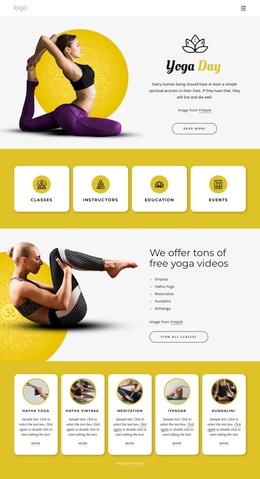
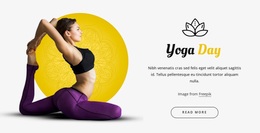
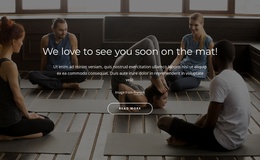
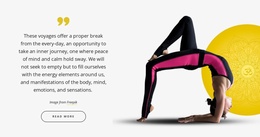
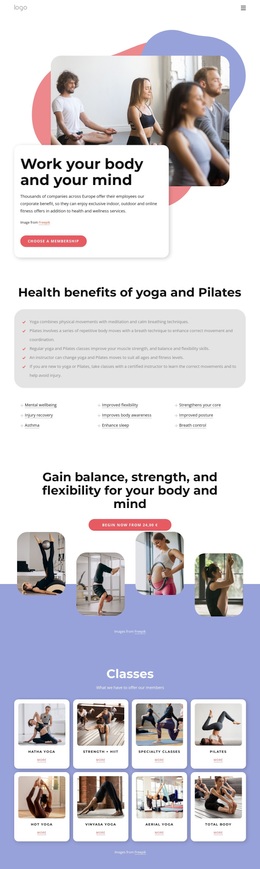
The page’s strongest choosing signal is its coverage of several ways to engage with a yoga club. The opening Yoga Day hero establishes an inviting visual direction, while the four category cards quickly identify Classes, Instructors, Education, and Events. That combination makes the design broader than a page focused only on a single class or promotional message.
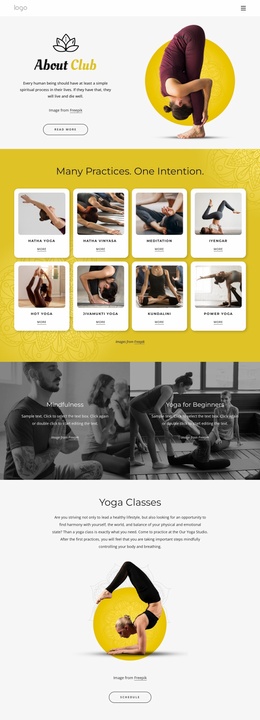
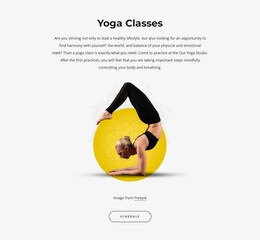
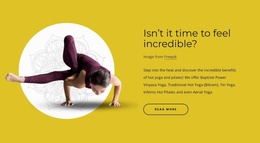
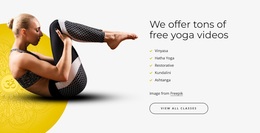
The free-video section adds recognizable practice styles—Vinyasa, Hatha Yoga, Restorative, Kundalini, and Ashtanga—and leads into five repeated offerings for Hatha Yoga, Hatha Vinyasa, Meditation, Iyengar, and Kundalini. The repeated cards give the layout a useful browsing pattern, while the meditation entry connects physical practice with quieter wellness content. This range can suit a project that needs to present both scheduled or educational material and different approaches to practice.
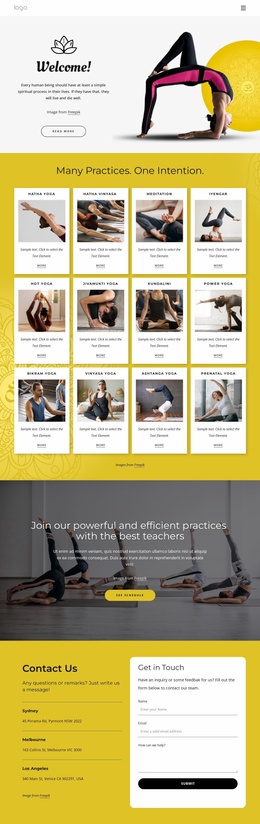
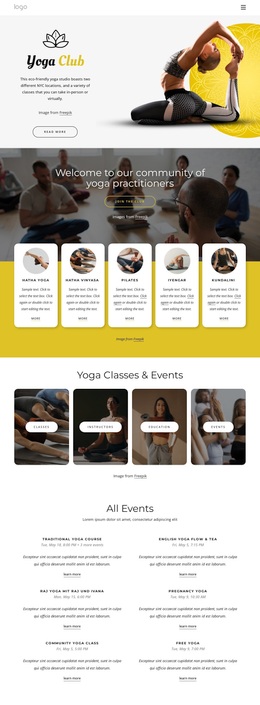
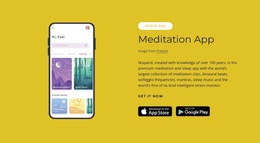
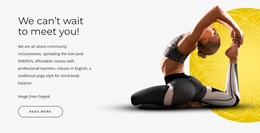
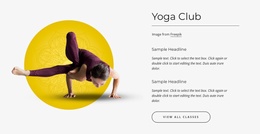
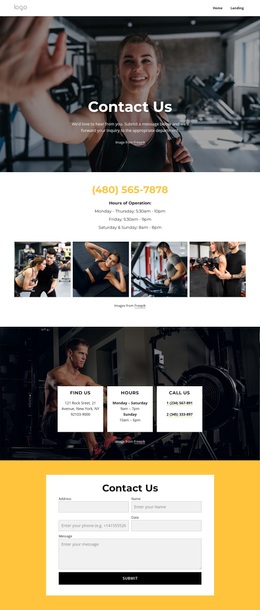
The design also covers participation beyond classes. A meditation app area includes device imagery and two download badges, the membership section frames community and inclusiveness, and the Yoga Guide introduces topics such as Corporate wellness and Yoga Benefits. The Yoga Club section and the final contact area then connect the broader message to real inquiry structure through class navigation, three listed locations, and a form. These relationships make the template worth considering as a content-rich yoga option, rather than merely as a page with a bright palette and generic wellness imagery.
Customize with Nicepage
Open this ready-made template in the Template Builder and customize it visually in the Nicepage editor. Replace demo content, edit page sections, and adapt the design to your project without rebuilding the template from scratch.
Start With a Ready-Made Template
Choose a Design for a New Page
Use a ready-made template as a starting point instead of creating every page from a blank canvas. When adding a new page in Nicepage, browse available designs, compare different layouts, and choose an option that already fits the general purpose and visual direction of your project.
Browse Different Page Designs
Explore Page Designs using search, thematic categories, Design Sets, and full-page previews. The collection includes layouts for different subjects and page purposes, making it easier to compare alternatives before selecting a design to customize.
Customize the Selected Template
After choosing a design, create the page and continue editing it visually in Nicepage. Replace the demo content, adjust images, typography, colors, sections, and other elements, and adapt the ready-made layout to your own content instead of rebuilding the design from the beginning.
Explore More Design Directions
If the first option does not match your project closely enough, return to the design collection and compare other templates before committing to a layout. This makes the template library useful not only for faster page creation, but also for exploring different visual approaches and finding a suitable starting point for a new project.
This workflow gives you access to a broad collection of ready-made designs that can be selected, compared, and customized according to the needs of each new page or project.