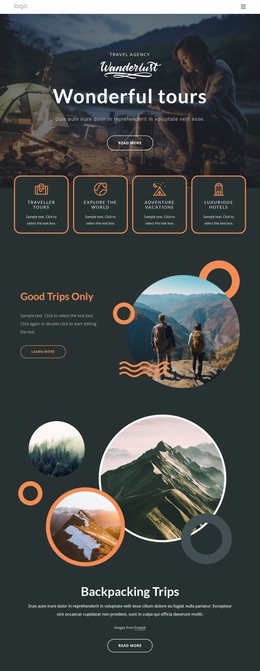
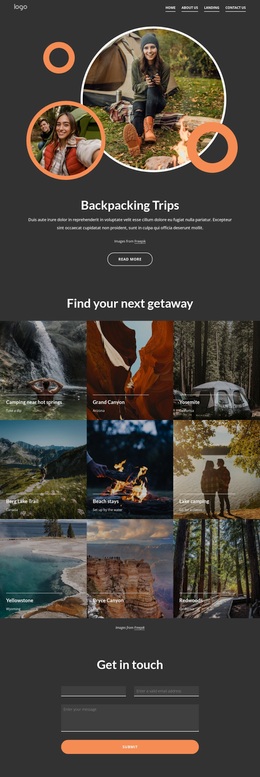
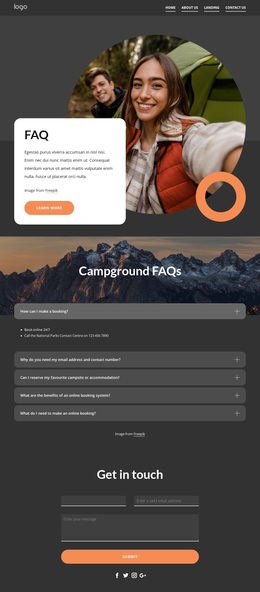
Making travel easier and wonderful Template


Edit Template Offline
2. Create new page and search for id 5389188
Edit Template Online
Create Awesome Websites


Free Nicepage Builder
Keywords
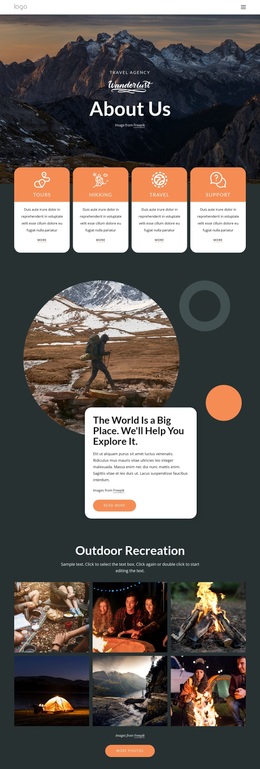
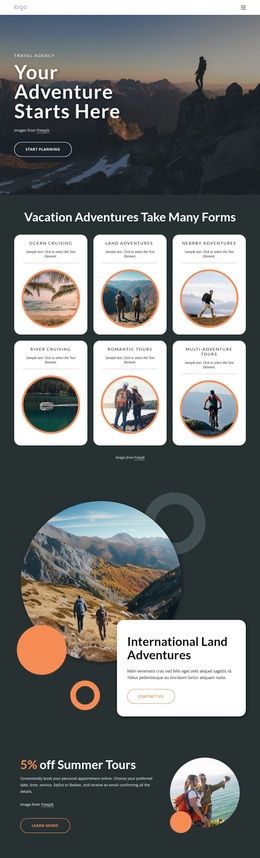
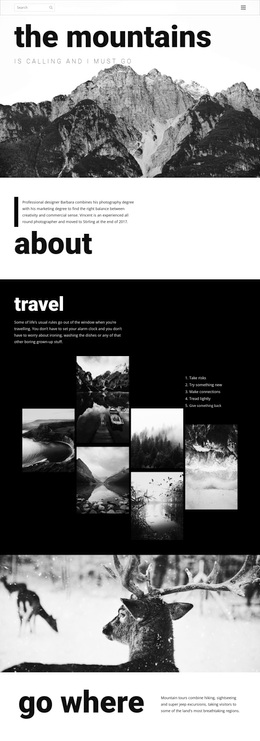
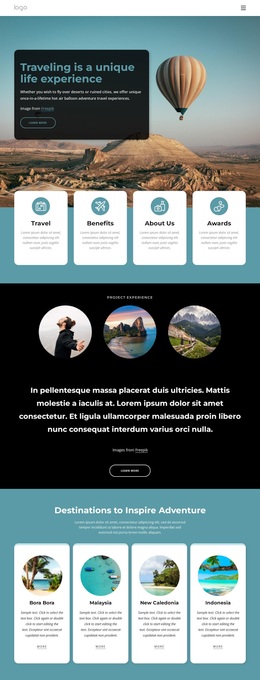
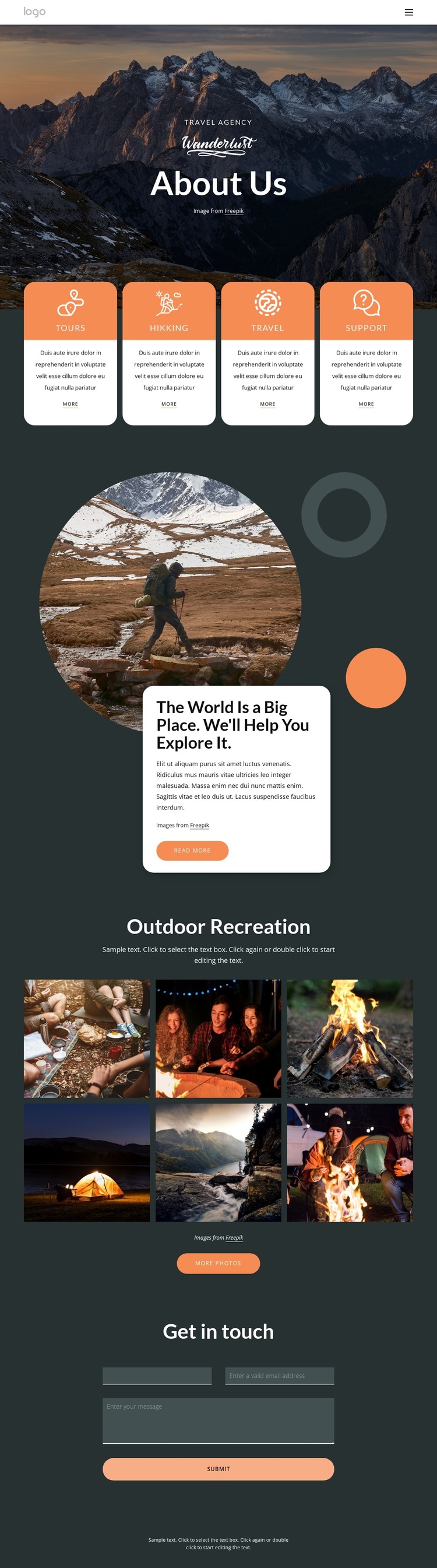
Four travel categories connect service information with visual discovery
The four labeled cards make this design a useful option for travel projects that need to introduce several related offerings without presenting a dense catalog. Tours, Hikking, Travel, and Support appear as peer categories, each with its own descriptive area and action link. That repeated structure gives the page a practical informational core, while the dark charcoal and blue-gray palette keeps the categories visually connected rather than making them feel like separate promotions.
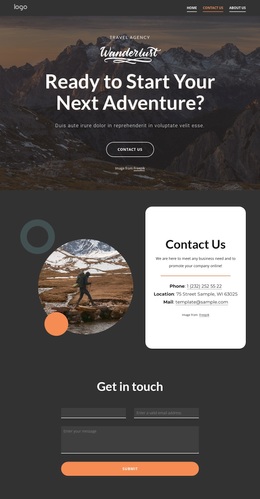
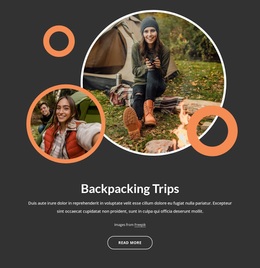
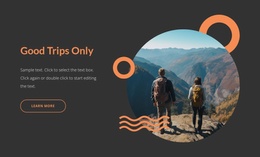
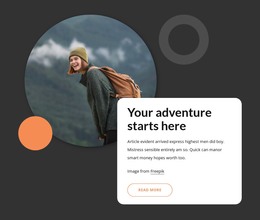
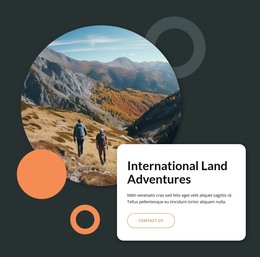
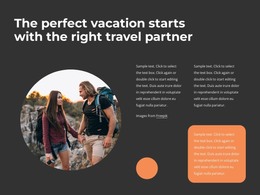
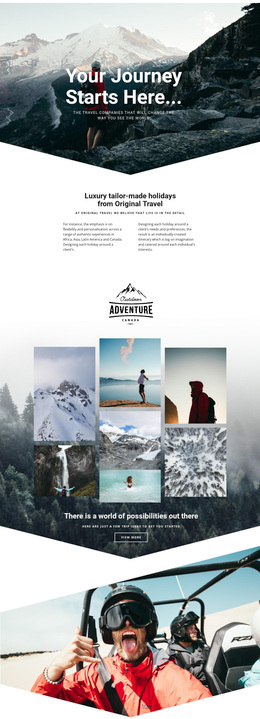
The design’s strongest distinction is the way service information is followed by visual storytelling. The circular outdoor image and overlapping white card turn the statement “The World Is a Big Place. We’ll Help You Explore It” into a central transition, and the six-image Outdoor Recreation gallery extends that idea with a more image-led section. The result suits a travel agency or outdoor recreation project that needs to show atmosphere as well as name its service areas. A final Get in touch form adds a direct way to ask for information, using name, email, message, and Submit controls without overwhelming the preceding visual content. Compared with a layout centered on pricing or long text, this option emphasizes categories, exploration, and photography, making it a distinctive starting point for a travel-focused presentation.
Customize with Nicepage
Open this ready-made template in the Template Builder and customize it visually in the Nicepage editor. Replace demo content, edit page sections, and adapt the design to your project without rebuilding the template from scratch.
Start With a Ready-Made Template
Choose a Design for a New Page
Use a ready-made template as a starting point instead of creating every page from a blank canvas. When adding a new page in Nicepage, browse available designs, compare different layouts, and choose an option that already fits the general purpose and visual direction of your project.
Browse Different Page Designs
Explore Page Designs using search, thematic categories, Design Sets, and full-page previews. The collection includes layouts for different subjects and page purposes, making it easier to compare alternatives before selecting a design to customize.
Customize the Selected Template
After choosing a design, create the page and continue editing it visually in Nicepage. Replace the demo content, adjust images, typography, colors, sections, and other elements, and adapt the ready-made layout to your own content instead of rebuilding the design from the beginning.
Explore More Design Directions
If the first option does not match your project closely enough, return to the design collection and compare other templates before committing to a layout. This makes the template library useful not only for faster page creation, but also for exploring different visual approaches and finding a suitable starting point for a new project.
This workflow gives you access to a broad collection of ready-made designs that can be selected, compared, and customized according to the needs of each new page or project.