Mountain Adventure Template


Edit Template Offline
2. Create new page and search for id 19154
Edit Template Online
Create Awesome Websites


Free Nicepage Builder
Keywords
Mountain Stories, Tour Categories, and Small-Group Detail
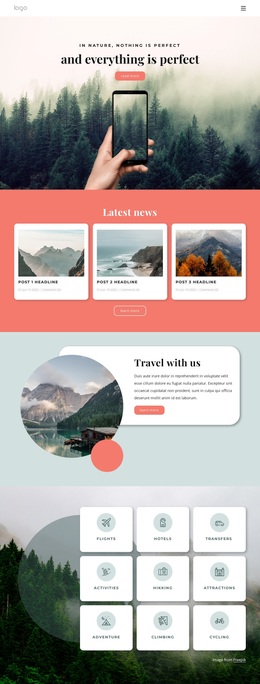
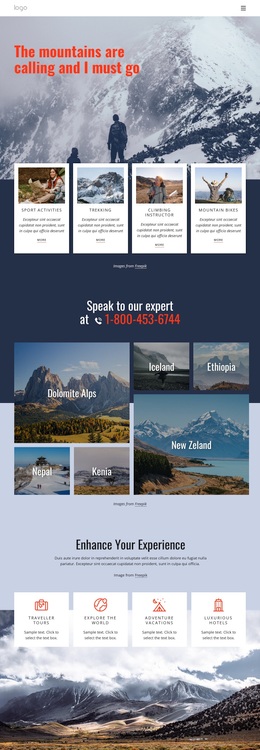
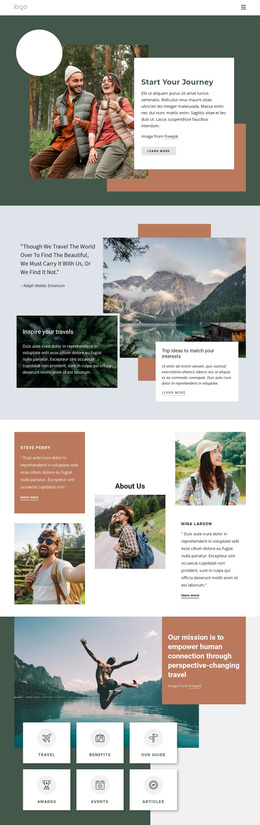
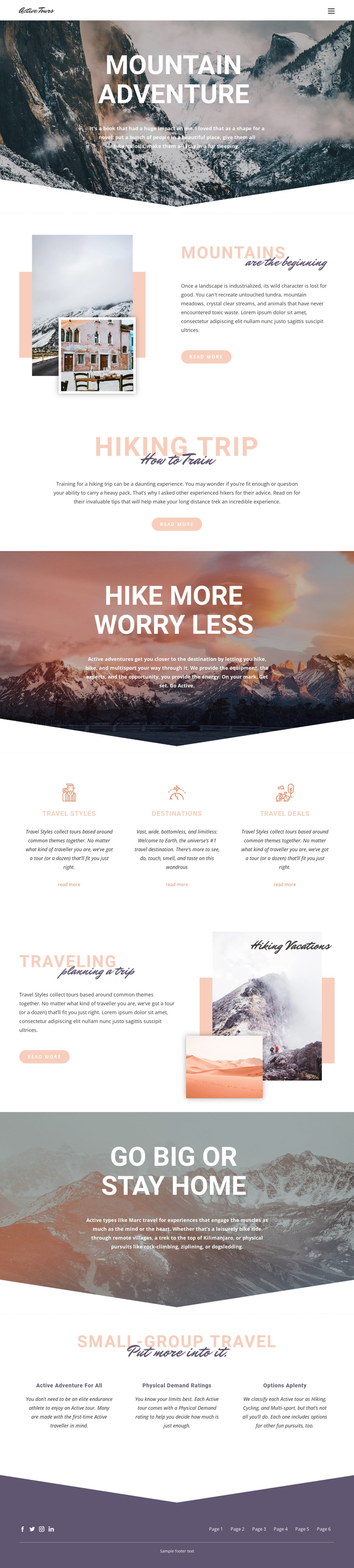
Mountain Adventure stands out by making photography the main carrier of its travel message while still providing several practical content paths. The opening landscape does more than decorate the page: it establishes the scale and setting for the sections that follow. Mountains introduces landscape preservation and exploration, Hiking Trip supplies preparation guidance, and the later photographic banners broaden the offer to hiking, biking, and multisport experiences.
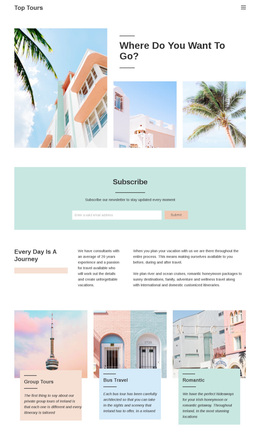
The three Travel Styles, Destinations, and Travel Deals columns give the design useful content coverage without changing its editorial character. They separate different discovery questions into equal visual units, so a visitor can approach the tour offer through activity type, place, or deal information. The Traveling section adds a planning perspective, while the Small-group travel block explains why the format may suit different travelers through active adventure for all, Physical Demand ratings, and Options aplenty.
That combination makes the layout a strong option for projects that need both visual atmosphere and organized tour discovery. It is not limited to a single activity claim or a dense catalog presentation. Instead, the design balances scenic storytelling, preparation, planning, category navigation, and group-travel explanation. The coral, peach, muted blue, and dark purple accents reinforce the outdoors theme without overwhelming the mountain imagery, giving the page a clear identity among more generic travel layouts.
Customize with Nicepage
Open this ready-made template in the Template Builder and customize it visually in the Nicepage editor. Replace demo content, edit page sections, and adapt the design to your project without rebuilding the template from scratch.
Start With a Ready-Made Template
Choose a Design for a New Page
Use a ready-made template as a starting point instead of creating every page from a blank canvas. When adding a new page in Nicepage, browse available designs, compare different layouts, and choose an option that already fits the general purpose and visual direction of your project.
Browse Different Page Designs
Explore Page Designs using search, thematic categories, Design Sets, and full-page previews. The collection includes layouts for different subjects and page purposes, making it easier to compare alternatives before selecting a design to customize.
Customize the Selected Template
After choosing a design, create the page and continue editing it visually in Nicepage. Replace the demo content, adjust images, typography, colors, sections, and other elements, and adapt the ready-made layout to your own content instead of rebuilding the design from the beginning.
Explore More Design Directions
If the first option does not match your project closely enough, return to the design collection and compare other templates before committing to a layout. This makes the template library useful not only for faster page creation, but also for exploring different visual approaches and finding a suitable starting point for a new project.
This workflow gives you access to a broad collection of ready-made designs that can be selected, compared, and customized according to the needs of each new page or project.