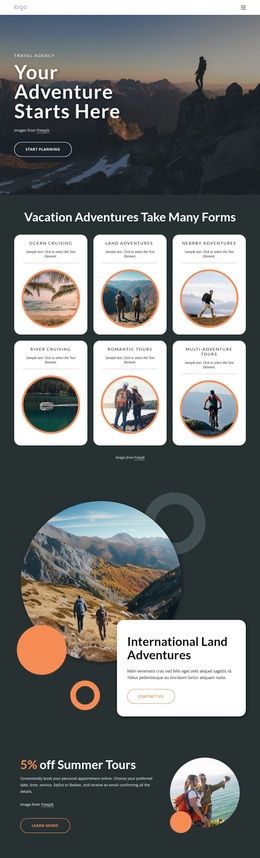
Book your outdoor adventure Template



Edit Template Offline
2. Create new page and search for id 4544705
Edit Template Online
Create Awesome Websites


Free Nicepage Builder
Keywords
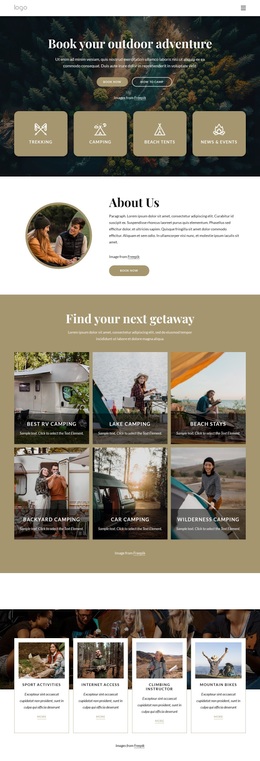
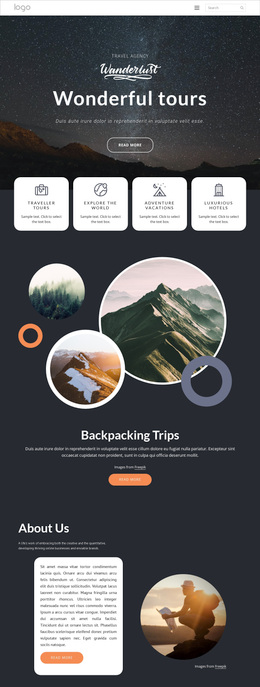
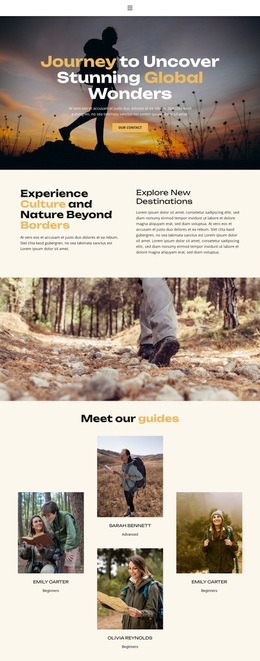
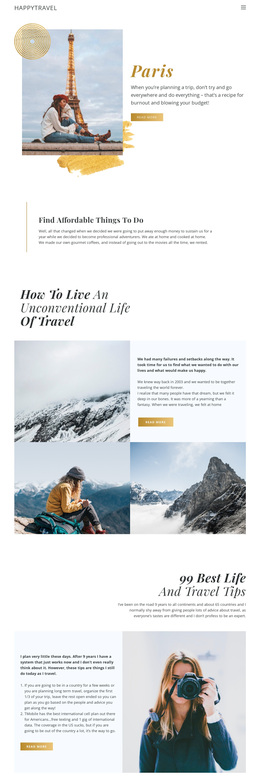
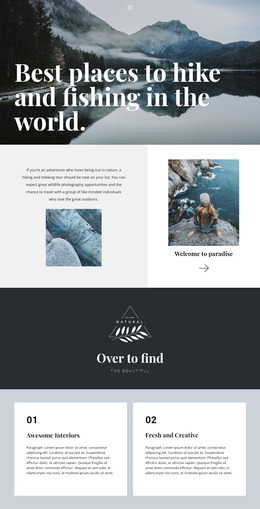
Camping Choices, Practical Guidance, and Outdoor Proof in One Design
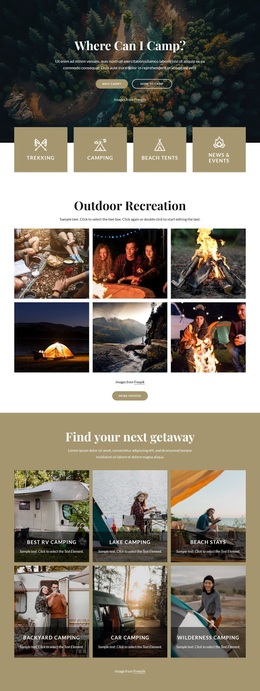
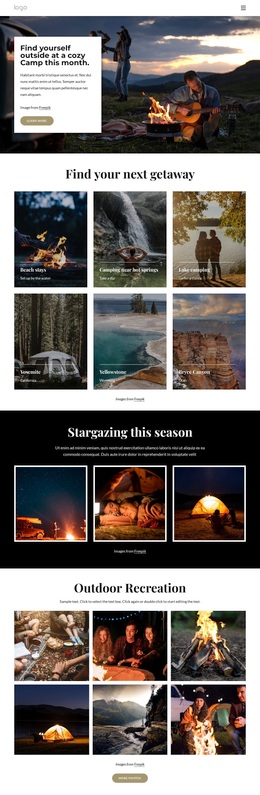
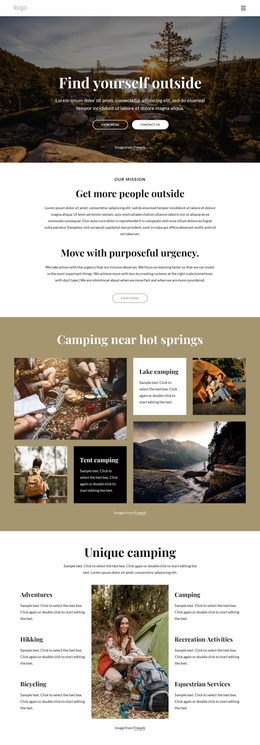
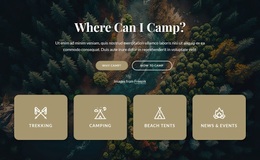
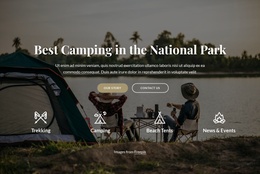
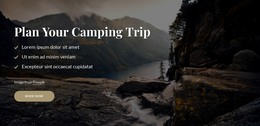
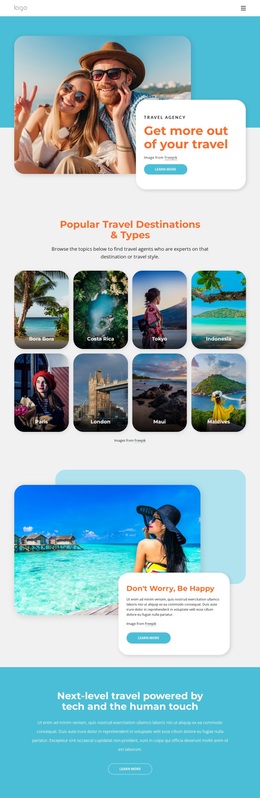
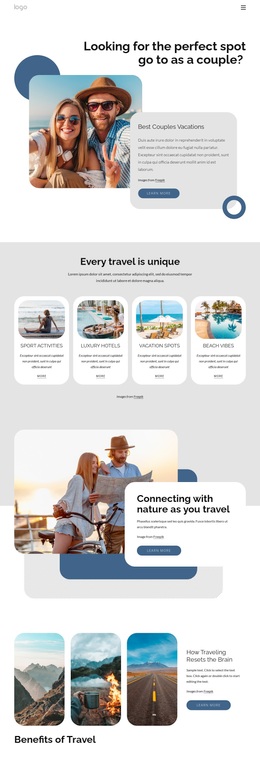
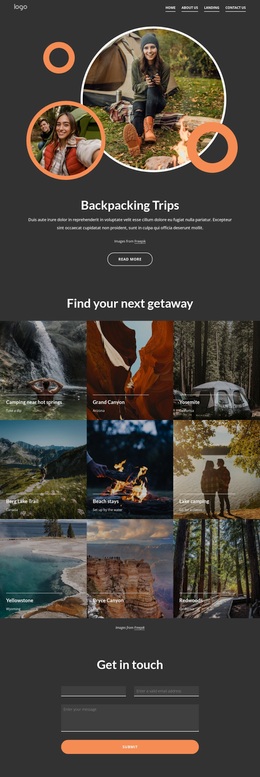
The six destination tiles make this design distinctive as a starting option because they show several ways to frame a camping offer: RV camping, lake camping, beach stays, backyard camping, car camping, and wilderness camping. That breadth is supported by a booking hero with four activity categories, so the page can introduce both the experience and the settings where it may take place. The result is more specific than a generic travel layout centered on one destination.
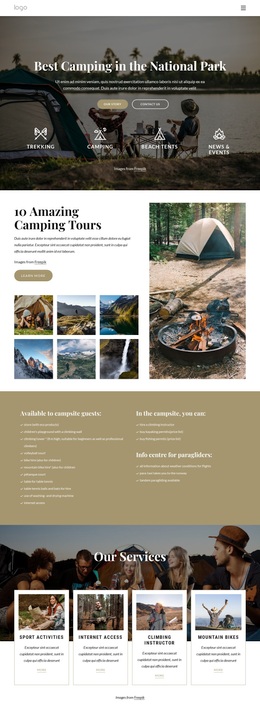
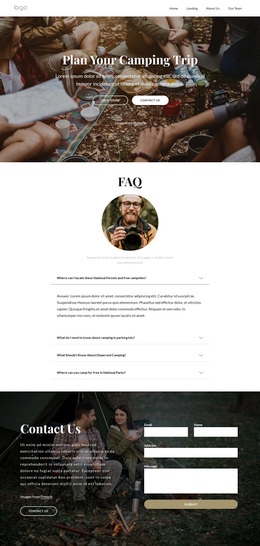
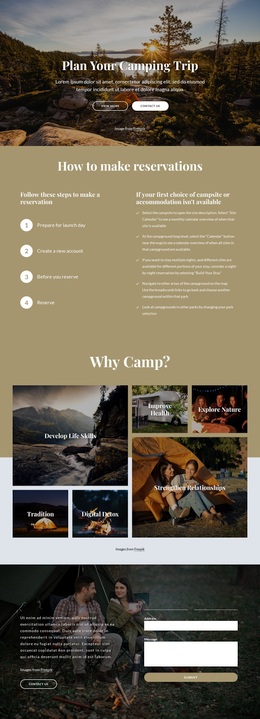
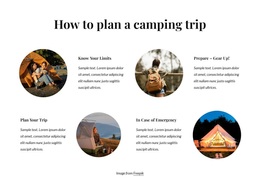
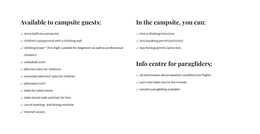
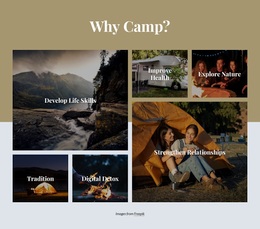
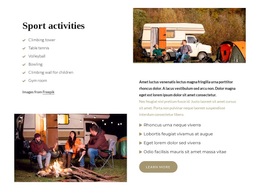
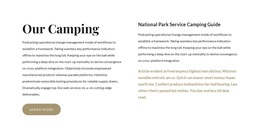
Practical content gives the visual presentation substance. Four service cards identify sport activities, internet access, climbing instruction, and mountain bikes, while the campsite guest section separates amenities from activities. The four planning subjects—knowing limits, preparing gear, planning the trip, and handling emergencies—help define the informational character of the design. They show that the page is prepared to explain an outdoor experience, not only display scenic photographs.
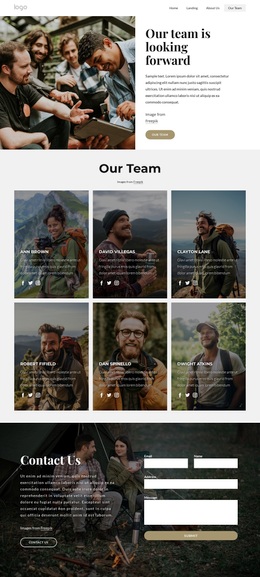
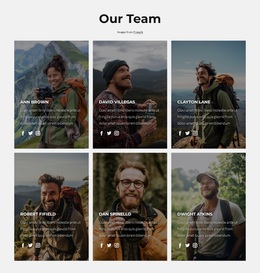
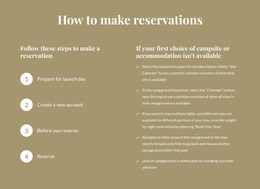
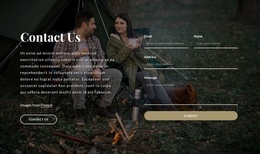
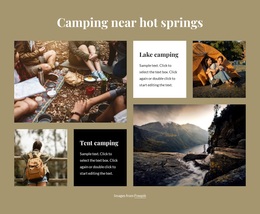
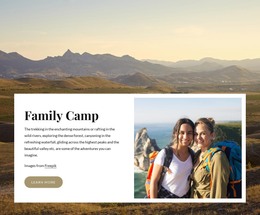
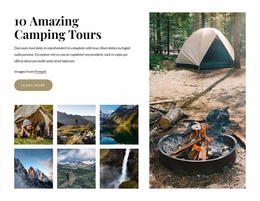
The page also offers several forms of visual and social context: a six-person team presentation, three reservation information cards, a six-image recreation gallery, a fire video background, and testimonial cards. These elements create a useful option for projects that need a fuller camping story with booking and contact actions. The sample names and placeholder text should be replaced with verified project content, but their structural roles show how the design can carry people, services, planning, media, and reservation information together.
Customize with Nicepage
Open this ready-made template in the Template Builder and customize it visually in the Nicepage editor. Replace demo content, edit page sections, and adapt the design to your project without rebuilding the template from scratch.
Start With a Ready-Made Template
Choose a Design for a New Page
Use a ready-made template as a starting point instead of creating every page from a blank canvas. When adding a new page in Nicepage, browse available designs, compare different layouts, and choose an option that already fits the general purpose and visual direction of your project.
Browse Different Page Designs
Explore Page Designs using search, thematic categories, Design Sets, and full-page previews. The collection includes layouts for different subjects and page purposes, making it easier to compare alternatives before selecting a design to customize.
Customize the Selected Template
After choosing a design, create the page and continue editing it visually in Nicepage. Replace the demo content, adjust images, typography, colors, sections, and other elements, and adapt the ready-made layout to your own content instead of rebuilding the design from the beginning.
Explore More Design Directions
If the first option does not match your project closely enough, return to the design collection and compare other templates before committing to a layout. This makes the template library useful not only for faster page creation, but also for exploring different visual approaches and finding a suitable starting point for a new project.
This workflow gives you access to a broad collection of ready-made designs that can be selected, compared, and customized according to the needs of each new page or project.

Design Set (31)
-

-
-
-
-
-
-
-
-
-
-
-
-
Free Website Builder SoftwareDownload
-
-
-
-
-
-
-
-
-
-
-