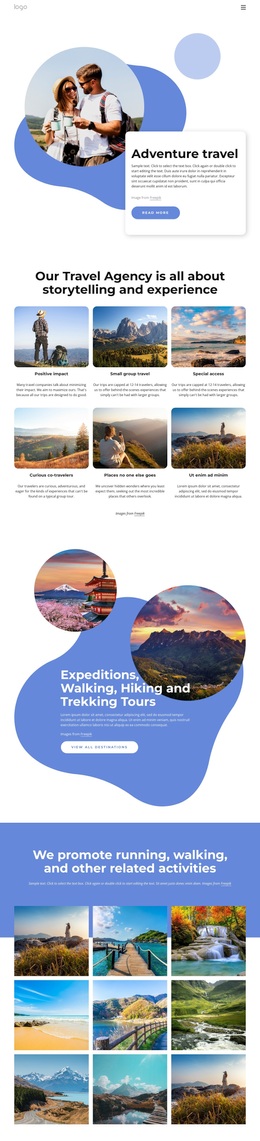
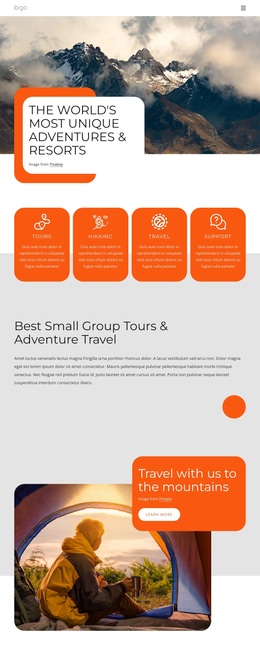
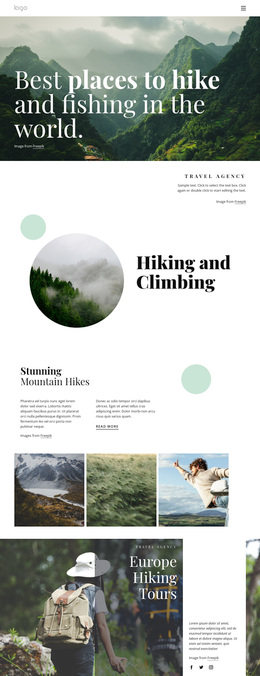
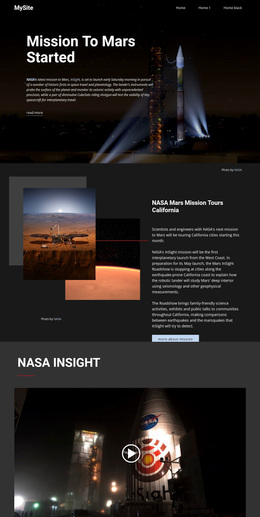
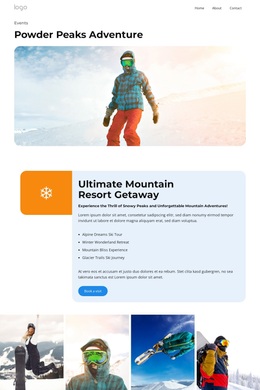
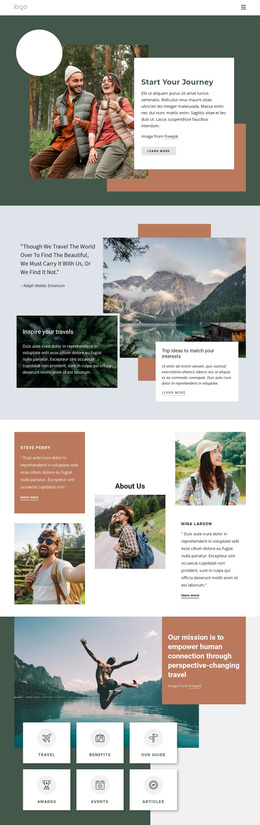
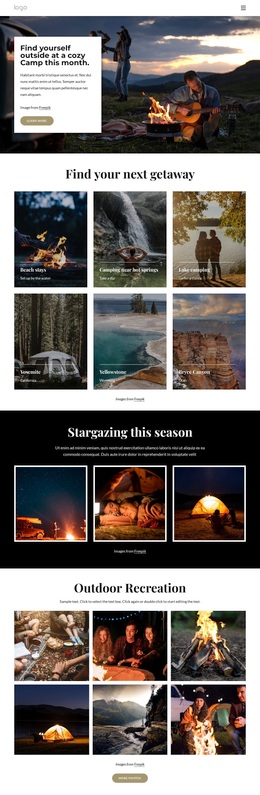
Adventures has hiking and trekking options Template



Edit Template Offline
2. Create new page and search for id 3134178
Edit Template Online
Create Awesome Websites


Free Nicepage Builder
Keywords
Illustrated park stories and practical travel content make this design distinctive
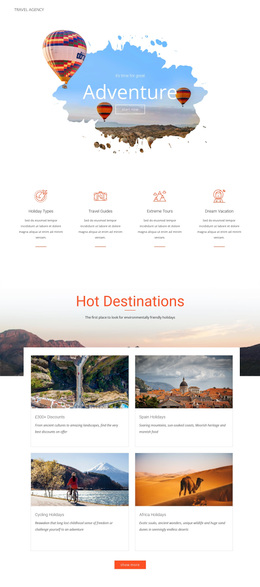
Large mountain and destination illustrations carry much of the page’s identity from the first section onward. The hero introduces a travel agency with a compact action, while the four rounded cards underneath give the design a recognizable way to summarize benefits, About Us, and awards. This combination suits projects that want a friendly visual introduction before presenting more detailed outdoor-tourism information.
The central offer is broader than a single tour card. Digital tours, ranger programs, and educational opportunities appear together in a split content section, creating a useful bridge between travel inspiration and specific activities. A separate Travel Story band then gives the page an editorial, guide-oriented moment, and the US National Park Tours & Holidays section adds a concrete tour subject with its own vehicle illustration and action button. The result covers both discovery and offer presentation without relying on dense text.
The lower half strengthens the design’s practical coverage. A phone-based contact prompt supports direct inquiries, the newsletter area connects visitors with new articles, videos, and event information, and three percentage cards add a separate visual content pattern. Because the sample percentages and contact details are structural evidence, they can be replaced with verified project information. As a ready-made design option, this template is most compelling for travel projects that need scenic storytelling, tour content, and several ways to remain connected with visitors.
Customize with Nicepage
Open this ready-made template in the Template Builder and customize it visually in the Nicepage editor. Replace demo content, edit page sections, and adapt the design to your project without rebuilding the template from scratch.
Start With a Ready-Made Template
Choose a Design for a New Page
Use a ready-made template as a starting point instead of creating every page from a blank canvas. When adding a new page in Nicepage, browse available designs, compare different layouts, and choose an option that already fits the general purpose and visual direction of your project.
Browse Different Page Designs
Explore Page Designs using search, thematic categories, Design Sets, and full-page previews. The collection includes layouts for different subjects and page purposes, making it easier to compare alternatives before selecting a design to customize.
Customize the Selected Template
After choosing a design, create the page and continue editing it visually in Nicepage. Replace the demo content, adjust images, typography, colors, sections, and other elements, and adapt the ready-made layout to your own content instead of rebuilding the design from the beginning.
Explore More Design Directions
If the first option does not match your project closely enough, return to the design collection and compare other templates before committing to a layout. This makes the template library useful not only for faster page creation, but also for exploring different visual approaches and finding a suitable starting point for a new project.
This workflow gives you access to a broad collection of ready-made designs that can be selected, compared, and customized according to the needs of each new page or project.