Local and specialized travel agency Template



Edit Template Offline
2. Create new page and search for id 1569141
Edit Template Online
Create Awesome Websites


Free Nicepage Builder
Keywords
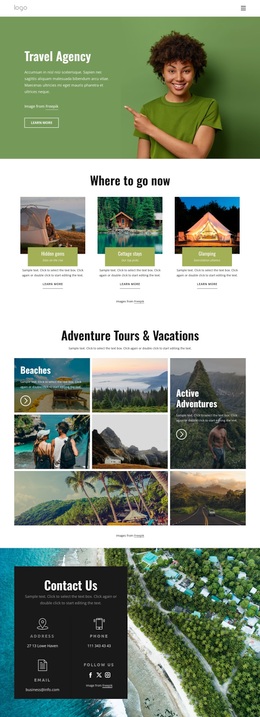
Mountain Imagery Connects Travel Stories With Offer Coverage
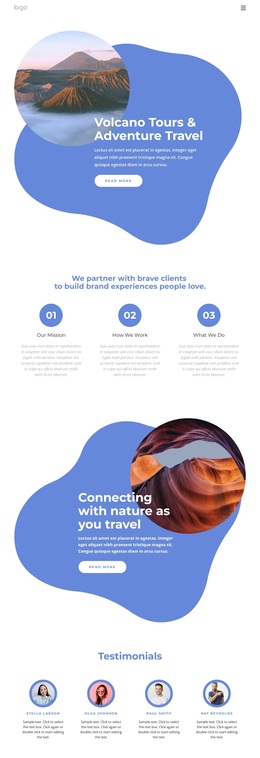
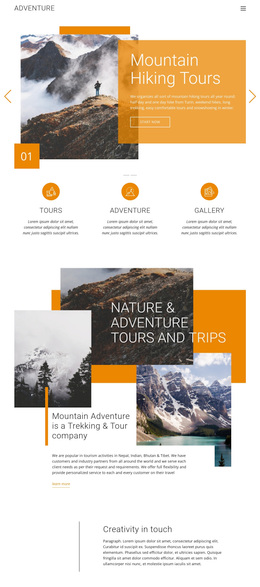
The design is a useful option for projects that need destination storytelling to lead the visitor into several travel categories. Its dark Travel With Us hero does not rely on dense text alone: a numbered list and layered landscape collage establish an immediate sense of place. The Secrets of Nature then pairs centered copy with a mountain photograph framed by an orange organic shape, giving the nature theme a dedicated visual statement.
The page also covers more than one type of travel message. About Us combines a quote panel, overlapping images, and an information card, while Every traveler is unique introduces a more individualized perspective beside a canyon photograph. This variety makes the design suitable for a travel concept that wants to explain its character before displaying offers. The visual rhythm changes from dark hero, to white split sections, to layered editorial imagery without losing the shared mountain focus.
Offer coverage becomes clearer in the lower half. Nature Tours and Exclusive deals appear as overlapping cards, and Travel Deals and Promotions expands the choice into Explore The World, Traveler Tours, and Adventure Vacations. Three repeated cards provide a stronger alternative to layouts centered on only one destination or one service. The closing contact panel adds contact details and social icons, so the page can support an information-seeking visitor after the visual story and offer categories have been presented. Its strongest reason to choose it is the combination of photographic atmosphere, varied travel content, and visible promotional coverage.
Customize with Nicepage
Open this ready-made template in the Template Builder and customize it visually in the Nicepage editor. Replace demo content, edit page sections, and adapt the design to your project without rebuilding the template from scratch.
Start With a Ready-Made Template
Choose a Design for a New Page
Use a ready-made template as a starting point instead of creating every page from a blank canvas. When adding a new page in Nicepage, browse available designs, compare different layouts, and choose an option that already fits the general purpose and visual direction of your project.
Browse Different Page Designs
Explore Page Designs using search, thematic categories, Design Sets, and full-page previews. The collection includes layouts for different subjects and page purposes, making it easier to compare alternatives before selecting a design to customize.
Customize the Selected Template
After choosing a design, create the page and continue editing it visually in Nicepage. Replace the demo content, adjust images, typography, colors, sections, and other elements, and adapt the ready-made layout to your own content instead of rebuilding the design from the beginning.
Explore More Design Directions
If the first option does not match your project closely enough, return to the design collection and compare other templates before committing to a layout. This makes the template library useful not only for faster page creation, but also for exploring different visual approaches and finding a suitable starting point for a new project.
This workflow gives you access to a broad collection of ready-made designs that can be selected, compared, and customized according to the needs of each new page or project.