Travel Personal Diary Template


Edit Template Offline
2. Create new page and search for id 6650047
Edit Template Online
Create Awesome Websites


Free Nicepage Builder
Keywords
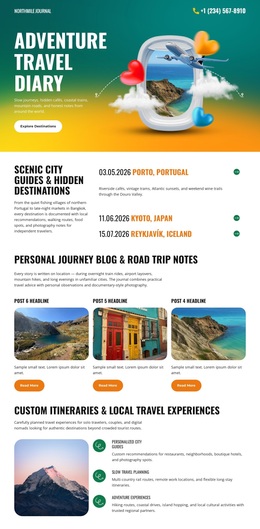
Colorful Guides and Personal Stories Make This Travel Design Distinctive
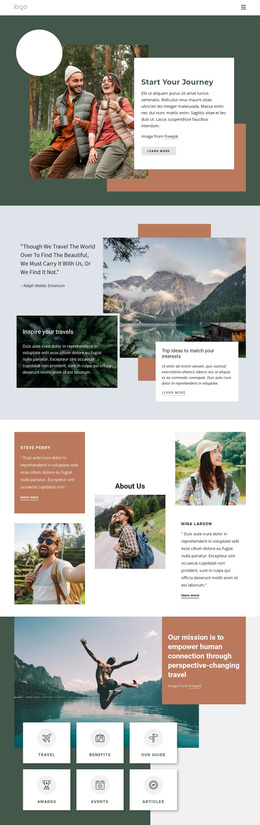
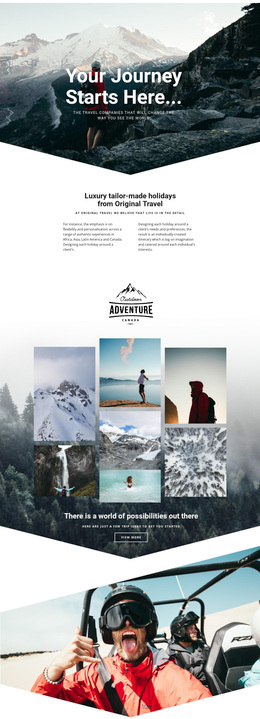
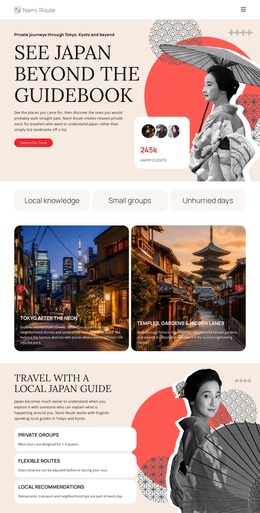
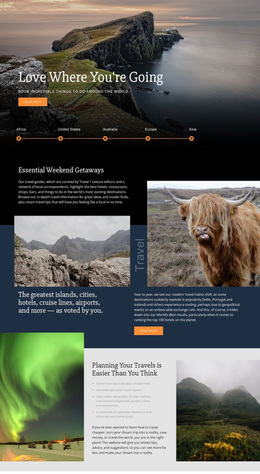
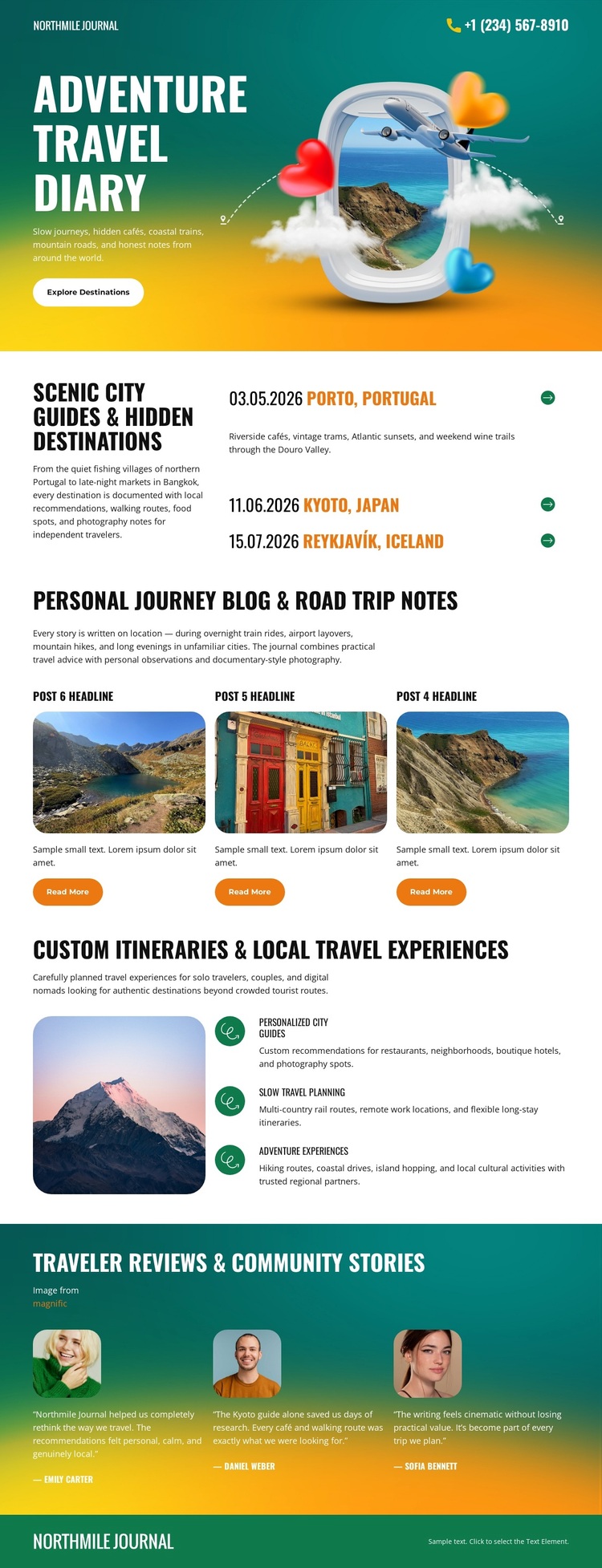
The design makes imagery and named destinations carry much of the journal's message. Its illustrated opening immediately establishes adventure travel, while the guide section adds specific discovery content through Porto, Tokyo, and Reykjavik. That combination separates the page from a generic service layout: visitors are offered places to consider, not only broad statements about travel. The strong color fields and rounded photography reinforce the sense of an active, outdoors-oriented publication.
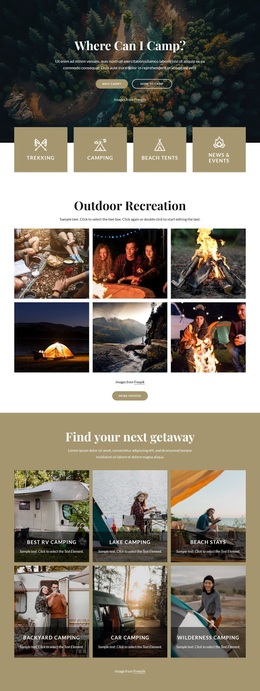
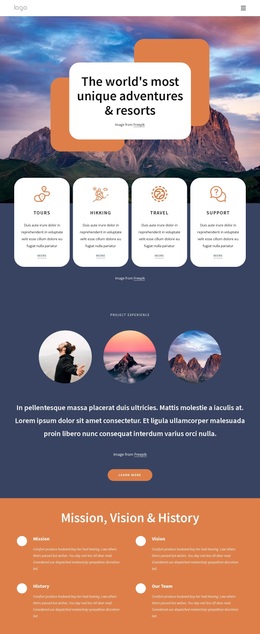
Three image-led story cards extend the same direction into personal narrative. Their repeated structure gives the page enough space for road-trip notes without overwhelming the guide content, and the Read More actions leave room for each story to become a deeper editorial entry. The itinerary section then balances inspiration with practical travel planning through a mountain image and descriptions of personalized itineraries, local experiences, and outdoor activities.
The three traveler reviews complete the content coverage by adding community voices and portrait-led visual proof. This makes the template a useful option for projects that need to combine destination discovery, first-person storytelling, itinerary ideas, and traveler feedback rather than choosing only one of those themes. The value is in how those content types are arranged and visually connected, while the bright palette gives the finished journal a recognizable direction among more restrained travel designs.
Customize with Nicepage
Open this ready-made template in the Template Builder and customize it visually in the Nicepage editor. Replace demo content, edit page sections, and adapt the design to your project without rebuilding the template from scratch.
Start With a Ready-Made Template
Choose a Design for a New Page
Use a ready-made template as a starting point instead of creating every page from a blank canvas. When adding a new page in Nicepage, browse available designs, compare different layouts, and choose an option that already fits the general purpose and visual direction of your project.
Browse Different Page Designs
Explore Page Designs using search, thematic categories, Design Sets, and full-page previews. The collection includes layouts for different subjects and page purposes, making it easier to compare alternatives before selecting a design to customize.
Customize the Selected Template
After choosing a design, create the page and continue editing it visually in Nicepage. Replace the demo content, adjust images, typography, colors, sections, and other elements, and adapt the ready-made layout to your own content instead of rebuilding the design from the beginning.
Explore More Design Directions
If the first option does not match your project closely enough, return to the design collection and compare other templates before committing to a layout. This makes the template library useful not only for faster page creation, but also for exploring different visual approaches and finding a suitable starting point for a new project.
This workflow gives you access to a broad collection of ready-made designs that can be selected, compared, and customized according to the needs of each new page or project.