Unique adventures Template



Edit Template Offline
2. Create new page and search for id 2855910
Edit Template Online
Create Awesome Websites


Free Nicepage Builder
Keywords
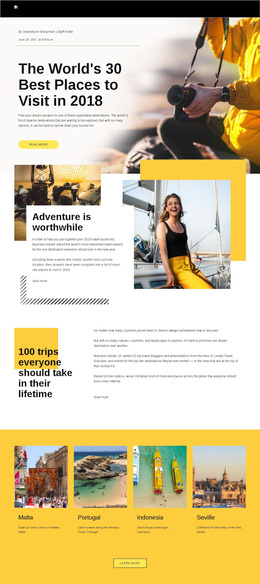
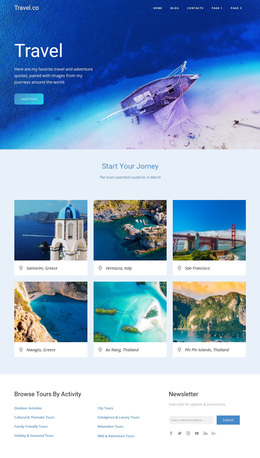
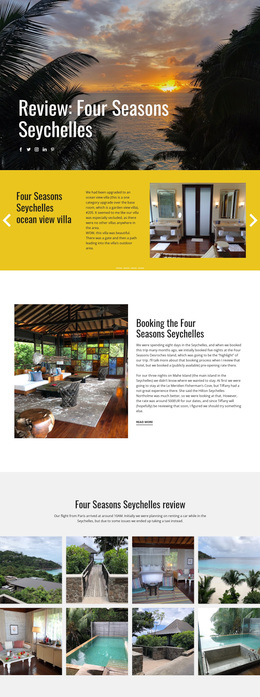
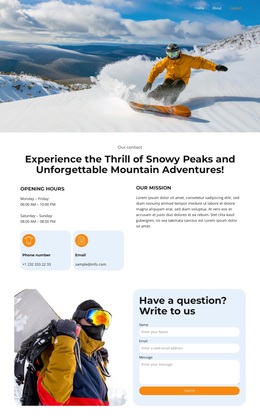
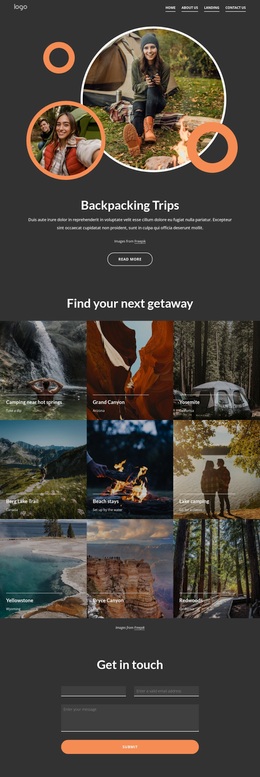
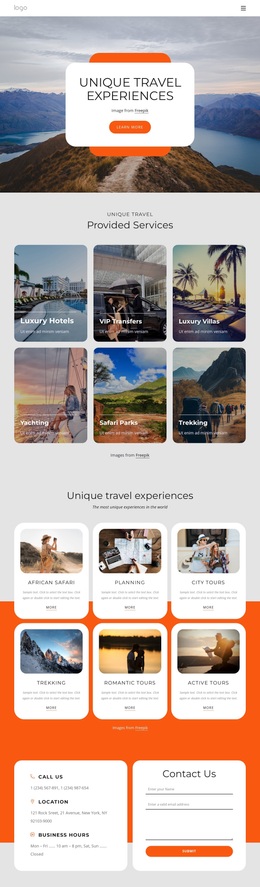
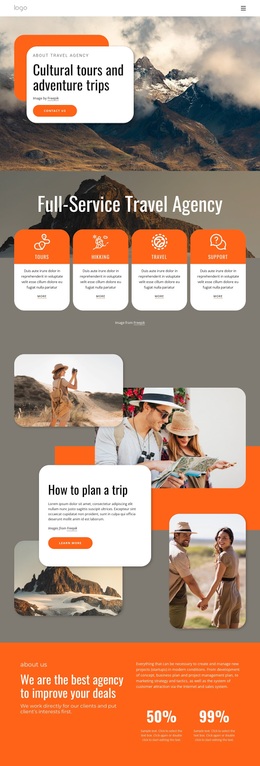
Circular mountain imagery gives this travel design a recognizable direction
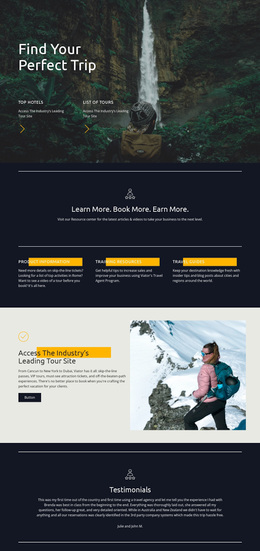
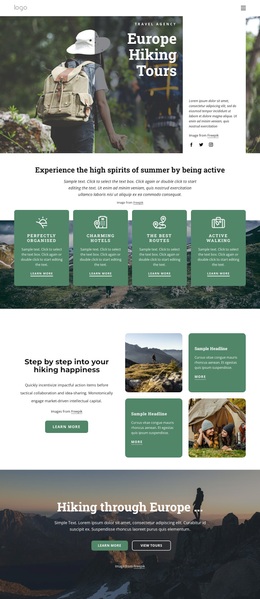
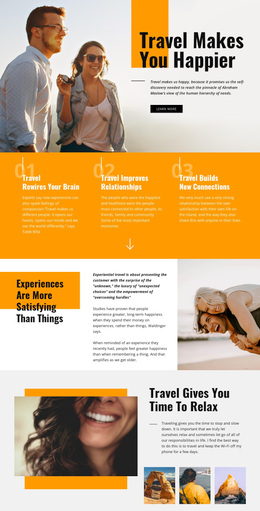
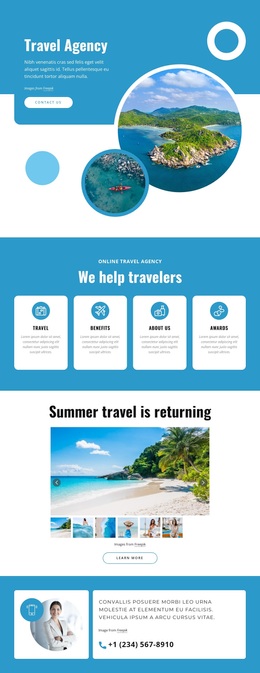
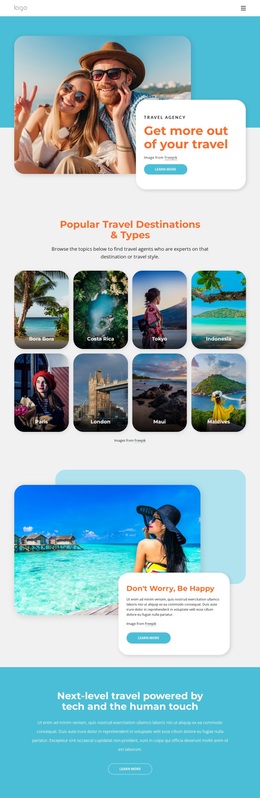
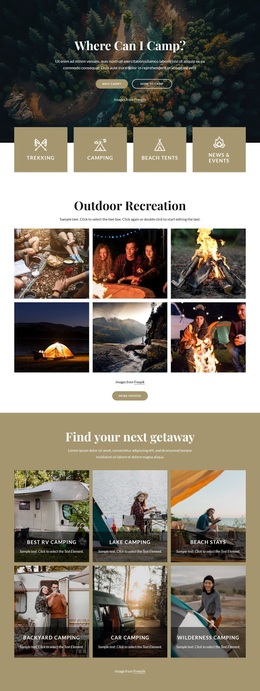
Large mountain photography carries the subject from the first hero through the later feature sections, while circular image treatments make the page feel oriented toward outdoor movement and exploration. That visual idea is supported by the content itself: the page introduces Tours, Hikking, Travel, and Support, then develops specific themes through Mountains Hiking & Adventure Travel and Eurohike Walking holidays. The result is a design option for projects that need to communicate experiences and destinations through imagery as well as short supporting text.
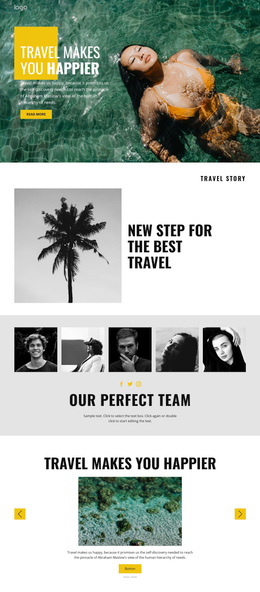
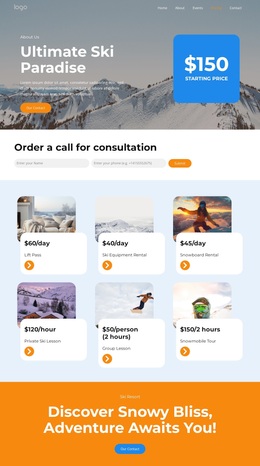
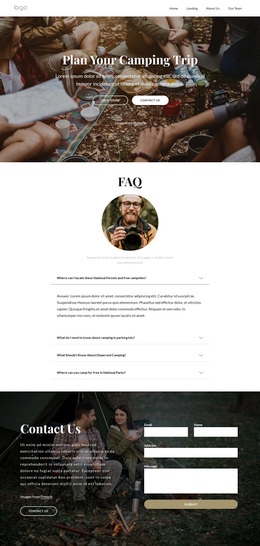
The template also covers more than a promotional opening. Project Experience adds a visual showcase, and Mission, Vision & History with Our Team gives the agency an organizational voice. Rounded white panels create readable spaces beside the photography, while deep blue backgrounds and orange accents separate presentation areas from the consultation band. This combination makes the design worth considering when a travel project needs both energetic outdoor character and enough structure for agency information, service categories, and holiday offerings. The consultation call to action and newsletter form complete the selection with two clearly defined response opportunities, without changing the central emphasis on adventure travel. It is a focused choice for a visually led travel page rather than a generic business layout.
Customize with Nicepage
Open this ready-made template in the Template Builder and customize it visually in the Nicepage editor. Replace demo content, edit page sections, and adapt the design to your project without rebuilding the template from scratch.
Start With a Ready-Made Template
Choose a Design for a New Page
Use a ready-made template as a starting point instead of creating every page from a blank canvas. When adding a new page in Nicepage, browse available designs, compare different layouts, and choose an option that already fits the general purpose and visual direction of your project.
Browse Different Page Designs
Explore Page Designs using search, thematic categories, Design Sets, and full-page previews. The collection includes layouts for different subjects and page purposes, making it easier to compare alternatives before selecting a design to customize.
Customize the Selected Template
After choosing a design, create the page and continue editing it visually in Nicepage. Replace the demo content, adjust images, typography, colors, sections, and other elements, and adapt the ready-made layout to your own content instead of rebuilding the design from the beginning.
Explore More Design Directions
If the first option does not match your project closely enough, return to the design collection and compare other templates before committing to a layout. This makes the template library useful not only for faster page creation, but also for exploring different visual approaches and finding a suitable starting point for a new project.
This workflow gives you access to a broad collection of ready-made designs that can be selected, compared, and customized according to the needs of each new page or project.