Plan your camping trip Template


Edit Template Offline
2. Create new page and search for id 4536951
Edit Template Online
Create Awesome Websites


Free Nicepage Builder
Keywords
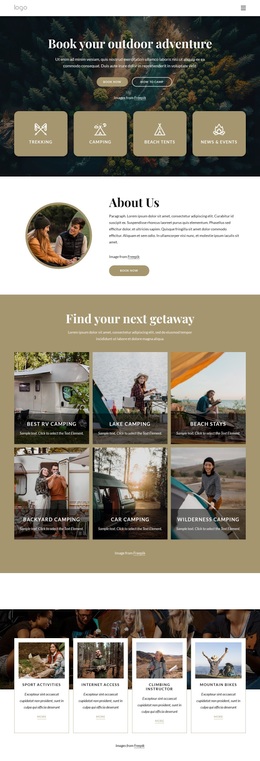
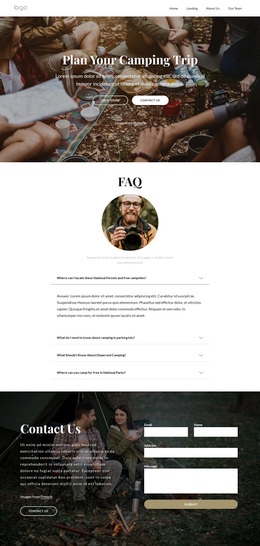
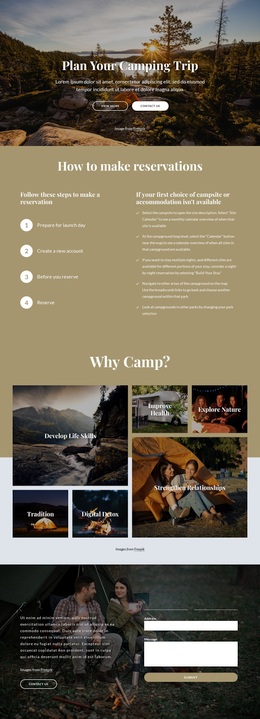
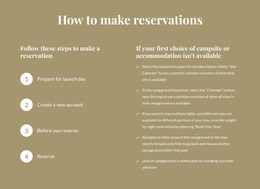
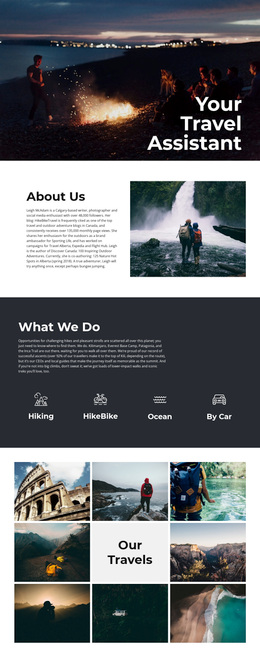
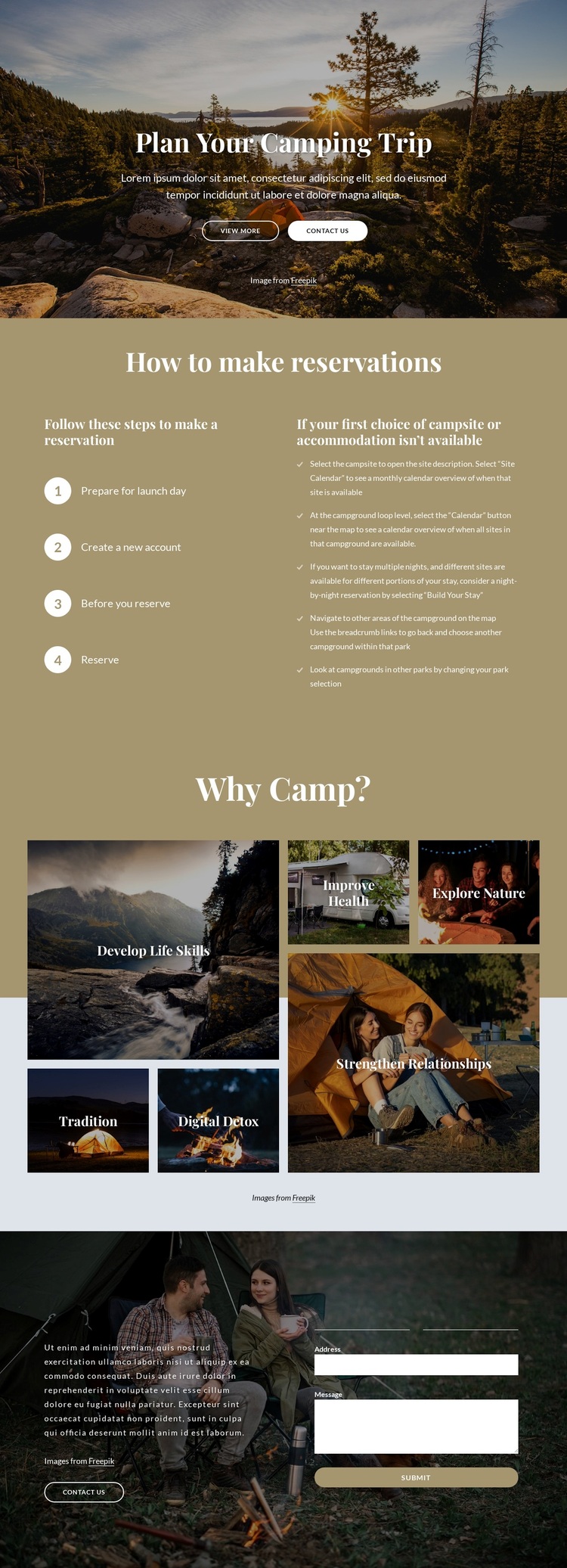
Four Reservation Steps Meet a Six-Tile Camping Story
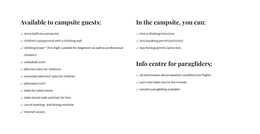
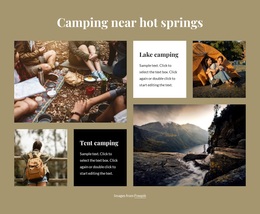
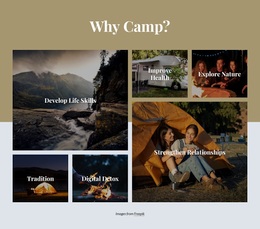
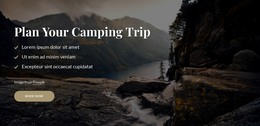
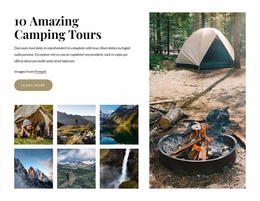
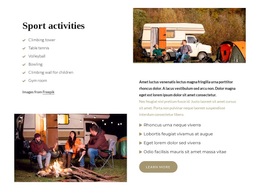
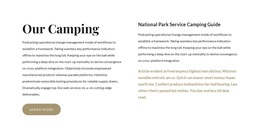
The design brings together two kinds of camping content that are often separated: practical reservation guidance and visual explanation of why camping matters. The four numbered steps give visitors a clear process to follow, while the adjacent availability text acknowledges that a preferred campsite or accommodation may not be available. That practical block is followed by six labeled image tiles covering Develop Life Skills, Tradition, Digital Detox, Improve Health, Explore Nature, and Strengthen Relationships.
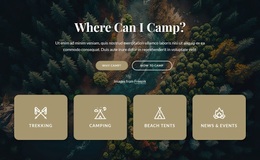
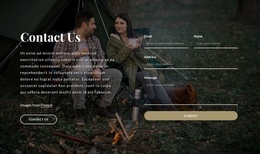
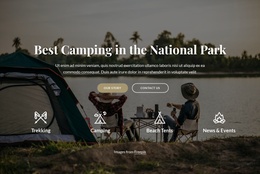
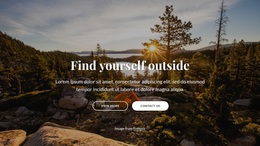
This combination makes the design a useful option for projects that need more than a generic travel introduction. The scenic hero establishes an outdoor direction immediately, and the tiled photography carries the subject through the middle of the page without turning the content into a dense list. The closing Contact Us section adds a concrete next step with name, email, address, and message inputs, supported by a Submit button. The repeated Contact Us actions connect the opening and ending, while the reservation section supplies useful context between them. As a ready-made design choice, its strongest distinction is the relationship between trip planning, campsite availability guidance, benefit-led imagery, and direct inquiry content. Real reservation details can replace the placeholder copy without changing that underlying content strategy.
Customize with Nicepage
Open this ready-made template in the Template Builder and customize it visually in the Nicepage editor. Replace demo content, edit page sections, and adapt the design to your project without rebuilding the template from scratch.
Start With a Ready-Made Template
Choose a Design for a New Page
Use a ready-made template as a starting point instead of creating every page from a blank canvas. When adding a new page in Nicepage, browse available designs, compare different layouts, and choose an option that already fits the general purpose and visual direction of your project.
Browse Different Page Designs
Explore Page Designs using search, thematic categories, Design Sets, and full-page previews. The collection includes layouts for different subjects and page purposes, making it easier to compare alternatives before selecting a design to customize.
Customize the Selected Template
After choosing a design, create the page and continue editing it visually in Nicepage. Replace the demo content, adjust images, typography, colors, sections, and other elements, and adapt the ready-made layout to your own content instead of rebuilding the design from the beginning.
Explore More Design Directions
If the first option does not match your project closely enough, return to the design collection and compare other templates before committing to a layout. This makes the template library useful not only for faster page creation, but also for exploring different visual approaches and finding a suitable starting point for a new project.
This workflow gives you access to a broad collection of ready-made designs that can be selected, compared, and customized according to the needs of each new page or project.

Design Set (31)
-

-
-
-
-
-
-
-
-
-
-
-
-
Free Website Builder SoftwareDownload
-
-
-
-
-
-
-
-
-
-
-