Navigation Assistance Template


Edit Template Offline
2. Create new page and search for id 6373355
Edit Template Online
Create Awesome Websites


Free Nicepage Builder
Keywords
Outdoor Storytelling Supported by Guides and Trail Choices
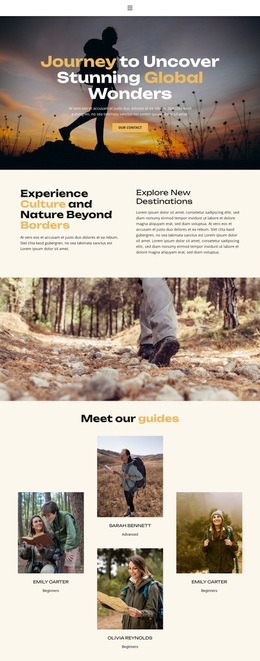
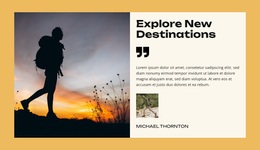
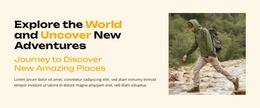
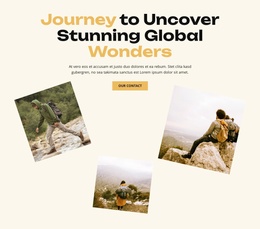
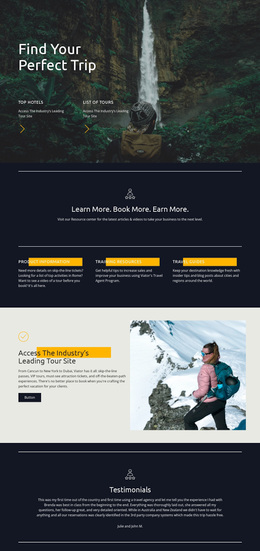
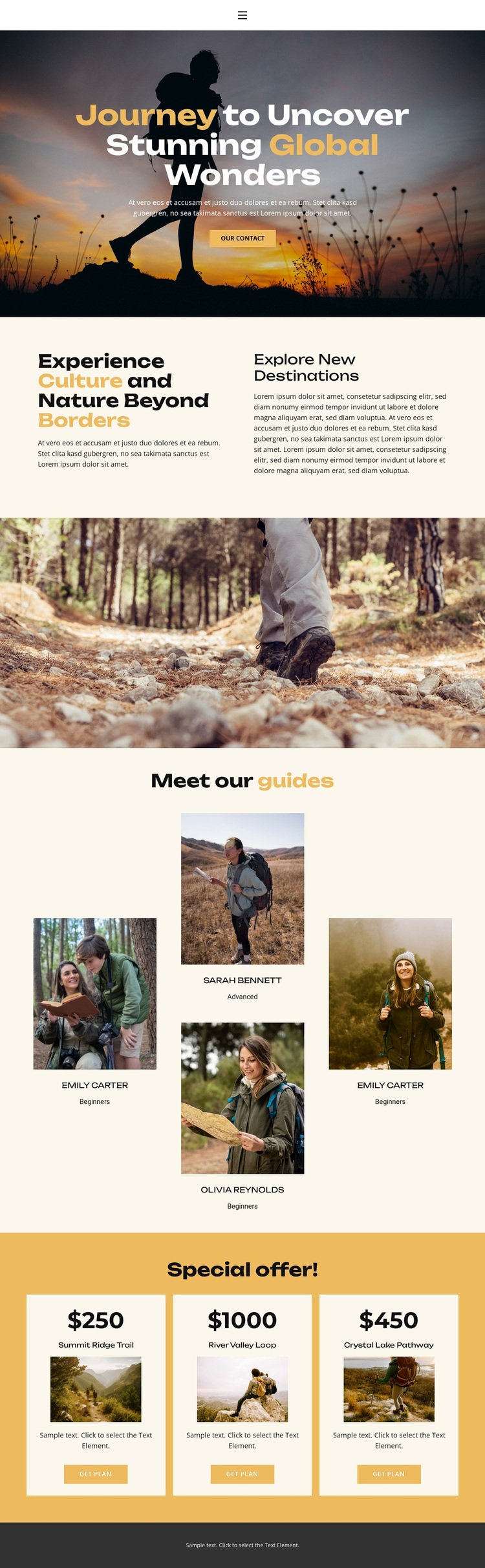
Large nature photography carries much of the page’s first impression, beginning with a hero that places the global-wonders message directly over an outdoor image. The design then balances that emotional opening with structured travel information: the two-column section explains culture, nature, and destination exploration, while the separate forest image keeps the subject visually present without adding another dense text block. This combination suits projects that need atmosphere and explanation to work together.
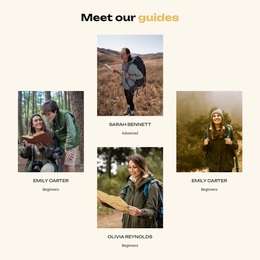
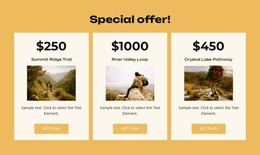
The four guide profiles make the design more distinctive than a basic destination page. Portraits and experience-level labels introduce a human dimension, giving the page a clear bridge between outdoor imagery and the practical hiking offers below. The amber package area provides a second point of distinction through three equal cards. Trail names, images, descriptions, displayed prices, and Get plan buttons give visitors several concrete choices without changing the visual focus on outdoor exploration.
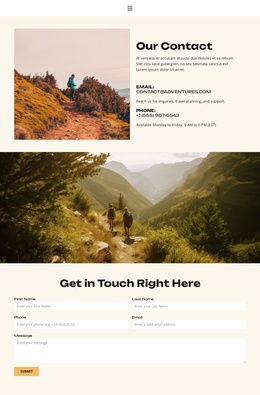
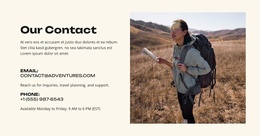
Taken together, these relationships make the design worth considering for a travel project that needs to present both guided expertise and selectable experiences. It is not centered only on long-form destination copy or only on pricing. Instead, the page moves from visual invitation to cultural context, then to guides and package decisions, with a contact action available near the beginning. That coverage gives the template a clear travel-specific identity and a practical starting structure.
Customize with Nicepage
Open this ready-made template in the Template Builder and customize it visually in the Nicepage editor. Replace demo content, edit page sections, and adapt the design to your project without rebuilding the template from scratch.
Start With a Ready-Made Template
Choose a Design for a New Page
Use a ready-made template as a starting point instead of creating every page from a blank canvas. When adding a new page in Nicepage, browse available designs, compare different layouts, and choose an option that already fits the general purpose and visual direction of your project.
Browse Different Page Designs
Explore Page Designs using search, thematic categories, Design Sets, and full-page previews. The collection includes layouts for different subjects and page purposes, making it easier to compare alternatives before selecting a design to customize.
Customize the Selected Template
After choosing a design, create the page and continue editing it visually in Nicepage. Replace the demo content, adjust images, typography, colors, sections, and other elements, and adapt the ready-made layout to your own content instead of rebuilding the design from the beginning.
Explore More Design Directions
If the first option does not match your project closely enough, return to the design collection and compare other templates before committing to a layout. This makes the template library useful not only for faster page creation, but also for exploring different visual approaches and finding a suitable starting point for a new project.
This workflow gives you access to a broad collection of ready-made designs that can be selected, compared, and customized according to the needs of each new page or project.