Japan Travel Guide Template


Edit Template Offline
2. Create new page and search for id 6665246
Edit Template Online
Create Awesome Websites


Free Nicepage Builder
Keywords
Tokyo, Kyoto, and Kamakura Give the Travel Story Immediate Range
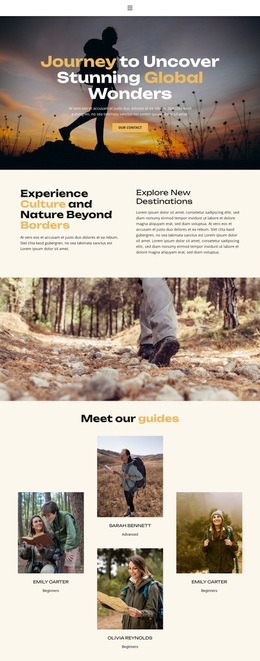
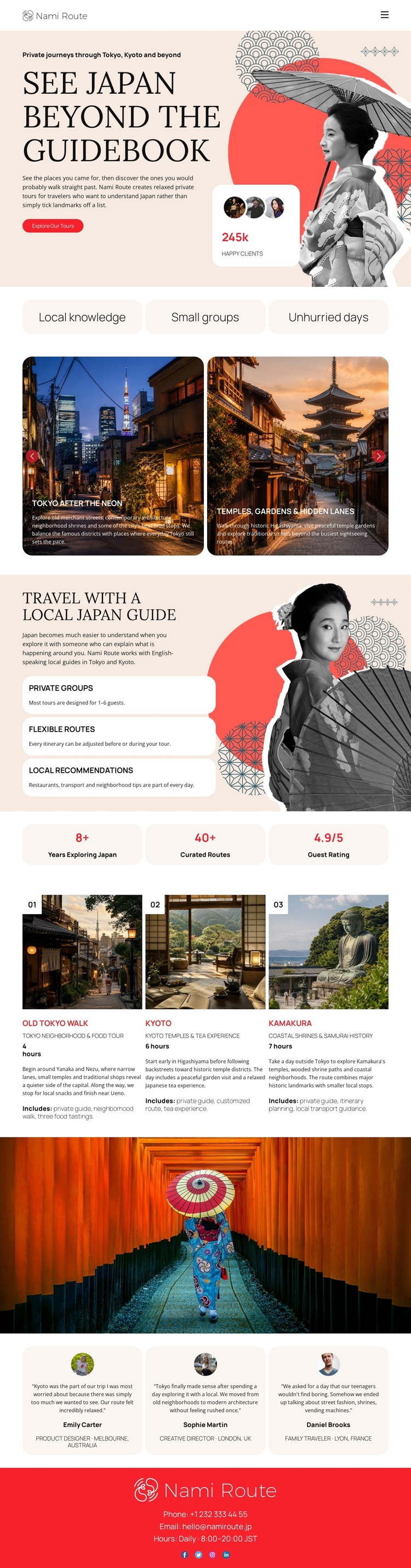
The page’s strongest selection argument is the way it combines visual travel storytelling with usable route content. The hero does not begin with a dense itinerary; instead, “See Japan Beyond the Guidebook” establishes a point of view through layered portraits, travel photography, and a compact invitation to start a trip. The three labels for local knowledge, small groups, and unhurried days quickly explain what makes the proposed experience different from a generic destination list.
The design then gives that idea geographic range. Tokyo after dark and temple gardens create two contrasting featured examples, while the numbered route cards extend the choice to Tokyo, Kyoto, and Kamakura. The local-guide section adds practical meaning through private groups, flexible routes, and local recommendations, so the page supports both inspiration and basic offer explanation. Three metrics and three testimonial cards add proof-oriented content, and the red footer keeps phone and email contact visible at the end. This combination makes the design worth considering for projects that need a strong editorial opening but also need enough structured content to explain destinations, travel approach, guest experience, and response options. Its distinction comes from the relationship between collage-led atmosphere and concise route coverage, not from generic claims about travel websites.
Customize with Nicepage
Open this ready-made template in the Template Builder and customize it visually in the Nicepage editor. Replace demo content, edit page sections, and adapt the design to your project without rebuilding the template from scratch.
Start With a Ready-Made Template
Choose a Design for a New Page
Use a ready-made template as a starting point instead of creating every page from a blank canvas. When adding a new page in Nicepage, browse available designs, compare different layouts, and choose an option that already fits the general purpose and visual direction of your project.
Browse Different Page Designs
Explore Page Designs using search, thematic categories, Design Sets, and full-page previews. The collection includes layouts for different subjects and page purposes, making it easier to compare alternatives before selecting a design to customize.
Customize the Selected Template
After choosing a design, create the page and continue editing it visually in Nicepage. Replace the demo content, adjust images, typography, colors, sections, and other elements, and adapt the ready-made layout to your own content instead of rebuilding the design from the beginning.
Explore More Design Directions
If the first option does not match your project closely enough, return to the design collection and compare other templates before committing to a layout. This makes the template library useful not only for faster page creation, but also for exploring different visual approaches and finding a suitable starting point for a new project.
This workflow gives you access to a broad collection of ready-made designs that can be selected, compared, and customized according to the needs of each new page or project.