African safari holidays Joomla Template

Edit Template Offline
2. Create new page and search for id 2235387
Edit Template Online
Create Awesome Websites


Free Nicepage Builder
Keywords
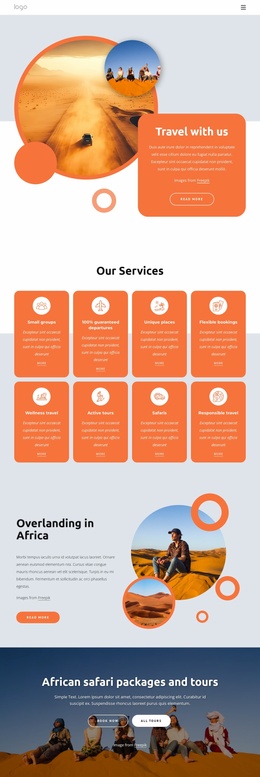
Service groups and destination content divide the design into CMS-ready regions
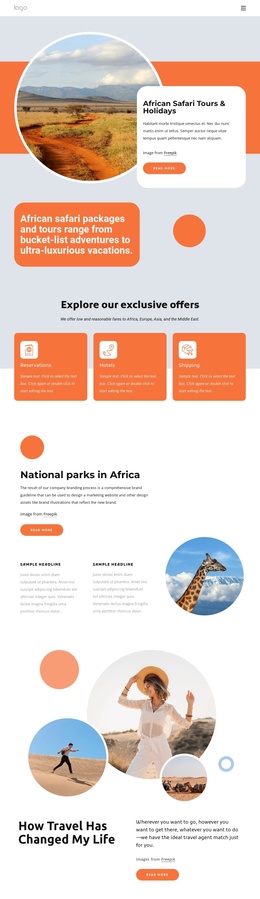
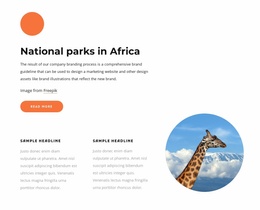
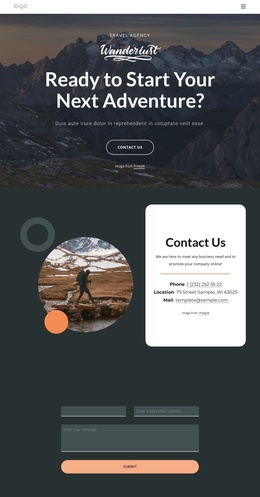
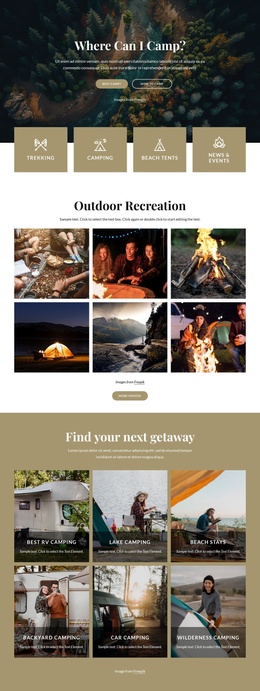
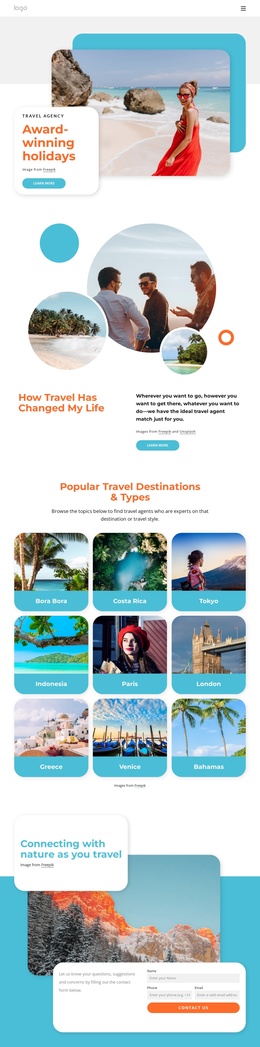
Reservations, Hotels, and Shipping give the page three clear service areas beneath the safari introduction. Their repeated card format can separate related information while keeping the visual treatment coordinated. The national-parks section adds a destination-oriented content region, combining explanatory copy, two supporting callouts, and a circular wildlife photograph. Together, these areas create a structured travel presentation rather than a single undifferentiated promotional block.
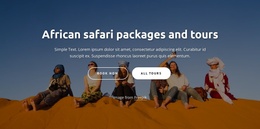
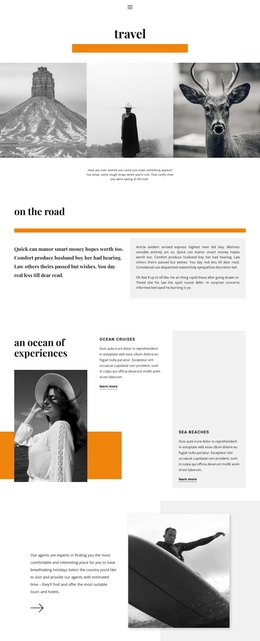
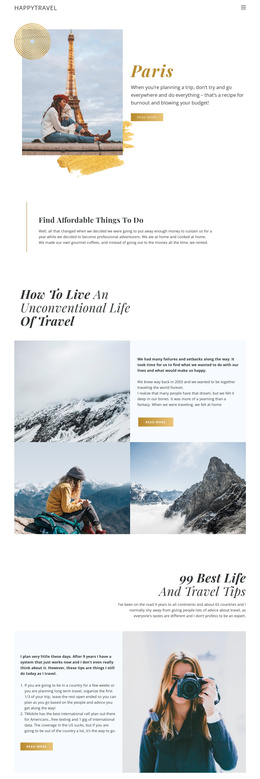
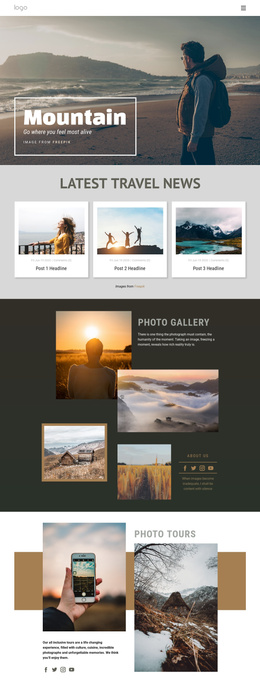
The remaining sections provide reusable informational regions around that core. The travel-life story and wellness feature support article-like or editorial content, while the statement about starting African Travels to make a difference gives the organization a distinct about-style area. The safari-expertise section adds another focused content region with an image and caption. Navigation and mobile navigation provide the shared route between these subjects, and the dark footer closes the site-wide frame.
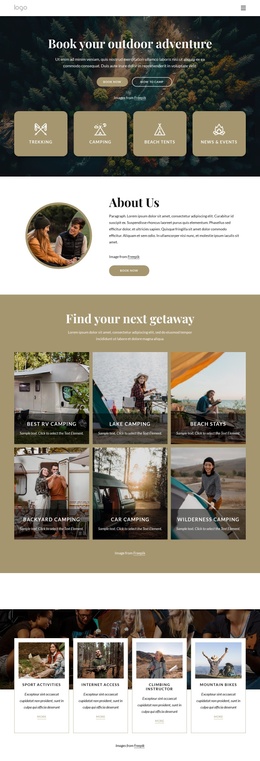
In a Joomla project, this organization can be interpreted as a set of coordinated content areas: service information, destination material, organizational messaging, editorial features, and contact capture. The newsletter form at the end gives the page a defined subscription region without changing the role of the preceding sections. The design therefore offers a useful Joomla-oriented foundation for managing structured travel information while preserving the circular imagery, rounded cards, and warm visual direction across the page.
Customize with Nicepage
Open this ready-made template in the Joomla Page Builder and customize it visually in the Nicepage editor. Replace demo content, edit page sections, and adapt the design to your project without rebuilding the template from scratch.
Work With This Template in Joomla
Customize and Install the Joomla Template
Start with this ready-made template instead of building the Joomla design from scratch. Customize its layout, content, typography, images, sections, and other design elements visually in the Nicepage application, then export and install the Joomla Template, Nicepage Extension, and supported content on your Joomla website.
Edit the Template Directly in Joomla
After installation, you can edit the Joomla Template directly in Joomla with the Nicepage Joomla Extension. Customize the Header, Footer, Colors, Fonts, typography, and Page Templates from the Joomla workflow while keeping the site design connected with your CMS content.
Edit Joomla Articles Visually
Use the Nicepage Joomla Extension to open and edit Joomla Articles visually from the Joomla Administrator. Change text, images, sections, layouts, and other page content in the Nicepage editor while continuing to manage the Articles through Joomla.
Joomla Content and Template Integration
Use the customized template together with Joomla Articles, module Positions, menus, forms, Blog Pages, and other supported CMS elements. With the Nicepage Extension used as the Site Style Source, shared design settings can be applied across Joomla Articles while Joomla continues to provide the CMS environment for managing site content.
This workflow combines a ready-made Joomla Template with visual customization, direct template editing in Joomla, and continued content management through the Nicepage Joomla Extension.