Original holiday travel Joomla Template


Edit Template Offline
2. Create new page and search for id 16634
Edit Template Online
Create Awesome Websites


Free Nicepage Builder
Keywords
The Map and Service Regions Create Structured Travel Content Areas
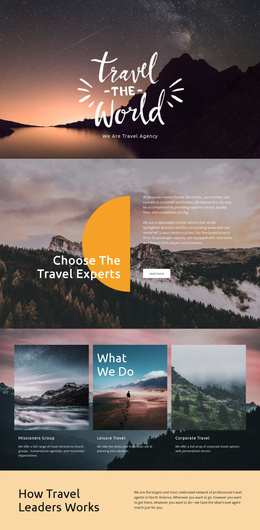
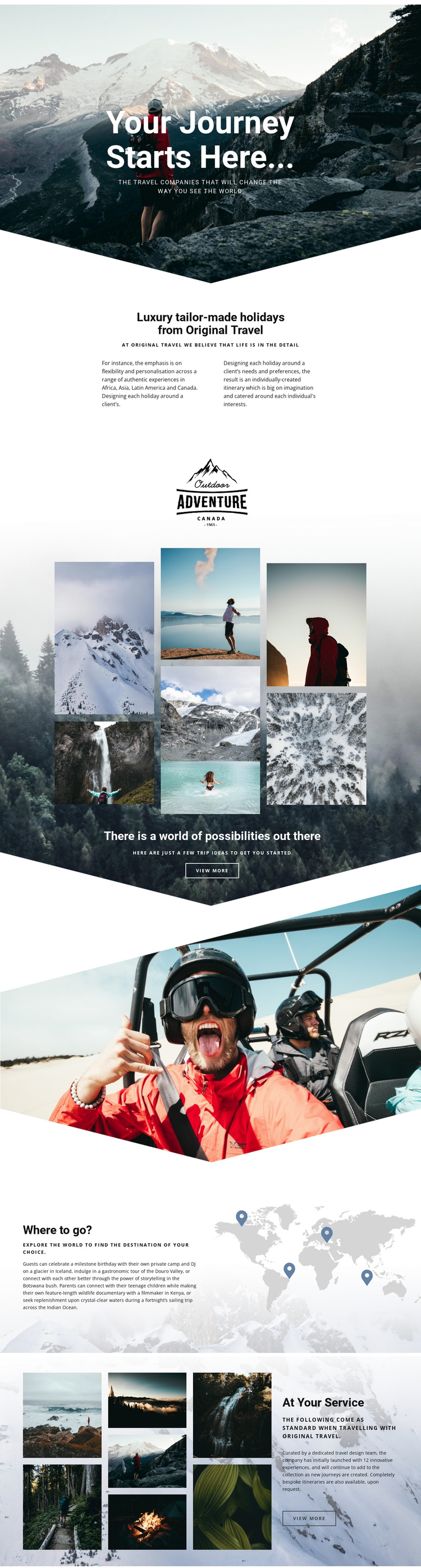
The “Where to go?” section gives the design a particularly useful content division for a CMS-managed travel site. Its world map illustration and named destinations provide a geographic frame for presenting destination information, while the surrounding text keeps the section focused on exploration rather than treating the map as decoration. Africa, Asia, Latin America, Canada, Iceland, Botswana, Kenya, and the Indian Ocean can be understood as recurring informational subjects within the same visual region, without claiming that Joomla Articles or categories already exist in the template.
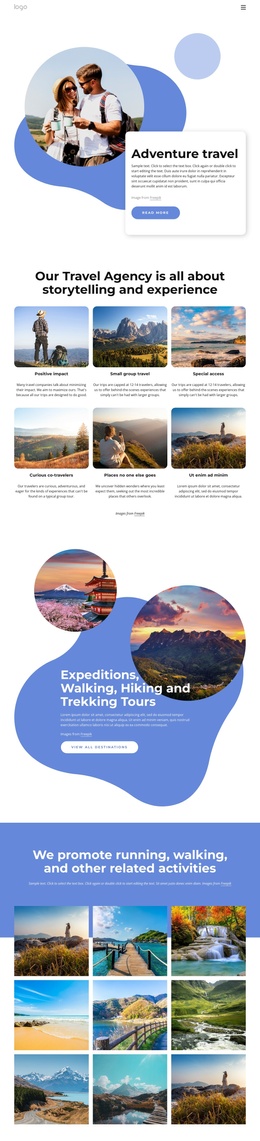
The service content creates a second kind of structured area. “At Your Service” presents a dedicated travel design team, innovative experiences, and bespoke itineraries beside an adventure image collage. This relationship separates what travelers may explore from how the agency supports the planning process. The About Us section provides a shared introductory region, explaining the tailor-made holiday approach before visitors reach destination and service details. Navigation can therefore connect broad company information, destination-oriented content, and travel support while retaining a coordinated Header and page presentation.
The design suits a Joomla project when editorial content needs to remain grouped into recognizable site regions rather than placed in an undifferentiated page. Its repeated pattern of heading, explanatory copy, and imagery gives structured travel information a consistent visual setting. The result is a useful foundation for managing destination and service content through Joomla while preserving the page’s premium travel character.
Customize with Nicepage
Open this ready-made template in the Joomla Page Builder and customize it visually in the Nicepage editor. Replace demo content, edit page sections, and adapt the design to your project without rebuilding the template from scratch.
Work With This Template in Joomla
Customize and Install the Joomla Template
Start with this ready-made template instead of building the Joomla design from scratch. Customize its layout, content, typography, images, sections, and other design elements visually in the Nicepage application, then export and install the Joomla Template, Nicepage Extension, and supported content on your Joomla website.
Edit the Template Directly in Joomla
After installation, you can edit the Joomla Template directly in Joomla with the Nicepage Joomla Extension. Customize the Header, Footer, Colors, Fonts, typography, and Page Templates from the Joomla workflow while keeping the site design connected with your CMS content.
Edit Joomla Articles Visually
Use the Nicepage Joomla Extension to open and edit Joomla Articles visually from the Joomla Administrator. Change text, images, sections, layouts, and other page content in the Nicepage editor while continuing to manage the Articles through Joomla.
Joomla Content and Template Integration
Use the customized template together with Joomla Articles, module Positions, menus, forms, Blog Pages, and other supported CMS elements. With the Nicepage Extension used as the Site Style Source, shared design settings can be applied across Joomla Articles while Joomla continues to provide the CMS environment for managing site content.
This workflow combines a ready-made Joomla Template with visual customization, direct template editing in Joomla, and continued content management through the Nicepage Joomla Extension.