Travel Personal Diary Joomla Template


Edit Template Offline
2. Create new page and search for id 6650047
Edit Template Online
Create Awesome Websites


Free Nicepage Builder
Keywords
Destination Guides and Reviews Form Structured Joomla Content Areas
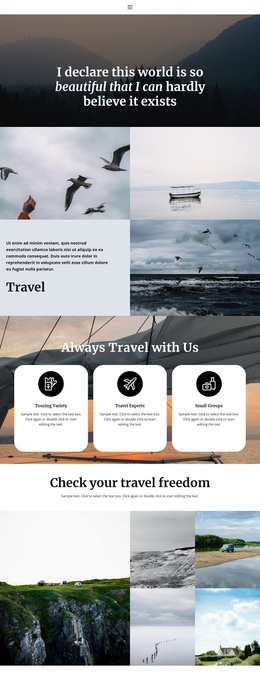
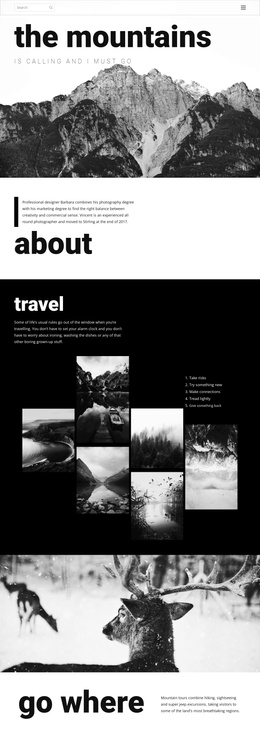
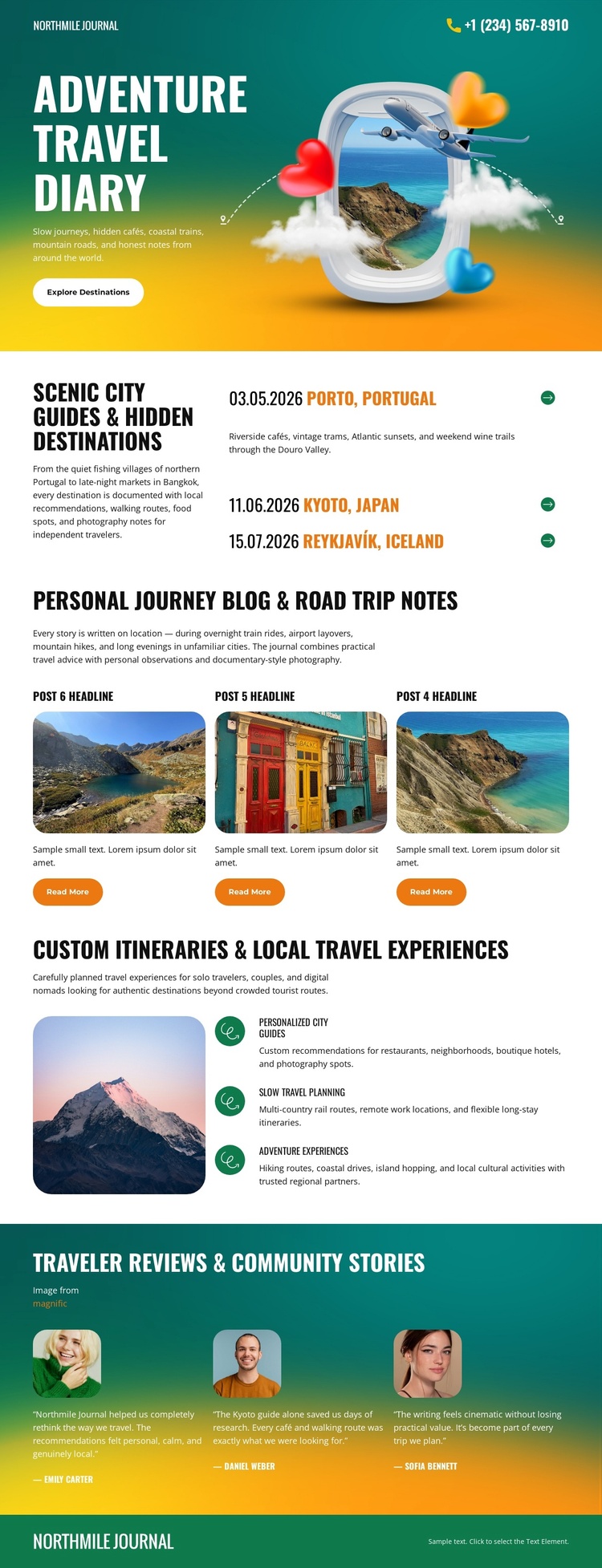
The destination guide and its three named locations provide a natural information region for a CMS-managed travel site. Porto, Tokyo, and Reykjavik appear as distinct entries beside explanatory guide copy, so the page already separates location-focused material from the broader journal introduction. The three repeated story cards create another structured area for travel narratives, each using an image-led presentation and Read More action without changing the surrounding visual system.
The itinerary section adds a more service-like content group. A large mountain photograph is paired with descriptions of personalized itineraries, local travel experiences, and outdoor activities. That relationship can support organized travel information while the testimonial panel keeps community feedback visually separate through three portrait-led review items. Navigation and recurring site regions can therefore be interpreted around guide content, stories, experience descriptions, and reviews rather than treated as one undifferentiated page.
In a Joomla project, these areas can provide a useful content hierarchy for maintaining related informational sections within the same design direction. The page does not need to claim that particular Joomla Articles or module positions already exist; its verified value is the way the travel content is divided into reusable-looking regions. The result is a design that can accommodate structured editorial updates while retaining its colorful journal identity and recognizable section relationships.
Customize with Nicepage
Open this ready-made template in the Joomla Page Builder and customize it visually in the Nicepage editor. Replace demo content, edit page sections, and adapt the design to your project without rebuilding the template from scratch.
Work With This Template in Joomla
Customize and Install the Joomla Template
Start with this ready-made template instead of building the Joomla design from scratch. Customize its layout, content, typography, images, sections, and other design elements visually in the Nicepage application, then export and install the Joomla Template, Nicepage Extension, and supported content on your Joomla website.
Edit the Template Directly in Joomla
After installation, you can edit the Joomla Template directly in Joomla with the Nicepage Joomla Extension. Customize the Header, Footer, Colors, Fonts, typography, and Page Templates from the Joomla workflow while keeping the site design connected with your CMS content.
Edit Joomla Articles Visually
Use the Nicepage Joomla Extension to open and edit Joomla Articles visually from the Joomla Administrator. Change text, images, sections, layouts, and other page content in the Nicepage editor while continuing to manage the Articles through Joomla.
Joomla Content and Template Integration
Use the customized template together with Joomla Articles, module Positions, menus, forms, Blog Pages, and other supported CMS elements. With the Nicepage Extension used as the Site Style Source, shared design settings can be applied across Joomla Articles while Joomla continues to provide the CMS environment for managing site content.
This workflow combines a ready-made Joomla Template with visual customization, direct template editing in Joomla, and continued content management through the Nicepage Joomla Extension.