All about mountain travel Joomla Template


Edit Template Offline
2. Create new page and search for id 24595
Edit Template Online
Create Awesome Websites


Free Nicepage Builder
Keywords
Destination and Exchange Sections Give the CMS Content Clear Regions
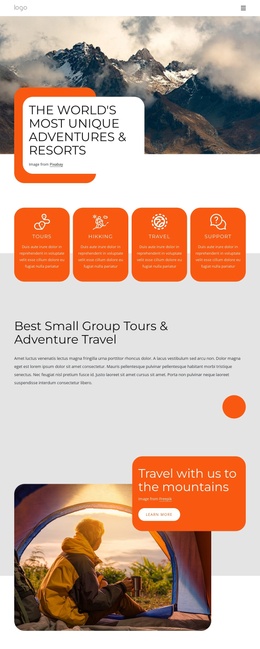
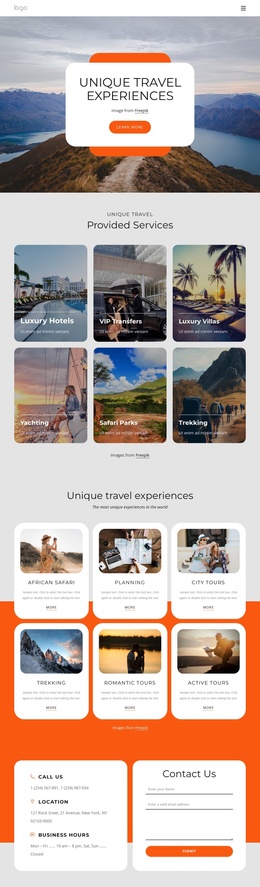
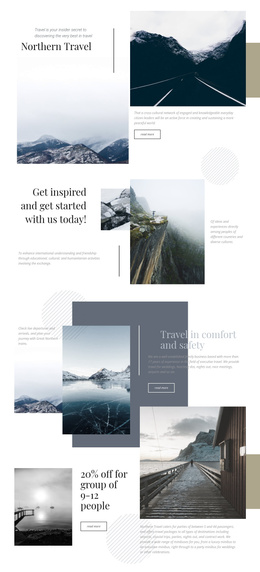
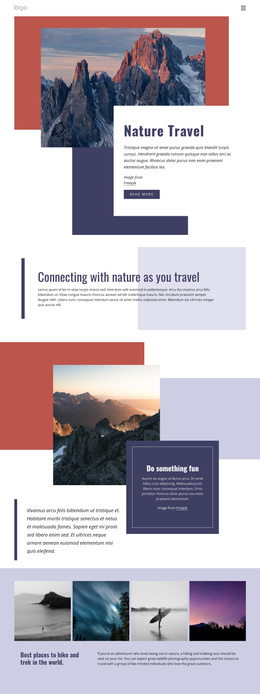
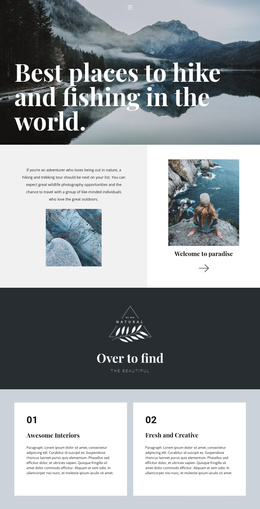
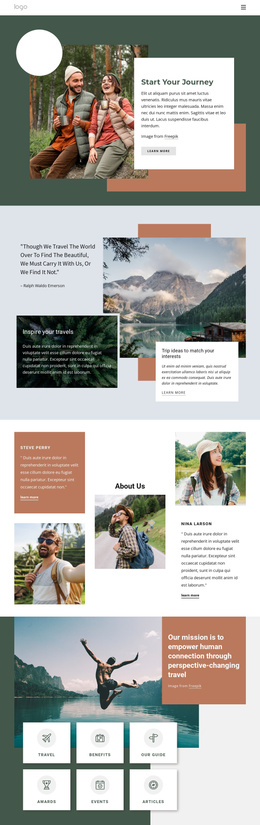
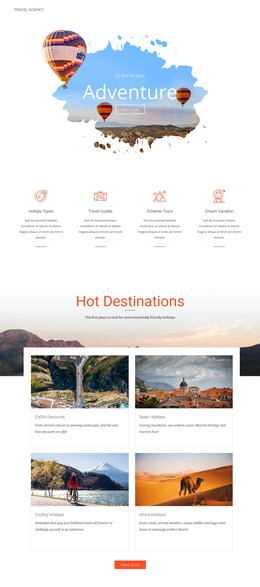
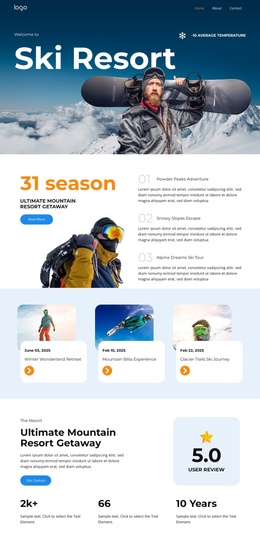
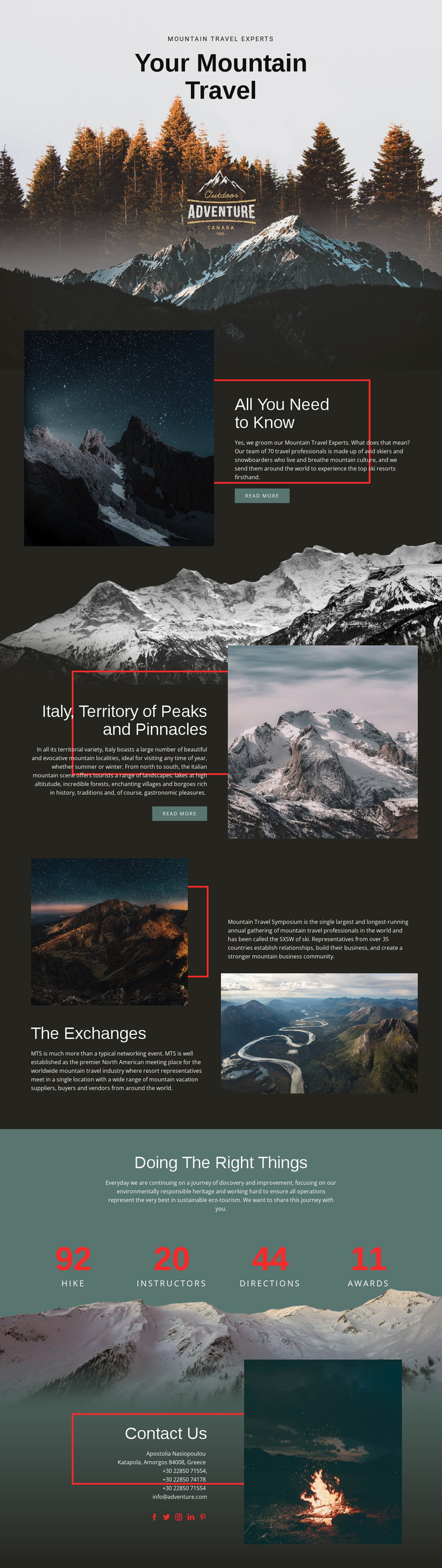
The page divides its subject into recognizable information regions that can be interpreted as managed site content. The opening hero establishes the mountain travel theme, while “All You Need to Know” provides a broader expertise area with supporting imagery and a read-more action. The Italy section then narrows the focus to one destination, pairing geographic content with a mountain photograph and another action. This distinction helps separate general travel information from destination-specific material.
“The Exchanges” adds a different type of content: the page identifies the Mountain Travel Symposium and presents event-related copy with two landscape images. That area can serve as a structured editorial region rather than being blended into the destination narrative. The sustainability block supplies another reusable information group, combining an ecotourism statement with four numeric highlights. Its repeated items are visually distinct from the longer explanatory sections and can be replaced when the underlying project facts are known.
The closing Contacts block brings together contact information and social links, creating a clear site region for visitor communication. In a Joomla project, the navigation, destination content, event information, sustainability material, and contact area can remain coordinated as one design while their wording and managed content evolve. The template’s value lies in this division of subject matter, not in assuming that specific Joomla Articles or modules already exist.
Customize with Nicepage
Open this ready-made template in the Joomla Page Builder and customize it visually in the Nicepage editor. Replace demo content, edit page sections, and adapt the design to your project without rebuilding the template from scratch.
Work With This Template in Joomla
Customize and Install the Joomla Template
Start with this ready-made template instead of building the Joomla design from scratch. Customize its layout, content, typography, images, sections, and other design elements visually in the Nicepage application, then export and install the Joomla Template, Nicepage Extension, and supported content on your Joomla website.
Edit the Template Directly in Joomla
After installation, you can edit the Joomla Template directly in Joomla with the Nicepage Joomla Extension. Customize the Header, Footer, Colors, Fonts, typography, and Page Templates from the Joomla workflow while keeping the site design connected with your CMS content.
Edit Joomla Articles Visually
Use the Nicepage Joomla Extension to open and edit Joomla Articles visually from the Joomla Administrator. Change text, images, sections, layouts, and other page content in the Nicepage editor while continuing to manage the Articles through Joomla.
Joomla Content and Template Integration
Use the customized template together with Joomla Articles, module Positions, menus, forms, Blog Pages, and other supported CMS elements. With the Nicepage Extension used as the Site Style Source, shared design settings can be applied across Joomla Articles while Joomla continues to provide the CMS environment for managing site content.
This workflow combines a ready-made Joomla Template with visual customization, direct template editing in Joomla, and continued content management through the Nicepage Joomla Extension.