Camping near park Joomla Template



Edit Template Offline
2. Create new page and search for id 4522099
Edit Template Online
Create Awesome Websites


Free Nicepage Builder
Keywords
Activity categories and getaway cards create organized Joomla content areas
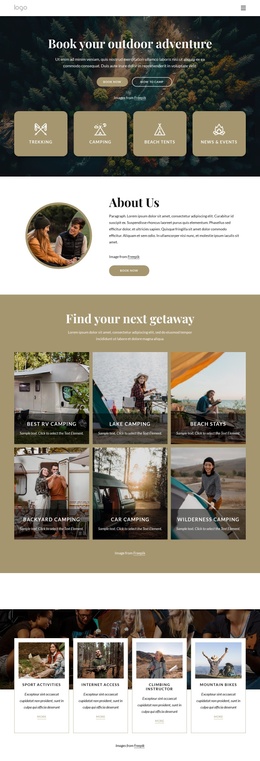
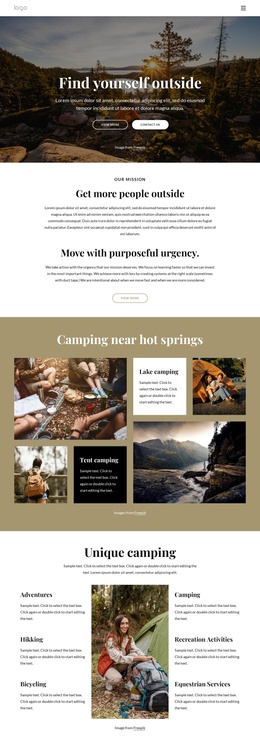
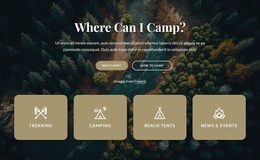
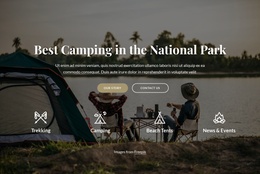
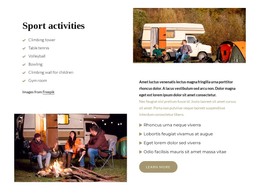
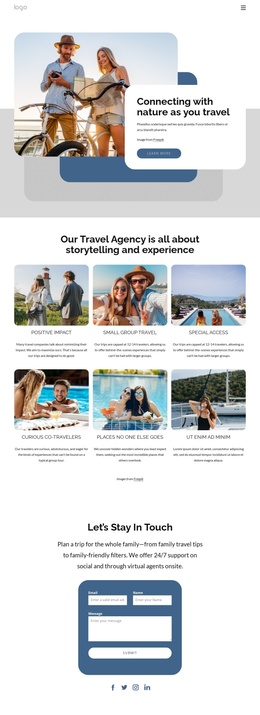
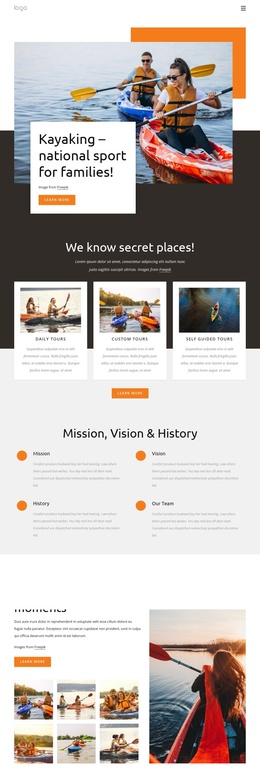
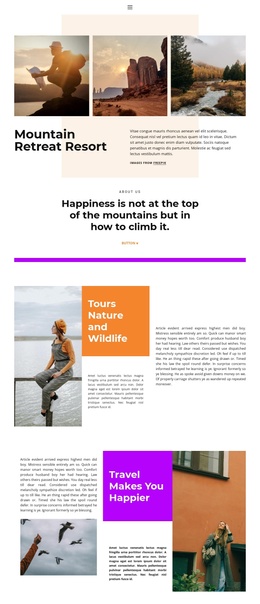
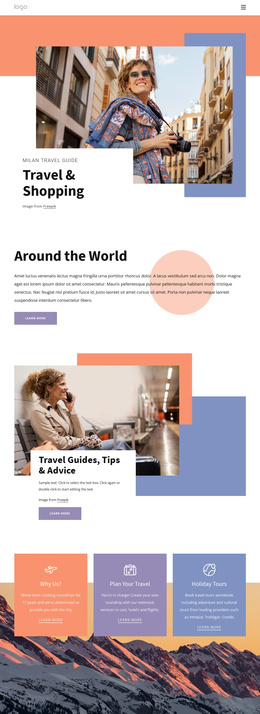
The six activity categories give the page a structured set of informational regions: Adventures, Hiking, Bicycling, Camping, Recreation Activities, and Equestrian Services. They are presented around a central outdoor image, so the design separates recurring service or activity information from the surrounding mission narrative. In a Joomla-managed project, this distinction can help keep the activity content conceptually organized while the shared visual direction remains consistent.
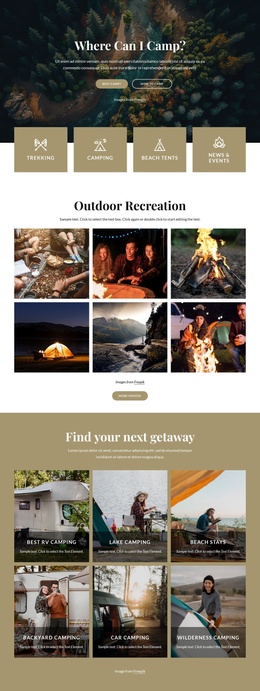
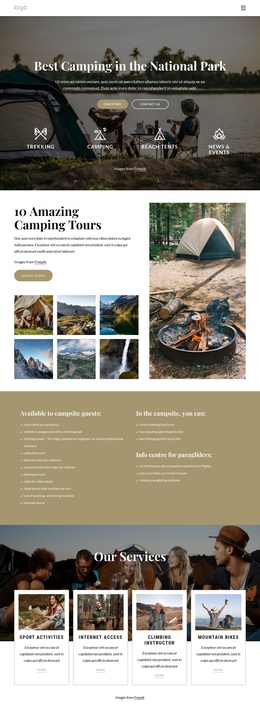
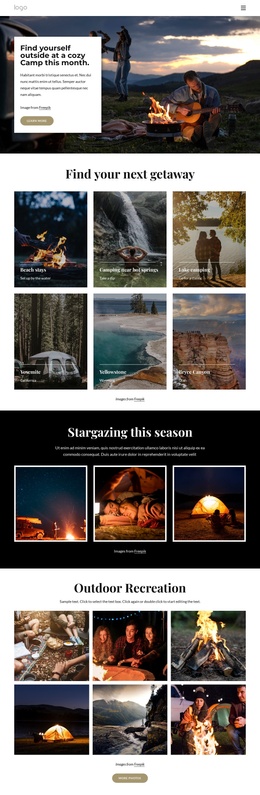
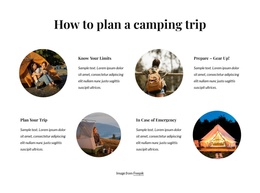
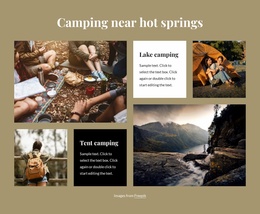
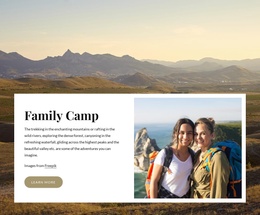
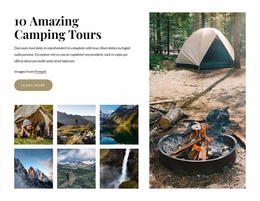
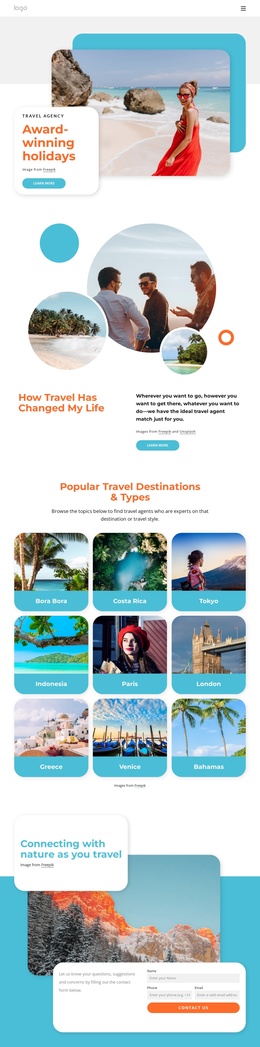
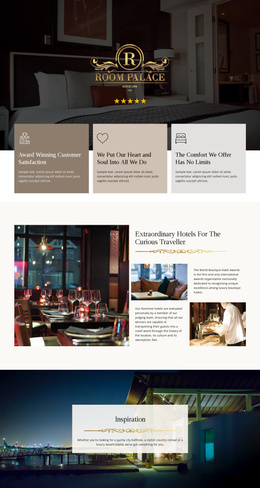
The camping collage supplies a second content relationship. Four outdoor image panels are combined with the Tent camping and Lake camping labels, creating a compact presentation for experience-focused information. The later getaway grid broadens that structure through four cards for Best RV camping, Lake camping, Beach stays, and Sequoia. These repeated areas can be interpreted as separate informational subjects within a larger site rather than as unrelated decorative images.
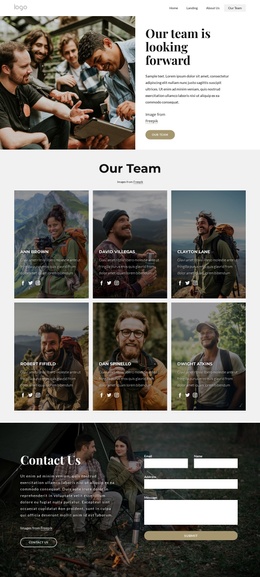
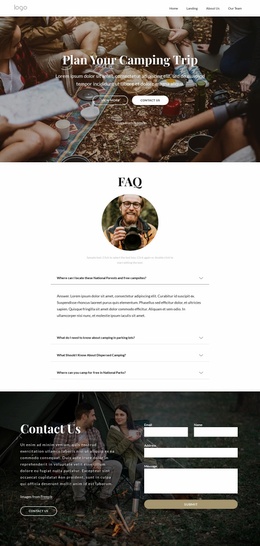
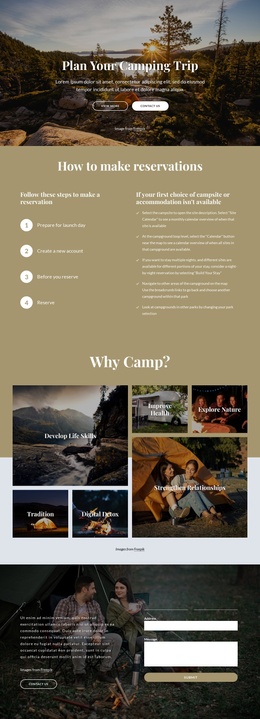
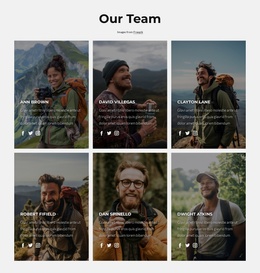
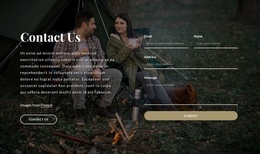
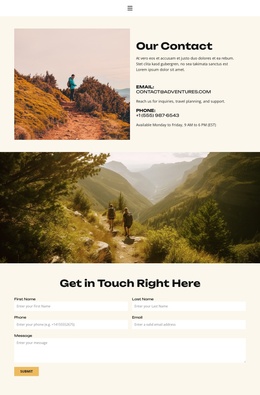
Navigation and the final contact region provide the page-level framework around those content groups. The two-column Contact Us section places explanatory copy beside a form with email, name, address, and message inputs, giving visitors a defined way to ask about the organization or its activities. The People and Our Values cards add a community-oriented content region before that inquiry point. Together, the sections form a coordinated CMS-oriented arrangement of mission, activities, destinations, values, and contact information without claiming that specific Joomla articles or modules already exist.
Customize with Nicepage
Open this ready-made template in the Joomla Page Builder and customize it visually in the Nicepage editor. Replace demo content, edit page sections, and adapt the design to your project without rebuilding the template from scratch.
Work With This Template in Joomla
Customize and Install the Joomla Template
Start with this ready-made template instead of building the Joomla design from scratch. Customize its layout, content, typography, images, sections, and other design elements visually in the Nicepage application, then export and install the Joomla Template, Nicepage Extension, and supported content on your Joomla website.
Edit the Template Directly in Joomla
After installation, you can edit the Joomla Template directly in Joomla with the Nicepage Joomla Extension. Customize the Header, Footer, Colors, Fonts, typography, and Page Templates from the Joomla workflow while keeping the site design connected with your CMS content.
Edit Joomla Articles Visually
Use the Nicepage Joomla Extension to open and edit Joomla Articles visually from the Joomla Administrator. Change text, images, sections, layouts, and other page content in the Nicepage editor while continuing to manage the Articles through Joomla.
Joomla Content and Template Integration
Use the customized template together with Joomla Articles, module Positions, menus, forms, Blog Pages, and other supported CMS elements. With the Nicepage Extension used as the Site Style Source, shared design settings can be applied across Joomla Articles while Joomla continues to provide the CMS environment for managing site content.
This workflow combines a ready-made Joomla Template with visual customization, direct template editing in Joomla, and continued content management through the Nicepage Joomla Extension.