Travel Makes You Happier Joomla Template


Edit Template Offline
2. Create new page and search for id 16995
Edit Template Online
Create Awesome Websites


Free Nicepage Builder
Keywords
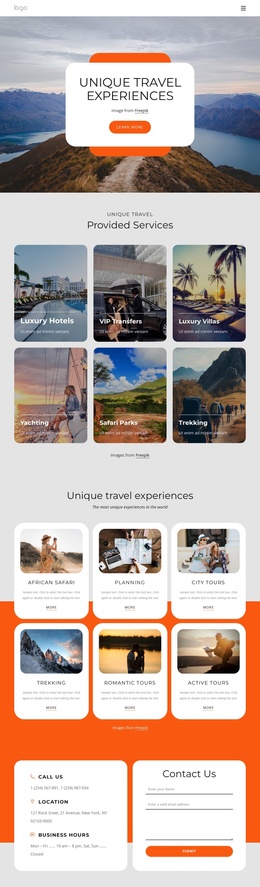
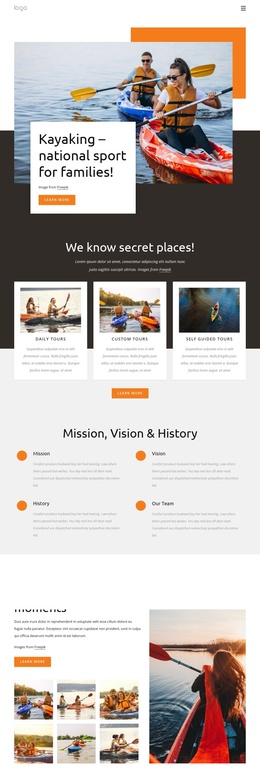
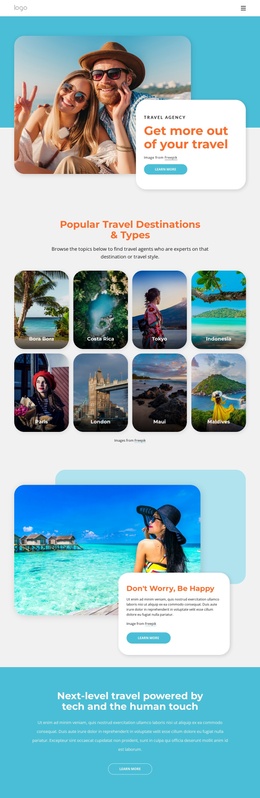
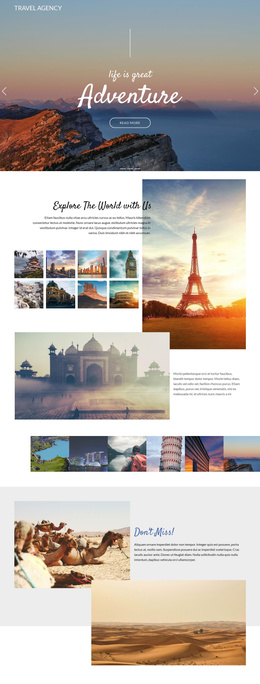
Benefit Content and Destination Regions Suit Structured Site Management
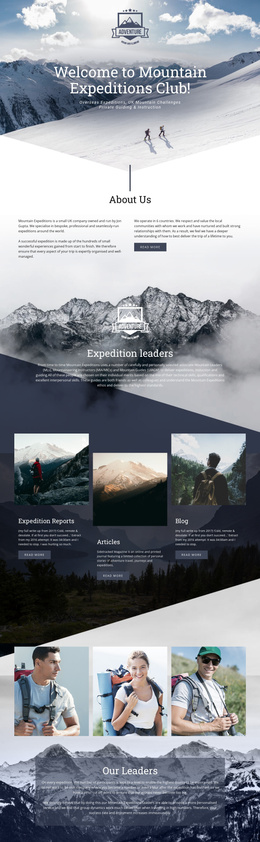
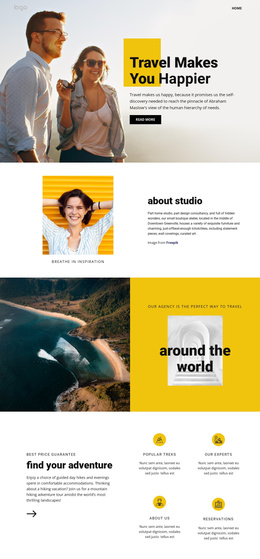
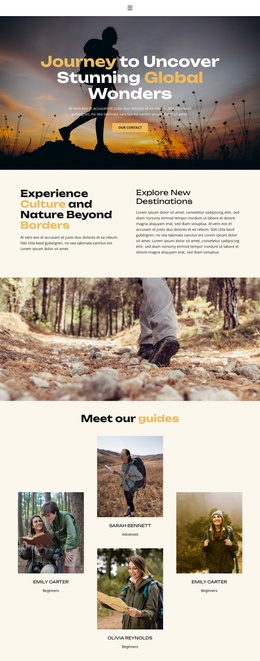
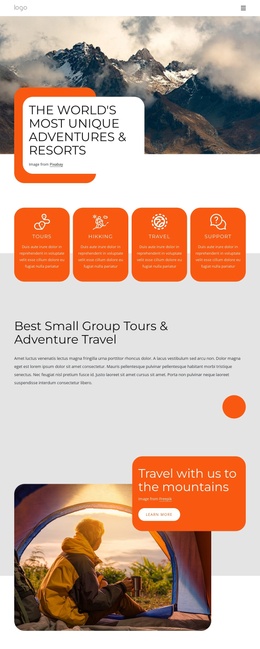
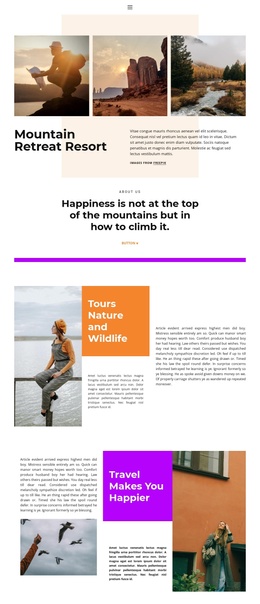
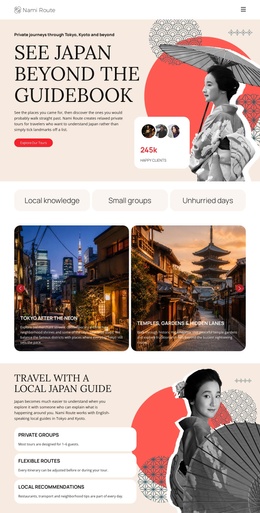
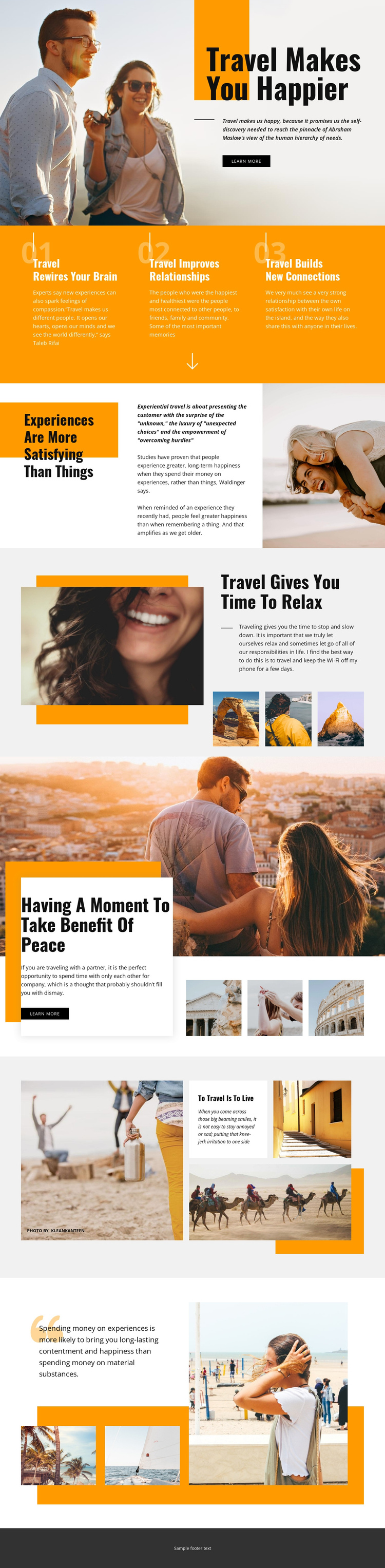
The three labeled travel benefits give the design a clear division between recurring informational content and the imagery that illustrates it. Brain stimulation, improved relationships, and new connections can be treated as separate content areas within a Joomla-managed presentation, while the orange band keeps them visually related. This structure is useful when a site needs to maintain several travel themes without losing a common page direction.
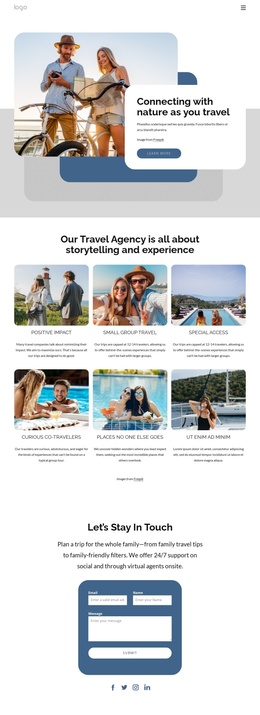
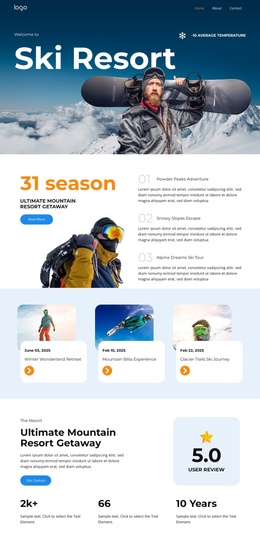
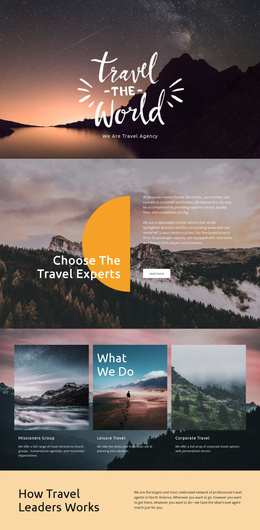
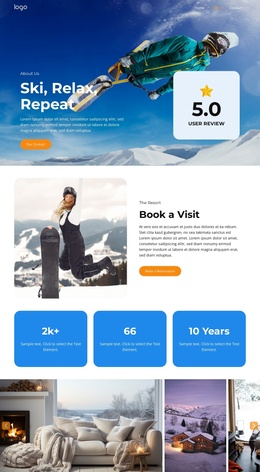
The split sections add further regions for organized content. “Experiences Are More Satisfying Than Things” introduces a comparison between experiences and possessions, while “Travel Gives You Time To Relax” creates a separate relationship between travel and rest. The overlap block then combines a scenic photograph, a white text card, supporting images, and a Shop Now button. These distinct areas can accommodate changing travel information while retaining the visual rhythm of the original design.
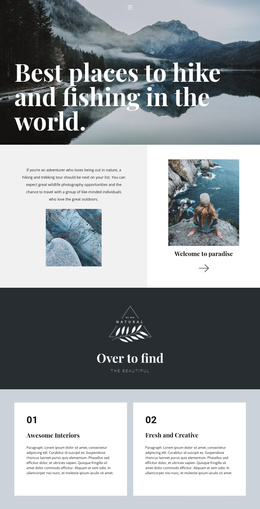
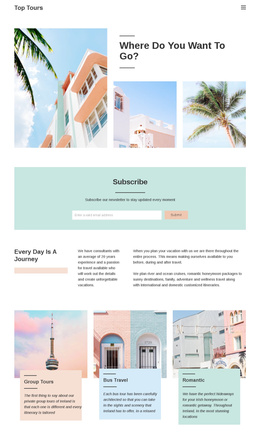
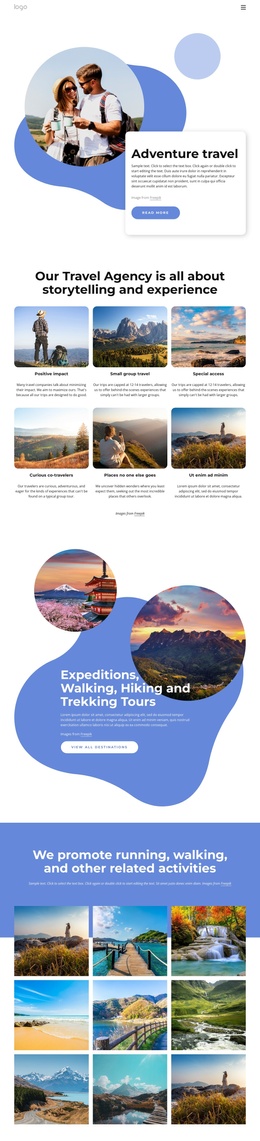
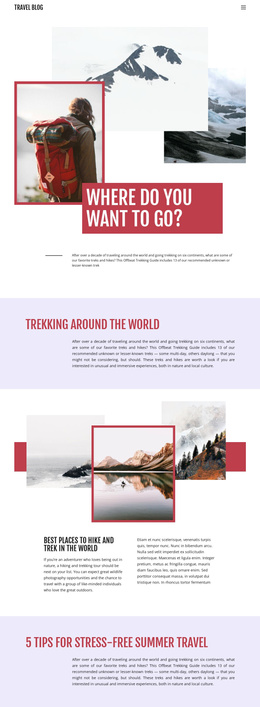
The gallery and closing collage provide additional structured image content, including beach, seaside, and activity photographs. Navigation and shared site regions would need to be mapped to the final project rather than assumed from the page alone, but the existing divisions already make the design legible as organized CMS content. A Joomla project could preserve the page’s travel narrative while managing its informational sections and imagery through the site’s broader content structure.
Customize with Nicepage
Open this ready-made template in the Joomla Page Builder and customize it visually in the Nicepage editor. Replace demo content, edit page sections, and adapt the design to your project without rebuilding the template from scratch.
Work With This Template in Joomla
Customize and Install the Joomla Template
Start with this ready-made template instead of building the Joomla design from scratch. Customize its layout, content, typography, images, sections, and other design elements visually in the Nicepage application, then export and install the Joomla Template, Nicepage Extension, and supported content on your Joomla website.
Edit the Template Directly in Joomla
After installation, you can edit the Joomla Template directly in Joomla with the Nicepage Joomla Extension. Customize the Header, Footer, Colors, Fonts, typography, and Page Templates from the Joomla workflow while keeping the site design connected with your CMS content.
Edit Joomla Articles Visually
Use the Nicepage Joomla Extension to open and edit Joomla Articles visually from the Joomla Administrator. Change text, images, sections, layouts, and other page content in the Nicepage editor while continuing to manage the Articles through Joomla.
Joomla Content and Template Integration
Use the customized template together with Joomla Articles, module Positions, menus, forms, Blog Pages, and other supported CMS elements. With the Nicepage Extension used as the Site Style Source, shared design settings can be applied across Joomla Articles while Joomla continues to provide the CMS environment for managing site content.
This workflow combines a ready-made Joomla Template with visual customization, direct template editing in Joomla, and continued content management through the Nicepage Joomla Extension.