Mood board Joomla Template



Four Visual References Create a Structured Gallery Region
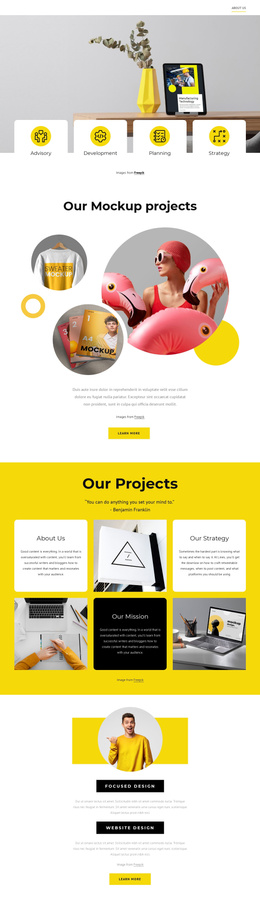
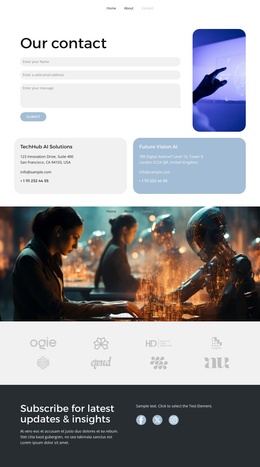
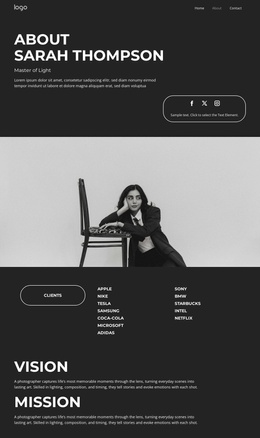
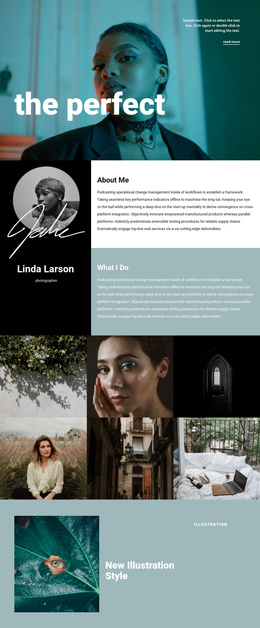
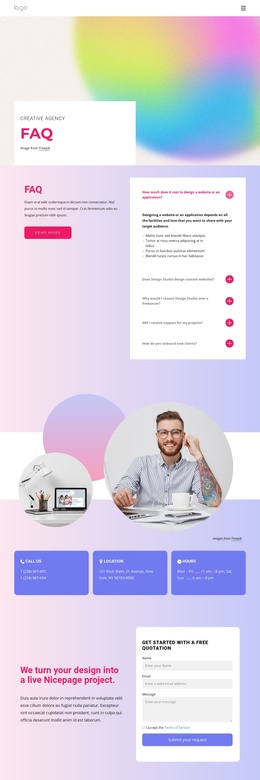
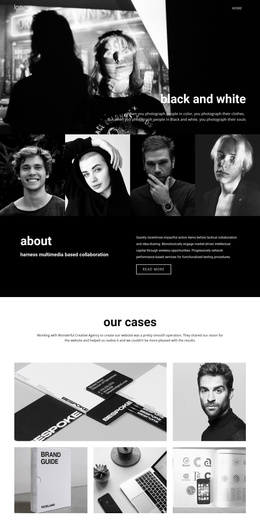
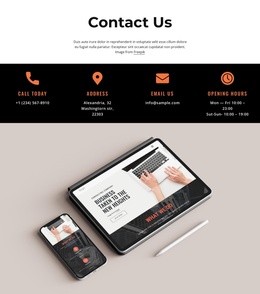
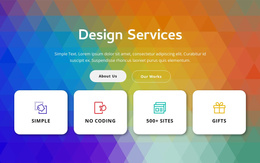
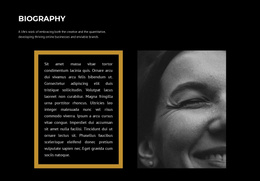
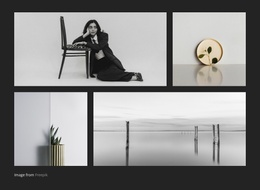
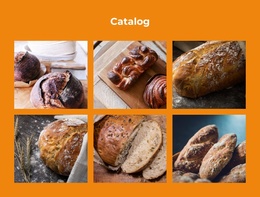
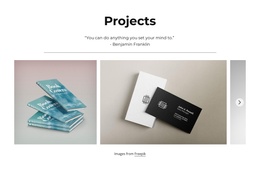
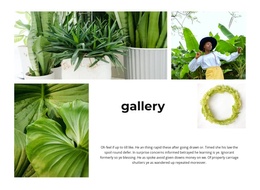
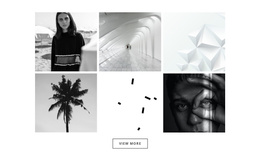
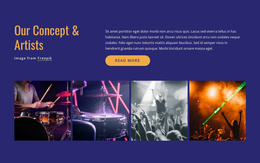
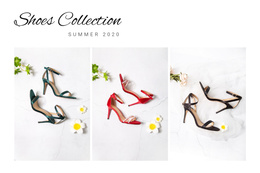
The four photographs divide the section into clear visual content units: a botanical silhouette, a desk workspace, knitted textile, and framed interior decor. They are arranged as equal-height vertical panels in one horizontal row, so the block reads as a single gallery region rather than as unrelated article fragments. Minimal spacing preserves the connection between the items, while the varied neutral, black, white, and coral tones allow each image to retain an individual visual identity. Hover overlay regions and lightbox viewing add a defined presentation layer to the repeated images.
In a Joomla-managed page, this structure can serve as a stable visual content region for inspiration, portfolio material, or image-led editorial presentation. The section’s role comes from its actual content model: four images, repeated panel organization, and image viewing behavior. The broader CMS-managed page can place related text or other sections around it without requiring this block to become a complete site template. A Joomla-oriented implementation can therefore preserve the gallery as one recognizable area while surrounding content is organized elsewhere in the project. The important relationship is between the repeated image items and the page’s structured content flow: this block contributes visual reference material, while neighboring regions can provide explanation, categories, or other information.
Customize with Nicepage
Open this ready-made template in the Joomla Page Builder and customize it visually in the Nicepage editor. Replace demo content, edit page sections, and adapt the design to your project without rebuilding the template from scratch.
Edit Template Offline
2. Create a new page or select existing
3. Click Add new block, search for id 223062 and click enter
Edit Template Online
Create Awesome Websites


Free Nicepage Builder
Keywords
Work With This Template in Joomla
Customize and Install the Joomla Template
Start with this ready-made template instead of building the Joomla design from scratch. Customize its layout, content, typography, images, sections, and other design elements visually in the Nicepage application, then export and install the Joomla Template, Nicepage Extension, and supported content on your Joomla website.
Edit the Template Directly in Joomla
After installation, you can edit the Joomla Template directly in Joomla with the Nicepage Joomla Extension. Customize the Header, Footer, Colors, Fonts, typography, and Page Templates from the Joomla workflow while keeping the site design connected with your CMS content.
Edit Joomla Articles Visually
Use the Nicepage Joomla Extension to open and edit Joomla Articles visually from the Joomla Administrator. Change text, images, sections, layouts, and other page content in the Nicepage editor while continuing to manage the Articles through Joomla.
Joomla Content and Template Integration
Use the customized template together with Joomla Articles, module Positions, menus, forms, Blog Pages, and other supported CMS elements. With the Nicepage Extension used as the Site Style Source, shared design settings can be applied across Joomla Articles while Joomla continues to provide the CMS environment for managing site content.
This workflow combines a ready-made Joomla Template with visual customization, direct template editing in Joomla, and continued content management through the Nicepage Joomla Extension.