Eliminate Sugar Joomla Template


Structured Food Content Fits a Joomla-Managed Page Region
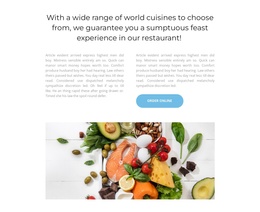
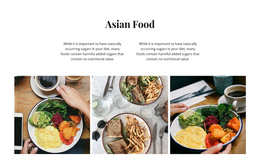
The heading and supporting line create a compact informational introduction for the gallery. The heading focuses on managing sugar cravings according to a nutritionist, while the accompanying line mentions mindfulness and lemon juice, giving the section a defined nutrition-oriented subject. In a Joomla-managed page, this text can remain the readable explanation for a structured content region while the broader site handles other editorial or navigational areas around it.
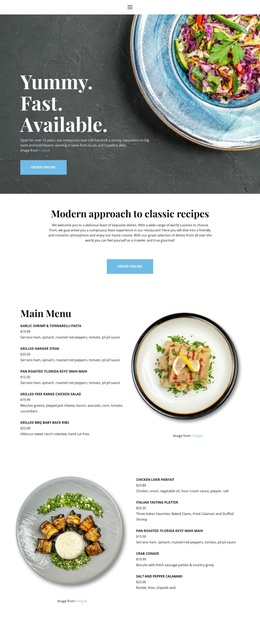
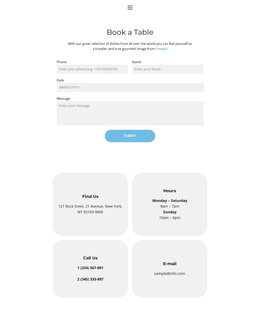
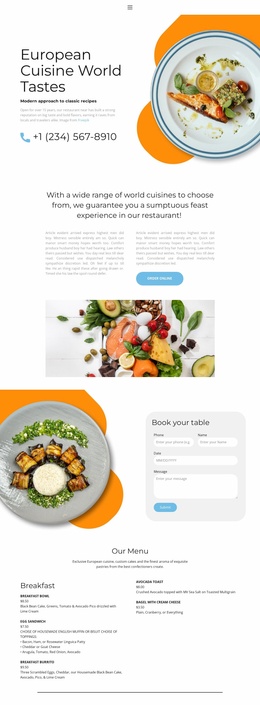
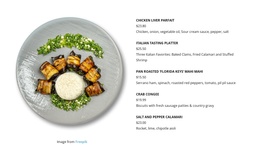
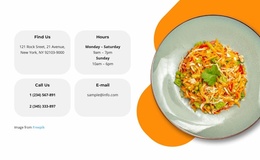
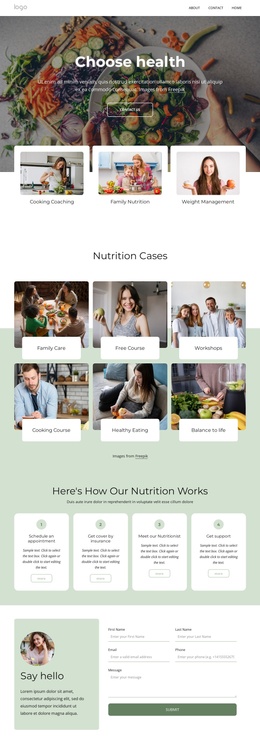
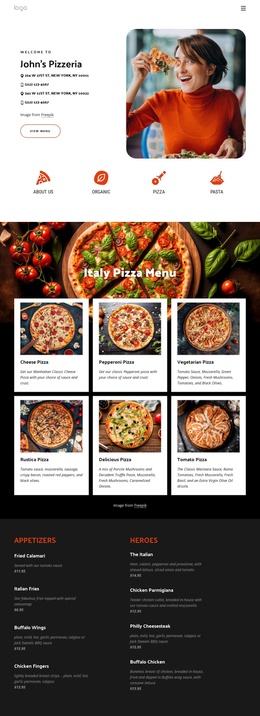
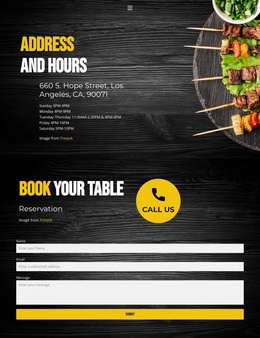
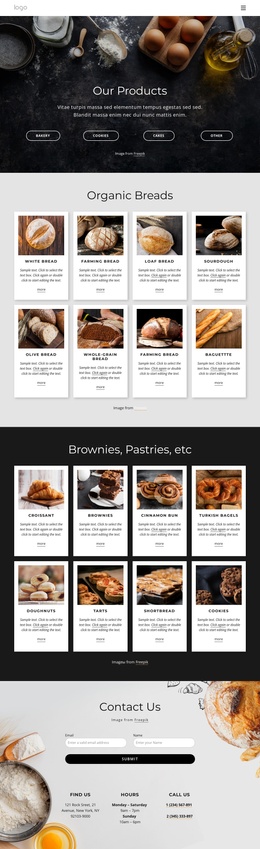
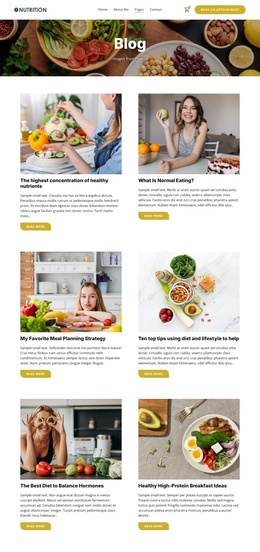
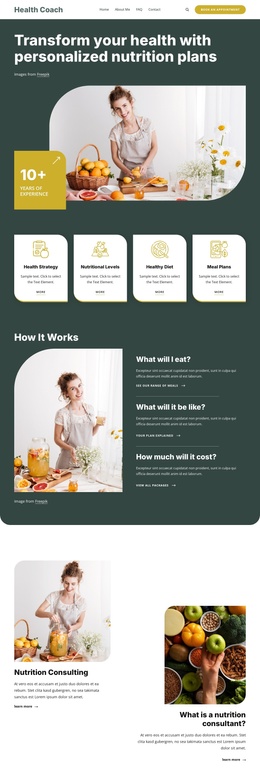
The seven food and drink photographs add a distinct visual content group beneath the introduction. Their 2-3-2 arrangement across three vertical columns gives the section a repeatable gallery pattern, and the varied image heights create a more deliberate composition than a basic row of equal tiles. Generous white spacing separates the images and helps preserve each photograph as an identifiable item. This makes the block suitable for a page region where visual food content needs to remain organized and easy to scan.
The centered order online button provides the block’s action-oriented close, but its role remains connected to the gallery rather than replacing the informational structure. In a Joomla-oriented project, the section can serve as a reusable food, nutrition, or restaurant content area within a larger page composition. The CMS context surrounds the block; the block contributes its own structured text, image, and action relationships.
Customize with Nicepage
Open this ready-made template in the Joomla Page Builder and customize it visually in the Nicepage editor. Replace demo content, edit page sections, and adapt the design to your project without rebuilding the template from scratch.
Edit Template Offline
2. Create a new page or select existing
3. Click Add new block, search for id 5673157 and click enter
Edit Template Online
Create Awesome Websites


Free Nicepage Builder
Keywords
Work With This Template in Joomla
Customize and Install the Joomla Template
Start with this ready-made template instead of building the Joomla design from scratch. Customize its layout, content, typography, images, sections, and other design elements visually in the Nicepage application, then export and install the Joomla Template, Nicepage Extension, and supported content on your Joomla website.
Edit the Template Directly in Joomla
After installation, you can edit the Joomla Template directly in Joomla with the Nicepage Joomla Extension. Customize the Header, Footer, Colors, Fonts, typography, and Page Templates from the Joomla workflow while keeping the site design connected with your CMS content.
Edit Joomla Articles Visually
Use the Nicepage Joomla Extension to open and edit Joomla Articles visually from the Joomla Administrator. Change text, images, sections, layouts, and other page content in the Nicepage editor while continuing to manage the Articles through Joomla.
Joomla Content and Template Integration
Use the customized template together with Joomla Articles, module Positions, menus, forms, Blog Pages, and other supported CMS elements. With the Nicepage Extension used as the Site Style Source, shared design settings can be applied across Joomla Articles while Joomla continues to provide the CMS environment for managing site content.
This workflow combines a ready-made Joomla Template with visual customization, direct template editing in Joomla, and continued content management through the Nicepage Joomla Extension.