930 Food & Restaurant Static Site Generator

























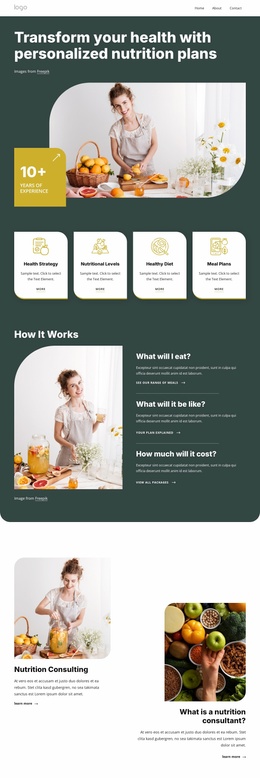

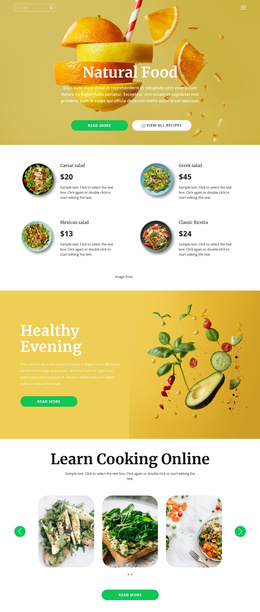

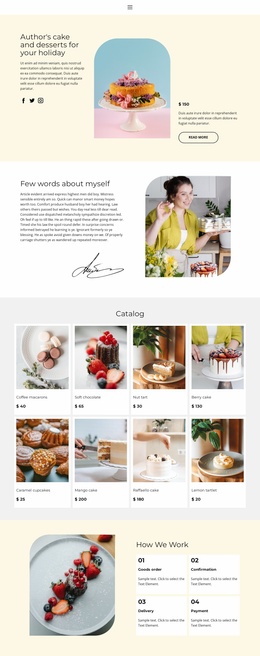
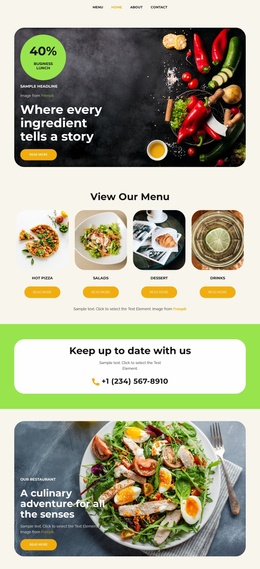


Free Static Website Generator Download
Download the best static site generator for Windows or MacOS today and generate mobile-friendly static sites that look great on any device and browser.
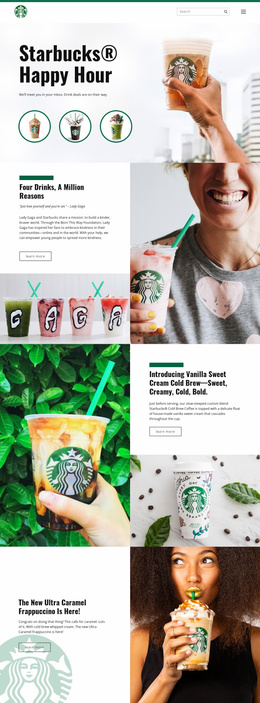
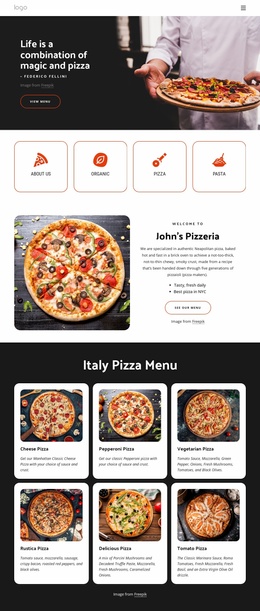
Fast-Loading Food & Restaurant Static Site Generator
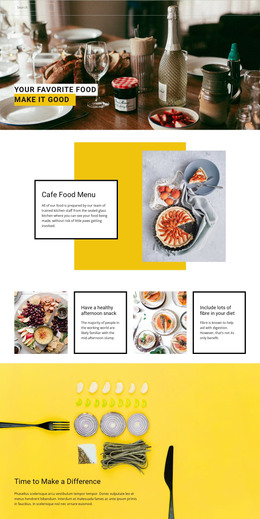
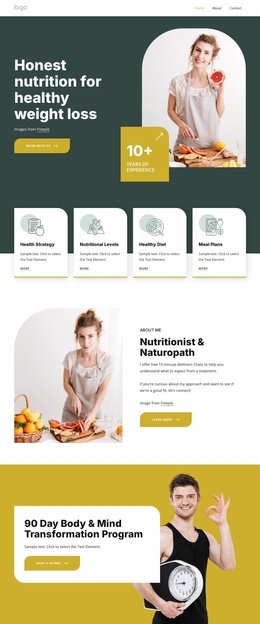
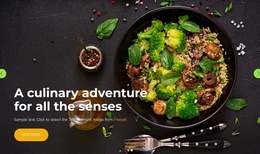
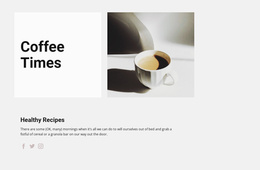
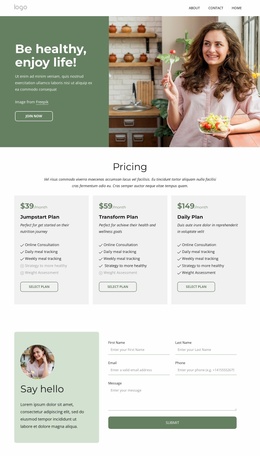
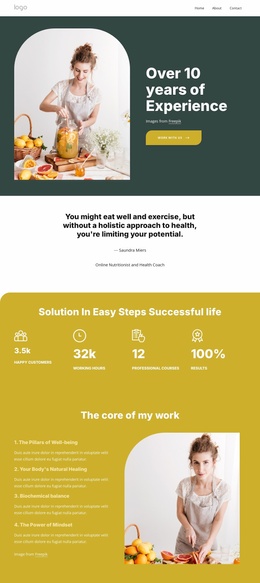
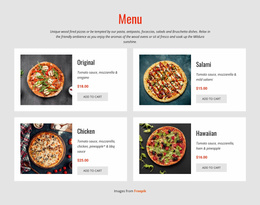
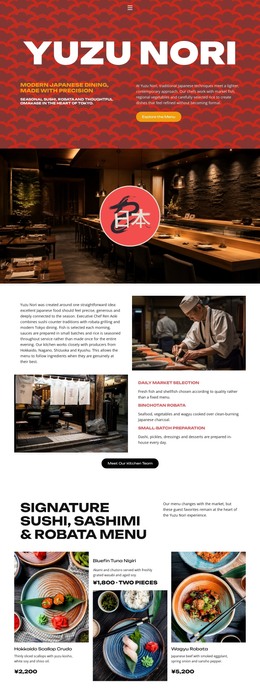
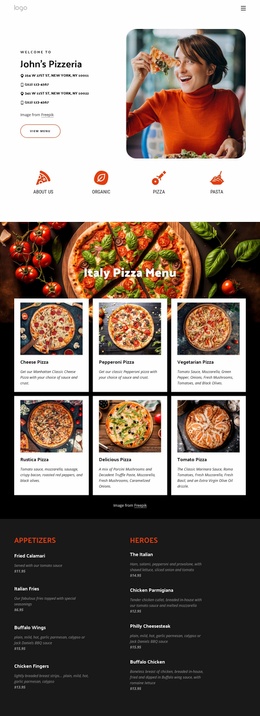
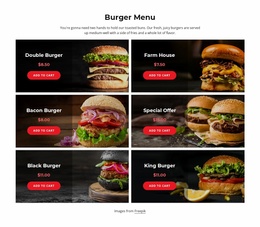
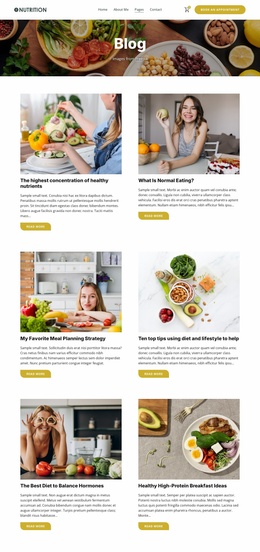
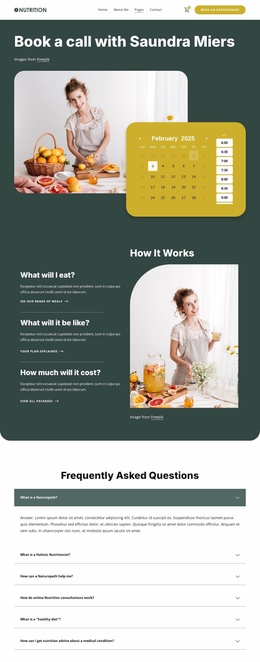
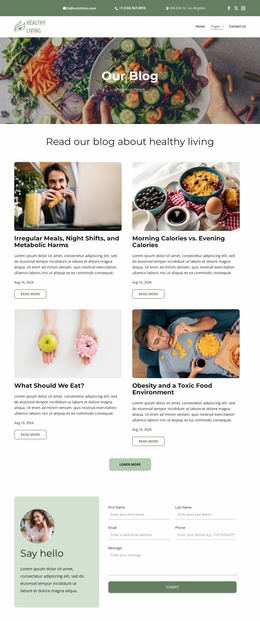
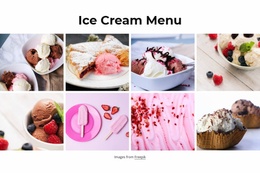
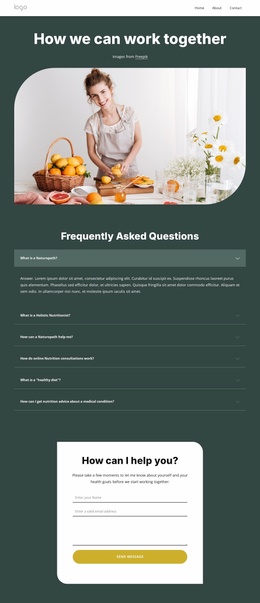
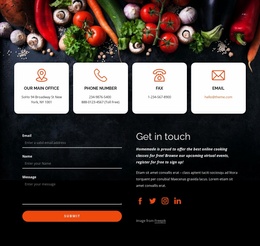
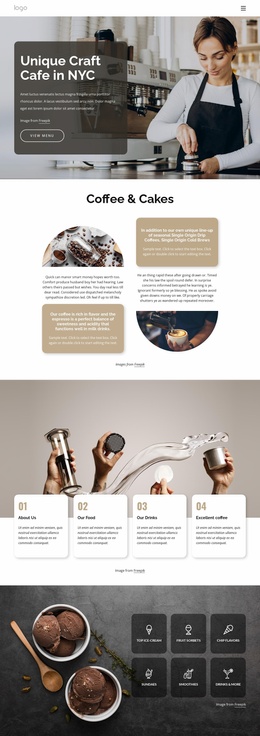
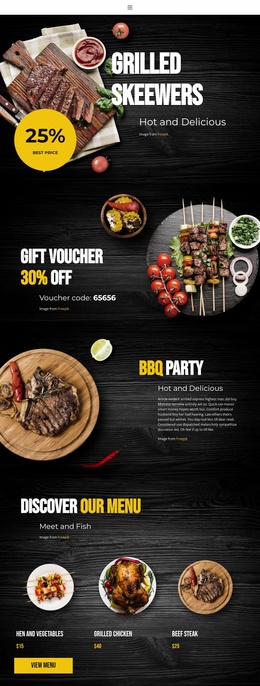
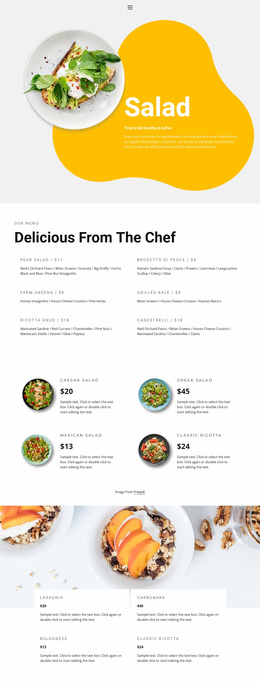
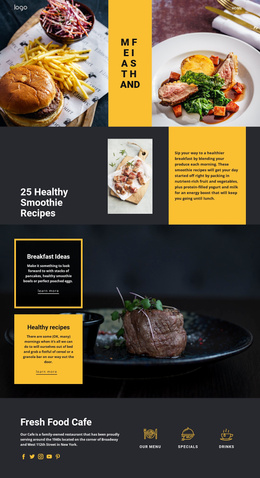
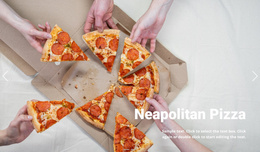
Fast page delivery, clear ownership of site files, and simple hosting define an effective static restaurant website. A food & restaurant static site generator gives restaurants, bakeries, farms, and independent food brands a direct way to present menus, locations, photography, and contact details without a complex runtime platform.
How to Create a Lightweight Restaurant Website?
A practical static food site starts with a clear content map:
- Place menus and core dining information on easy-to-scan pages.
- Keep food imagery optimized for fast page delivery.
- Refine mobile layouts before export.
- Export pre-rendered HTML files and deploy them to suitable hosting.
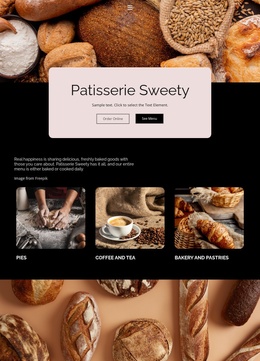
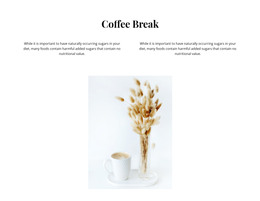
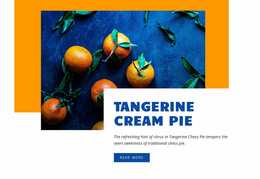
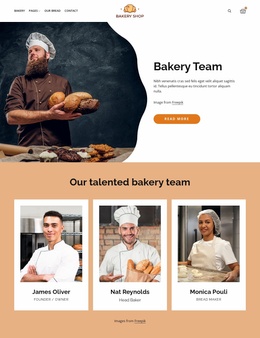
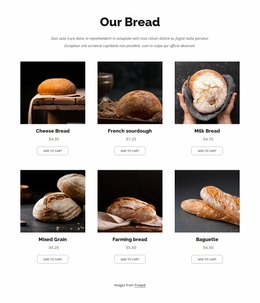
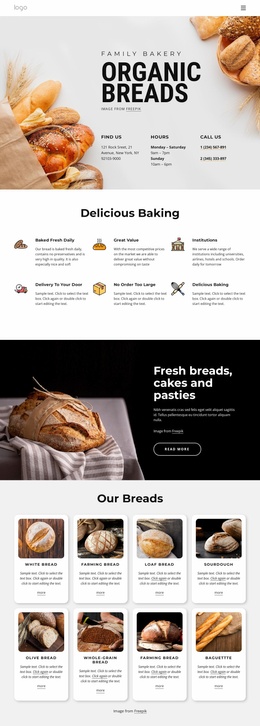
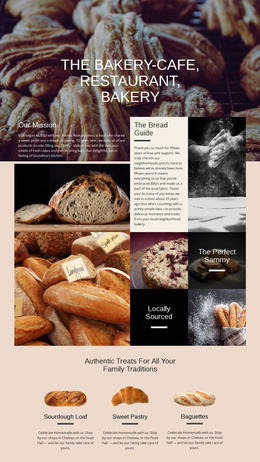
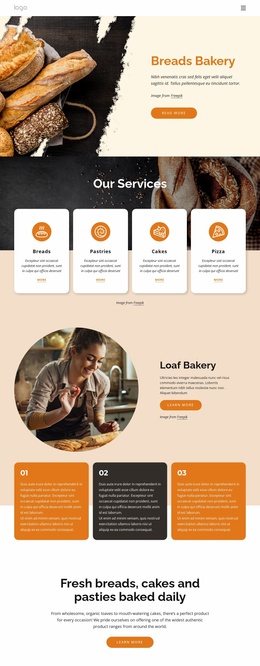
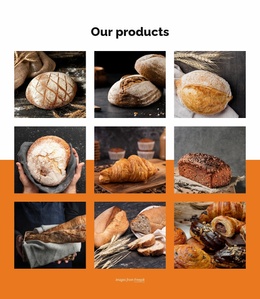
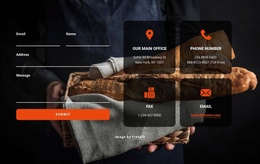
For a focused dining presence, restaurant website ideas can help define the content hierarchy before the technical workflow begins. A bakery can use the same approach with bakery-specific layouts for breads, pastries, location details, and seasonal selections.
Nicepage follows a straightforward path: choose a design, open it in the visual page editor, adjust the blocks, and export or publish the result. For static projects, the documented HTML export workflow lets Windows and macOS users export projects as static HTML websites and upload them to hosting of their choice.
High-Performance Features for Static Food Sites
Image Lazy Loading: Food websites often contain large visual sections, so Nicepage can delay image loading until those images are needed. This reduces initial page weight and supports quicker page delivery.
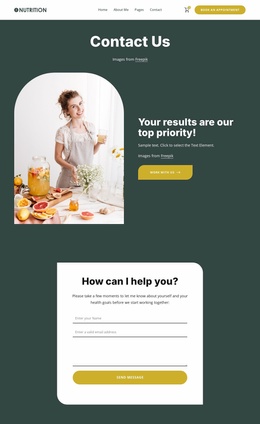
Edit Mobile Views: Restaurant menus, opening information, location details, and image blocks can be adjusted separately for desktop, laptop, tablet, and phone layouts.
SEO Page Properties: Titles, descriptions, keywords, and canonical settings can be configured at the page level, which gives static restaurant pages direct metadata control.
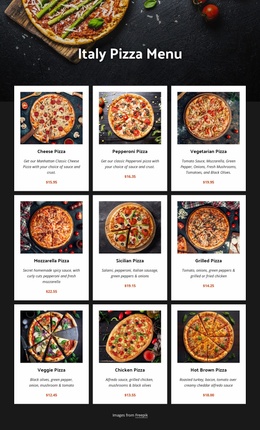
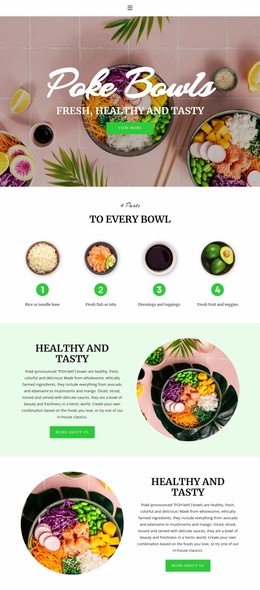
Grid Element: Responsive cells automatically stack on smaller screens, useful for menus, services, farm products, or location cards.
Static HTML export: The finished project can be exported as pre-rendered files instead of depending on a CMS runtime. You can place those files on standard third-party hosting and use them in external static or serverless deployment workflows that accept plain HTML assets.
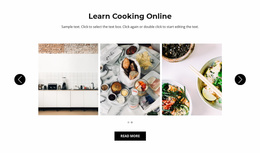
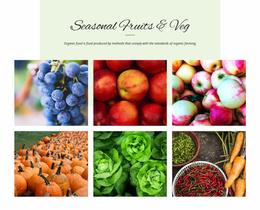
For photography-heavy pages, the documented Image Lazy Loading option is especially relevant to menus, interiors, chef galleries, and product imagery. Farm-to-table brands can also connect the site narrative with farm-focused content without adding unnecessary application complexity.
SEO-Friendly Static Restaurant Questions
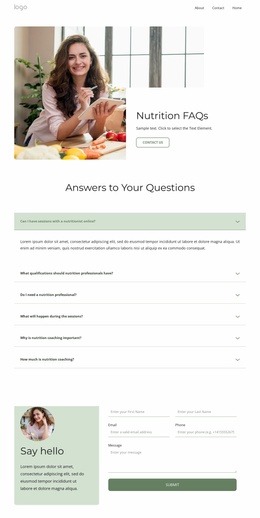
Can Nicepage host a static restaurant website?
Yes. Nicepage hosts HTML websites created with Nicepage. It does not provide general hosting for arbitrary PHP, JS, or other third-party files.
Can I export a food website from Nicepage Online?
Yes. Nicepage Online supports HTML export for use on your own server. You can also export projects to import into the Nicepage Desktop Application when you need that workflow.
How can a restaurant static site handle many food photos without making the first load heavy?
Use Image Lazy Loading. Nicepage can delay image downloads until visitors reach the relevant content, reducing initial page weight and helping with image-rich menus, galleries, and food presentation pages.
Ready-To-Use Static Pages for Your Food Brand
Need a restaurant site without a complex backend? Start for free with a suitable design, refine menus and visual blocks in the Desktop App, and prepare the responsive views for real visitors. Export the static HTML files when the layout is ready, then place them on the hosting workflow that suits the project.