Healthy organic food Website Template


Edit Template Offline
2. Create new page and search for id 536788
Edit Template Online
Create Awesome Websites


Free Nicepage Builder
Keywords
Menu Categories and Shared Regions Establish a Restaurant Site Foundation
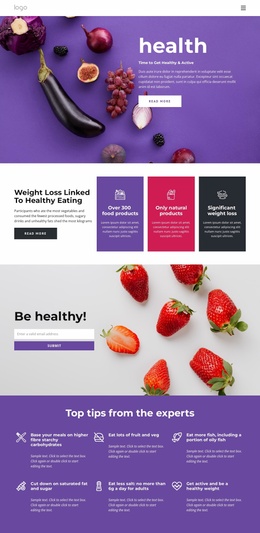
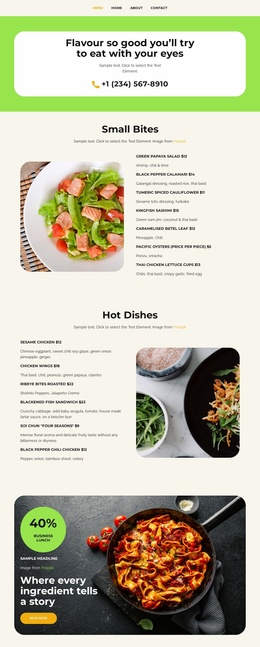
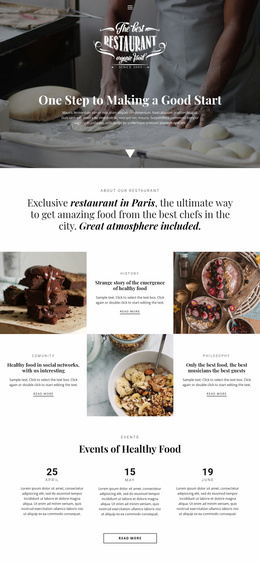
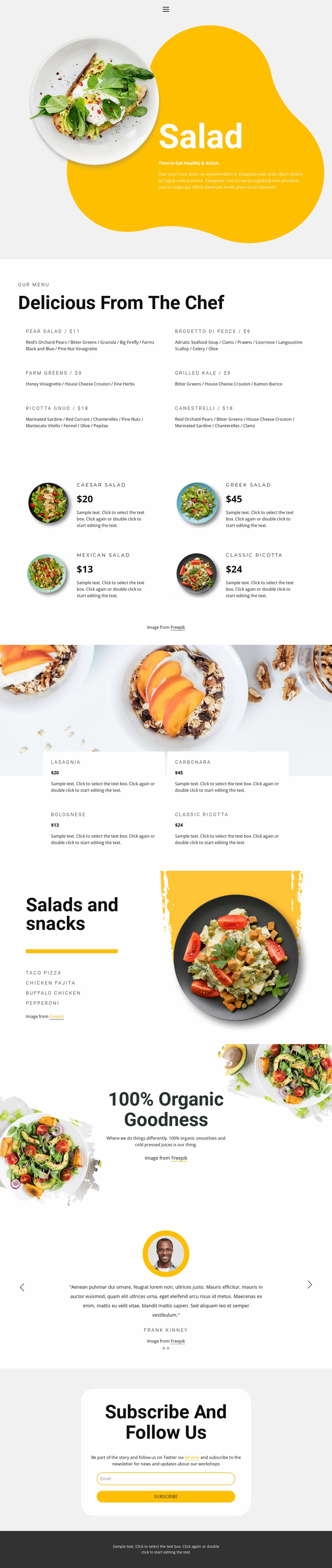
The page already identifies several major content areas that a broader restaurant website could build around. The salad hero establishes the food direction, the six-item chef menu supplies detailed menu content, and the separate salad and pasta collections create recognizable product categories. The salads-and-snacks section adds another menu grouping, while the organic drinks promotion extends the offer to smoothies and cold-pressed juices. Together, these areas form more than a single visual statement; they suggest an information structure for food, drinks, and featured items.
The two testimonial slides provide a reusable customer-focused region, and the newsletter subscription panel introduces an audience-retention area at the end of the page. Navigation and mobile navigation establish the access layer, while the dark footer provides a shared closing region. These components could guide related pages for menus, food categories, restaurant information, or subscriptions while keeping the same visual direction.
The analysis verifies one page, not a complete multi-page site or a confirmed Design Set. Therefore, the appropriate website-template interpretation is that this design offers a foundation for expanding a restaurant project, not that it already contains additional finished pages. The sample prices, testimonials, names, and menu values are placeholders that demonstrate content structure. Their role is to show how recurring food and communication areas could be organized as the wider site develops.
Customize with Nicepage
Open this ready-made template in the Website Template Builder and customize it visually in the Nicepage editor. Replace demo content, edit page sections, and adapt the design to your project without rebuilding the template from scratch.
Build a Complete Website From This Template
Customize the Website Visually
Use this ready-made website template as a starting point for your project and adapt its pages visually in Nicepage. Change content, images, typography, navigation, sections, and other design elements while keeping the website together as a single editable project.
Manage Website Pages in One Project
Use the Pages panel to open, add, duplicate, and manage the pages of your website. Work on individual pages while keeping navigation and the overall site structure accessible from the same project, making it easier to develop a complete website instead of managing separate page files.
Expand the Website With Matching Designs
When you need additional pages or sections, use Page Design Sets to find Page and Block Designs created in the same visual style. Design Sets group matching designs together, making it easier to expand the website with new content while maintaining a consistent look across its pages and sections.
Organize Larger Multi-Page Websites
As the website grows, use Page Folders to organize related pages and keep larger multi-page projects easier to navigate in the editor. This is especially useful for websites with separate service pages, company information, contacts, landing pages, and other content areas.
This workflow makes the template a practical foundation for building and expanding a complete website while managing its pages, content, and visual design within one Nicepage project.