Good mood good food Website Template


Edit Template Offline
2. Create new page and search for id 14548
Edit Template Online
Create Awesome Websites


Free Nicepage Builder
Keywords
Sourcing, Categories, and Recipes Establish a Broader Site Foundation
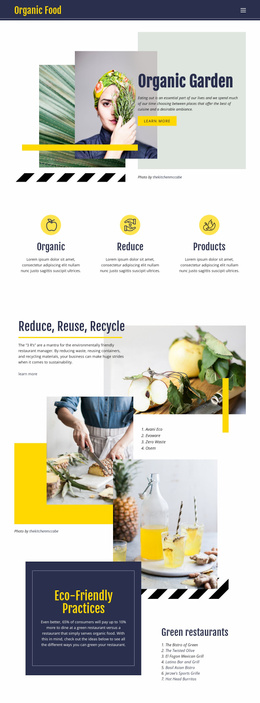
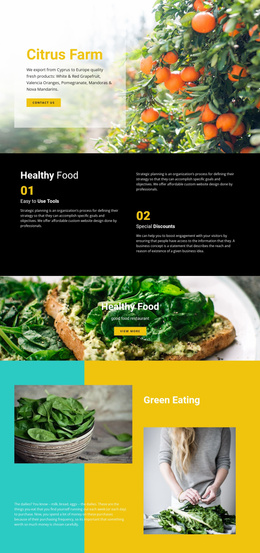
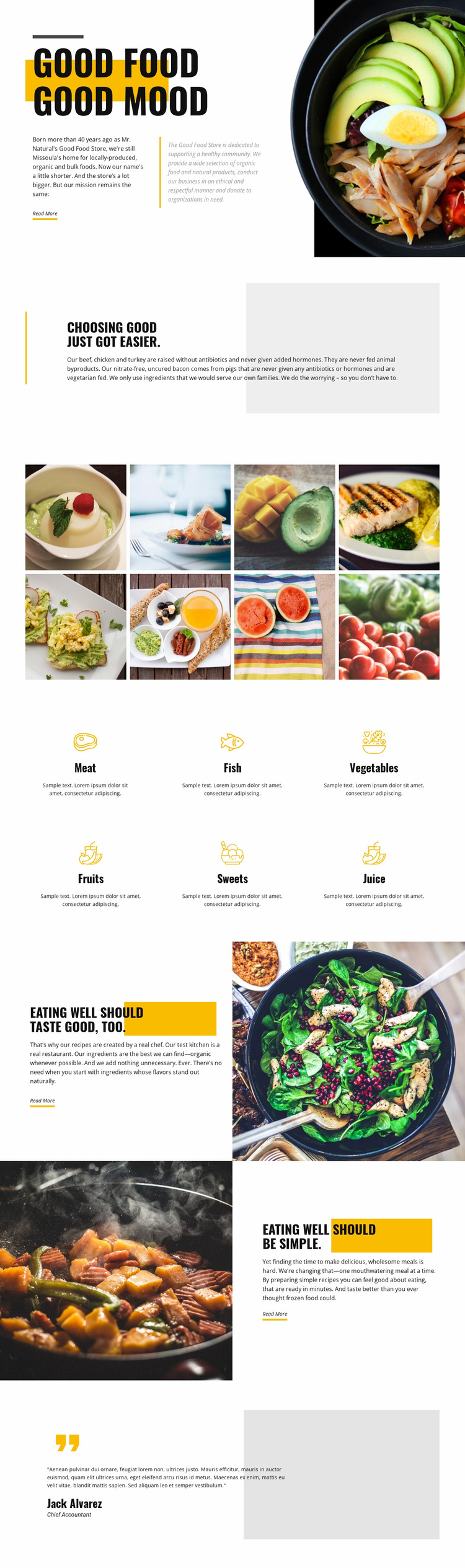
The design already separates several content subjects that a food-brand website may need to explain. The opening introduces the Good Food Store identity and its food philosophy, while the quality section gives space to locally produced, organic, and bulk selection claims and to the stated meat standards. The eight-image gallery can represent a major visual content area, and the six category items define a simple organization for meat, fish, vegetables, fruits, sweets, and juice.
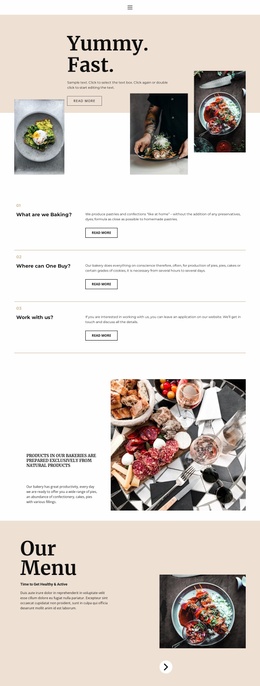
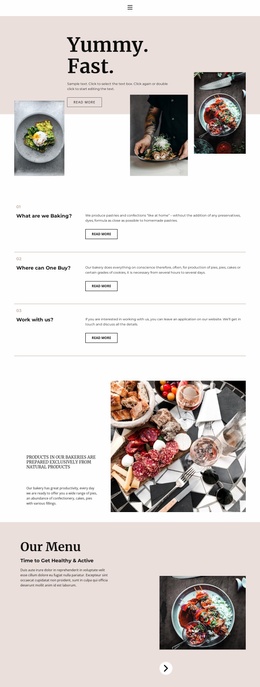
The recipe and convenience sections add two further directions for project growth. One discusses chef-created recipes and the use of organic ingredients whenever possible; the other presents quick, wholesome meals through a reversed split composition. These areas could inform additional recipe, meal, or product-focused pages when the project supplies that content, but the template itself should not be described as already containing a multi-page website. Its verified contribution is the set of defined content areas and the visual relationships connecting them.
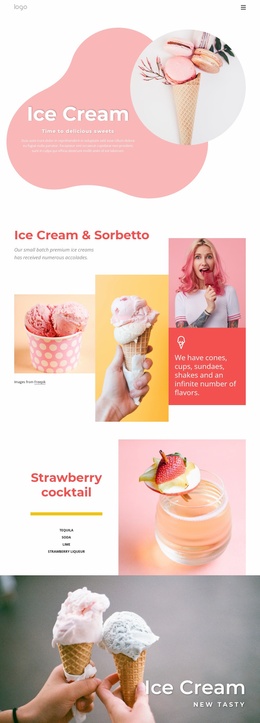
The Missoula location, sourcing message, category coverage, food photography, and customer-style closing panel together give a broader project a useful starting information architecture. New pages could follow the same heading treatment, image handling, category motif, or editorial split pattern. In that sense, the design provides more than a single styled opening: it establishes recognizable content categories and a visual foundation that can guide future website expansion.
Customize with Nicepage
Open this ready-made template in the Website Template Builder and customize it visually in the Nicepage editor. Replace demo content, edit page sections, and adapt the design to your project without rebuilding the template from scratch.
Build a Complete Website From This Template
Customize the Website Visually
Use this ready-made website template as a starting point for your project and adapt its pages visually in Nicepage. Change content, images, typography, navigation, sections, and other design elements while keeping the website together as a single editable project.
Manage Website Pages in One Project
Use the Pages panel to open, add, duplicate, and manage the pages of your website. Work on individual pages while keeping navigation and the overall site structure accessible from the same project, making it easier to develop a complete website instead of managing separate page files.
Expand the Website With Matching Designs
When you need additional pages or sections, use Page Design Sets to find Page and Block Designs created in the same visual style. Design Sets group matching designs together, making it easier to expand the website with new content while maintaining a consistent look across its pages and sections.
Organize Larger Multi-Page Websites
As the website grows, use Page Folders to organize related pages and keep larger multi-page projects easier to navigate in the editor. This is especially useful for websites with separate service pages, company information, contacts, landing pages, and other content areas.
This workflow makes the template a practical foundation for building and expanding a complete website while managing its pages, content, and visual design within one Nicepage project.