

Menu Static Site Generator
Restaurant menus with predictable content do not always need a database-driven website. Static site generation offers a file-based publishing approach for food categories, prices, and restaurant information, with hosting and maintenance needs that differ from those of dynamic platforms.
More Website & HTML Templates for Menu
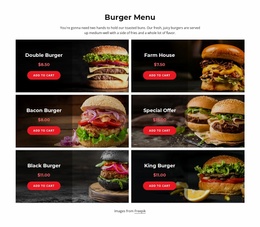
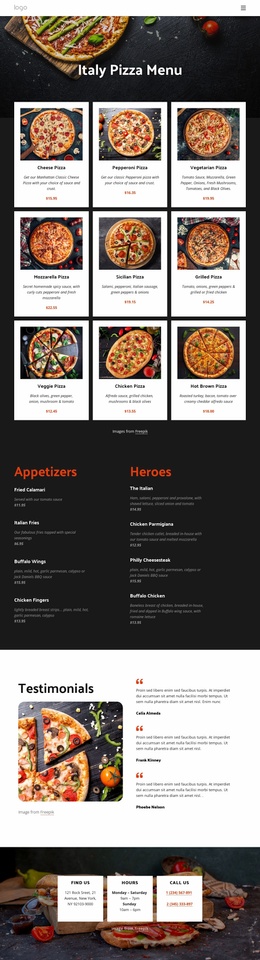

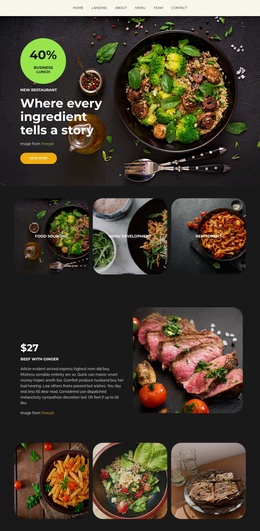
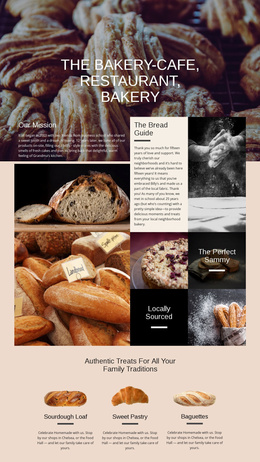

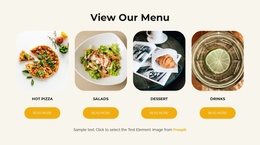
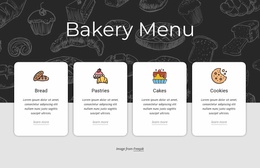
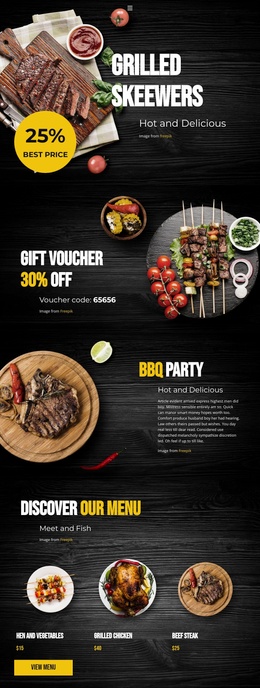
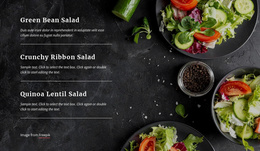

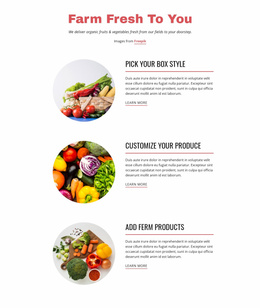
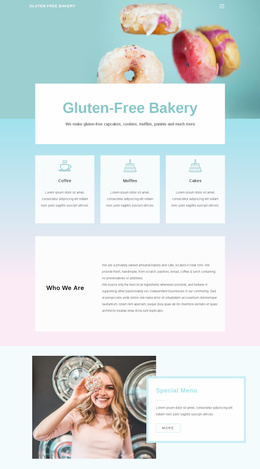
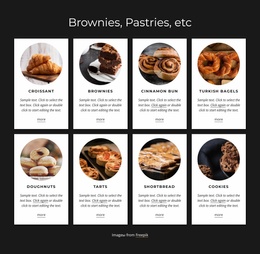

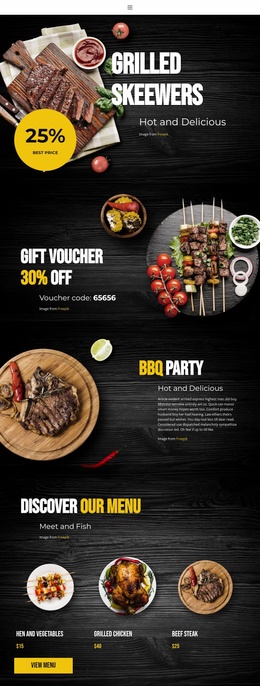


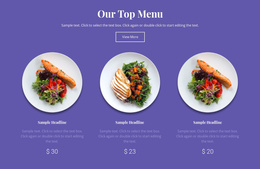
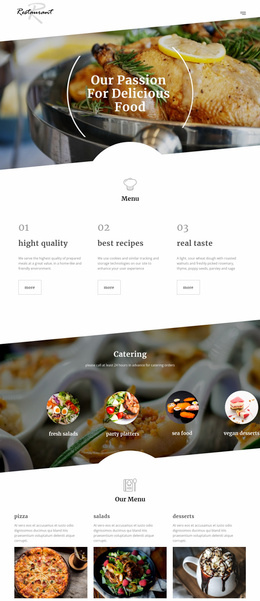
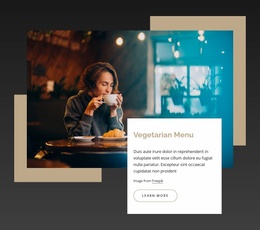
























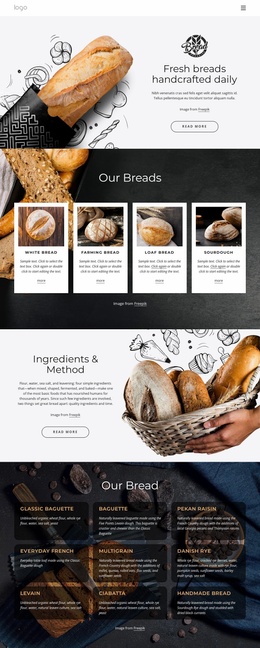

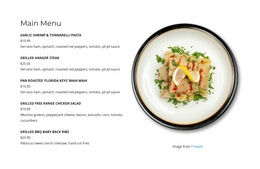
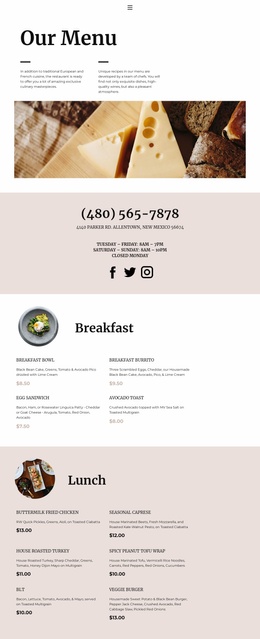





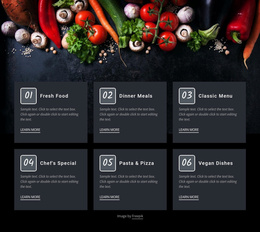

Other Food & Restaurant Static Site Generator
Menu Static Site Generator for Restaurant Publishing
Restaurants with relatively stable food selections can publish their menus as static web pages without generating each page from a database on every request. A menu static site generator workflow can turn source content and templates into deployable HTML files. This approach suits teams that prefer predictable publishing and have a clear process for updating menus when prices or seasonal dishes change.
Static Restaurant Menu Websites and Hosting
Static websites serve prepared HTML, CSS, JavaScript, and images from a hosting service. A full static site generator such as Hugo or Eleventy typically builds pages from source files and reusable templates. Nicepage HTML Export is different: it exports a visually created website as files. Still, it should not be described as an equivalent automated SSG build system or as providing reusable SSG partials.
Both approaches can produce files suitable for static hosting, but their editing and publishing processes differ. With an SSG, a team may change structured menu data and rebuild the site. With Nicepage, the team can edit the original visual project and export updated files. Direct changes to deployed HTML are another possible workflow, but they do not automatically update the source project.
Prepare Menu Files for Publication
Before deployment, verify the menu categories, prices, descriptions, and image assets. Check internal links between the menu, location, and contact pages. Relative paths such as images/dessert.jpg depend on the page's directory structure, while root-relative paths depend on the hosting setup. A file that displays correctly in one folder may lose its images after you move it.
Static hosting removes the need for per-request server-side menu rendering, but it does not guarantee fast pages. Large photographs, unnecessary scripts, and poor asset caching can still slow down the site.
Update and Deploy a Seasonal Restaurant Menu
Imagine a restaurant replacing its summer selection with an autumn menu. First, update the authoritative source: change two prices, remove an unavailable seafood dish, add a pumpkin starter, and replace the corresponding photographs. Next, regenerate or export the website files according to the chosen workflow. Before publishing, review the new pages on desktop and mobile, verify image paths, and test links to contact or reservation destinations.
Deploy the revised files to the hosting service, then confirm that the public pages show the latest prices and that cached assets are refreshed when necessary. Keep a backup or version history so an accidental menu change can be reversed.
You can use Nicepage HTML Export to prepare the updated restaurant menu files for hosting. An SSG has its own build and deployment commands, which must be configured separately. This distinction matters for ongoing maintenance.
Choose a Maintainable Static Publishing Workflow
Static delivery is a good fit for restaurant information that changes periodically and can be republished as files. Live inventory, online ordering, and real-time table availability generally require external services or additional application functionality.
The key question is not only whether the menu can be exported, but how reliably the team can update its source, rebuild or re-export files, verify links and assets, and publish the next version.