Confectionery workshop Website Template



Edit Template Offline
2. Create new page and search for id 3214938
Edit Template Online
Create Awesome Websites


Free Nicepage Builder
Keywords
Course information areas that can anchor a broader website
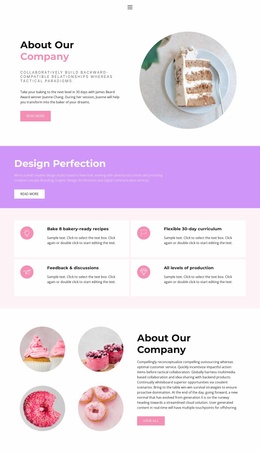
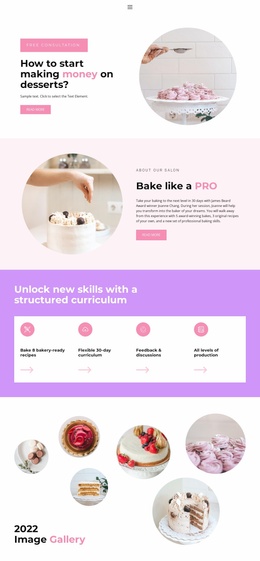
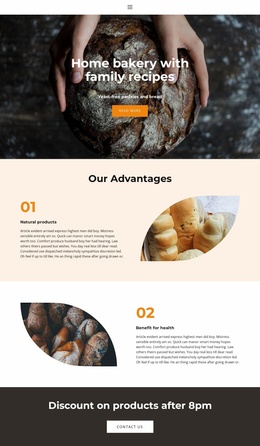
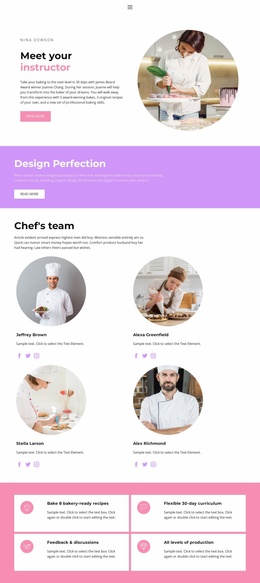
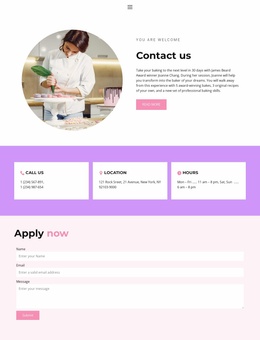
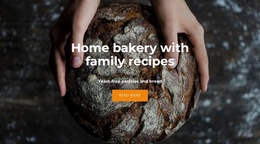
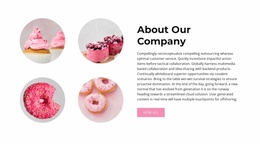
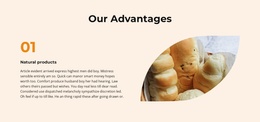
The design already separates the main content categories a baking education project needs. The opening and About Us sections establish the course context, while the four curriculum cards and three skills columns divide teaching information into short overview and deeper topic areas. The six-image gallery provides a dedicated place for baking imagery, and the instructor section creates a separate content area for the person presenting or supporting the course. These regions form a useful information foundation even though the verified design is a single page rather than a confirmed multi-page site.
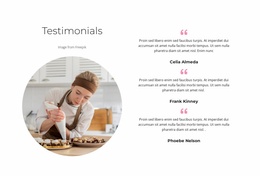
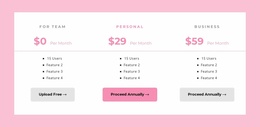
The lower sequence adds commercial and response-oriented areas without losing the educational structure. Three package cards give the project a defined place for course options, the testimonial supplies a separate proof area, and the Apply now form closes the current page with an enrollment interaction. A broader website could use the same categories as a guide for related pages, such as expanded curriculum information, instructor details, or additional course material, but those additional pages are not included in the verified template. The repeated circular imagery, pastel backgrounds, and bold headings can provide continuity as content areas grow. In that sense, the template works as a project foundation because it supplies both a clear subject structure and a visual system for organizing future course content.
Customize with Nicepage
Open this ready-made template in the Website Template Builder and customize it visually in the Nicepage editor. Replace demo content, edit page sections, and adapt the design to your project without rebuilding the template from scratch.
Build a Complete Website From This Template
Customize the Website Visually
Use this ready-made website template as a starting point for your project and adapt its pages visually in Nicepage. Change content, images, typography, navigation, sections, and other design elements while keeping the website together as a single editable project.
Manage Website Pages in One Project
Use the Pages panel to open, add, duplicate, and manage the pages of your website. Work on individual pages while keeping navigation and the overall site structure accessible from the same project, making it easier to develop a complete website instead of managing separate page files.
Expand the Website With Matching Designs
When you need additional pages or sections, use Page Design Sets to find Page and Block Designs created in the same visual style. Design Sets group matching designs together, making it easier to expand the website with new content while maintaining a consistent look across its pages and sections.
Organize Larger Multi-Page Websites
As the website grows, use Page Folders to organize related pages and keep larger multi-page projects easier to navigate in the editor. This is especially useful for websites with separate service pages, company information, contacts, landing pages, and other content areas.
This workflow makes the template a practical foundation for building and expanding a complete website while managing its pages, content, and visual design within one Nicepage project.