Bagels, buns, rolls, biscuits and loaf breads Website Template



Edit Template Offline
2. Create new page and search for id 4309158
Edit Template Online
Create Awesome Websites


Free Nicepage Builder
Keywords
Bakery Products and Service Areas Establish a Site Foundation
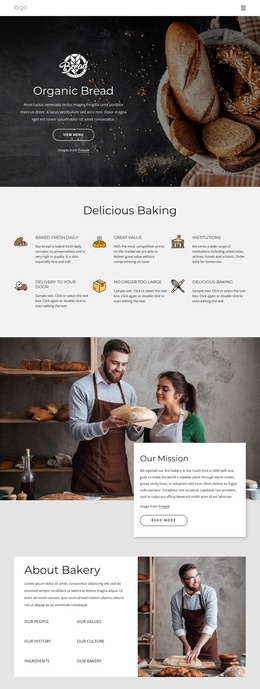
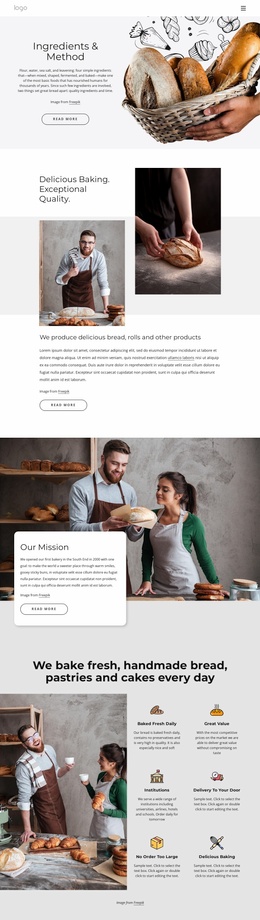
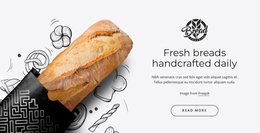
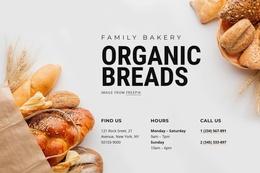
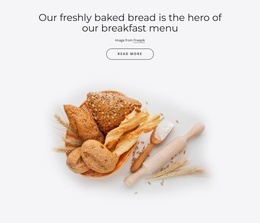
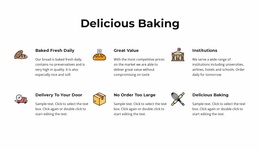
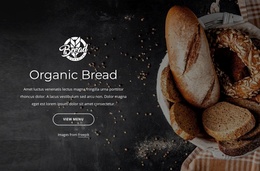
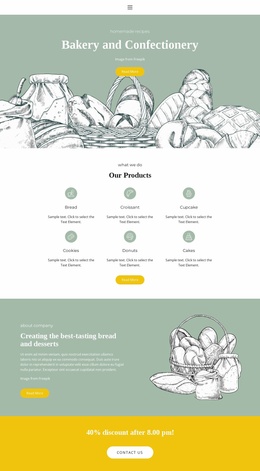
The Organic Bread hero gives the project a clear starting point by introducing the bakery and directing visitors toward the menu. Below it, six feature items define the main service areas: fresh daily baking, value, institutional customers, delivery to the door, large orders, and delicious baking. Together, these sections establish more than a single promotional message; they identify the practical subjects that a broader bakery website may need to explain.
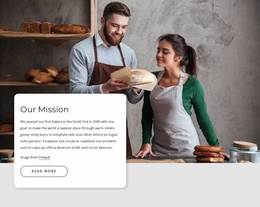
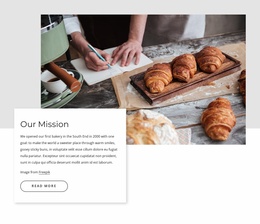
The mission and About Bakery sections add the organizational layer. Image-led mission cards connect the bakery’s purpose with its visual presentation, while the About Bakery panel separates people, values, history, culture, ingredients, and the bakery into recognizable information topics. Those topics can guide future page expansion or supporting content without requiring the existing page to claim that multiple finished pages are already included.
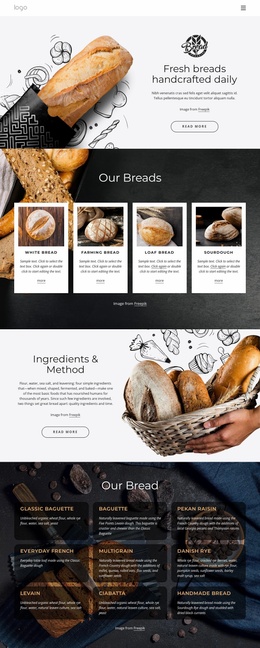
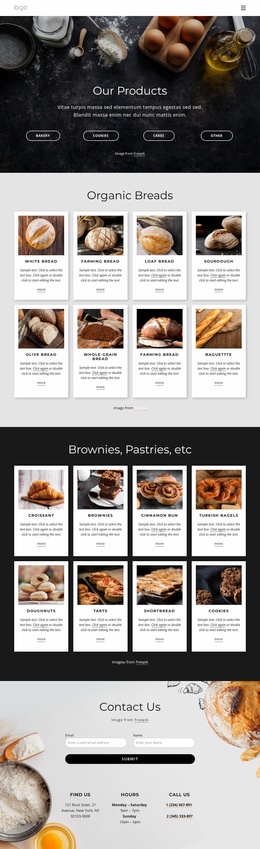
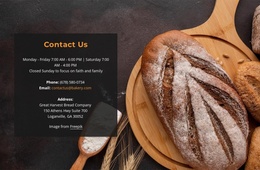
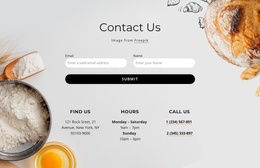
The Bakery Items area supplies a product-focused content category through six cards for baguette, sourdough bread, mixed grain, milk bread, brown bread, and Cinnabon. Images, descriptions, and displayed prices create a consistent basis for a menu or product page. At the end, the contact form, address, hours, and telephone information provide a practical business-contact area. Navigation links for Home, About Us, Menu, and Landing frame these content groups, making the design a useful website-project foundation that can grow around its existing bakery structure.
Customize with Nicepage
Open this ready-made template in the Website Template Builder and customize it visually in the Nicepage editor. Replace demo content, edit page sections, and adapt the design to your project without rebuilding the template from scratch.
Build a Complete Website From This Template
Customize the Website Visually
Use this ready-made website template as a starting point for your project and adapt its pages visually in Nicepage. Change content, images, typography, navigation, sections, and other design elements while keeping the website together as a single editable project.
Manage Website Pages in One Project
Use the Pages panel to open, add, duplicate, and manage the pages of your website. Work on individual pages while keeping navigation and the overall site structure accessible from the same project, making it easier to develop a complete website instead of managing separate page files.
Expand the Website With Matching Designs
When you need additional pages or sections, use Page Design Sets to find Page and Block Designs created in the same visual style. Design Sets group matching designs together, making it easier to expand the website with new content while maintaining a consistent look across its pages and sections.
Organize Larger Multi-Page Websites
As the website grows, use Page Folders to organize related pages and keep larger multi-page projects easier to navigate in the editor. This is especially useful for websites with separate service pages, company information, contacts, landing pages, and other content areas.
This workflow makes the template a practical foundation for building and expanding a complete website while managing its pages, content, and visual design within one Nicepage project.

Design Set (24)
-

-
-
-
-
-
-
-
-
-
-
-
-
-
-
-
Customize Any TemplateDownload
-
-
-
-