100 Wedding Static Site Generator
























Free Static Website Generator Download
Download the best static site generator for Windows or MacOS today and generate mobile-friendly static sites that look great on any device and browser.
Fast-Loading Wedding Static Site Generator
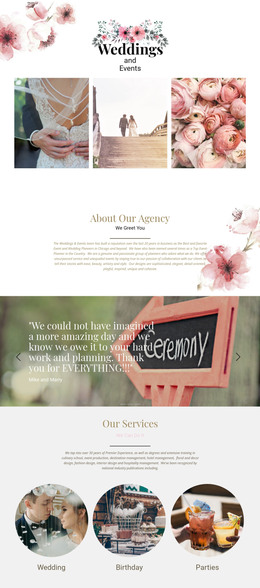
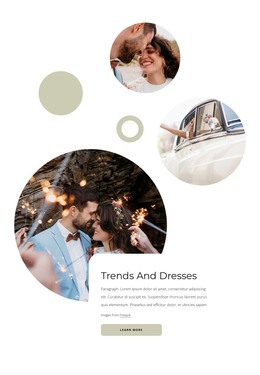
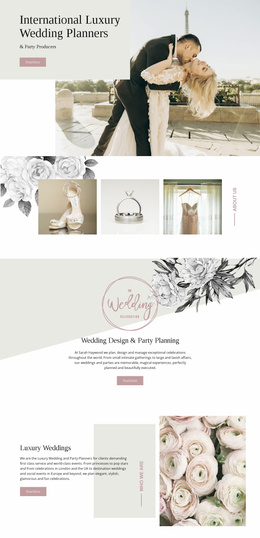
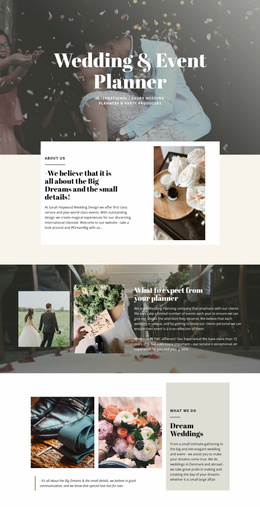
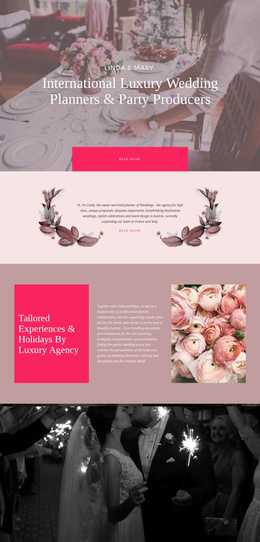
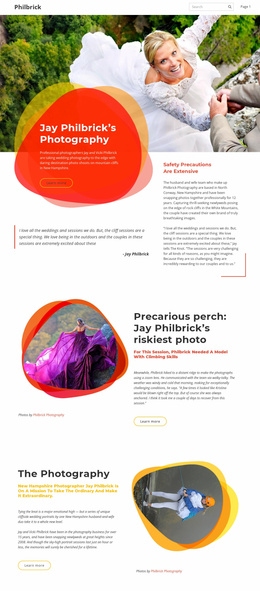
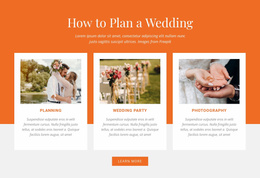
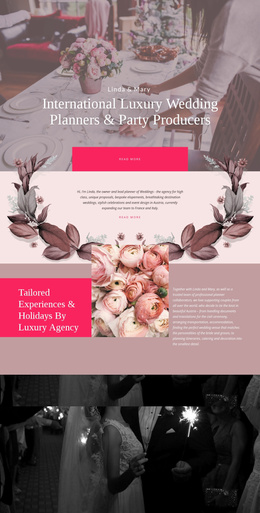
For couples, wedding planners, photographers, and venue teams, a wedding static site generator works especially well for a site with a defined event lifecycle. The project can launch months before the date, absorb a burst of mobile visits as guests recheck schedules and directions, serve essential information on the wedding day, and later become a lightweight photo archive. Because the finished pages are pre-rendered, teams can also keep sensitive guest details off public sections and limit what is published.
What Makes a Professional Wedding Static Website?
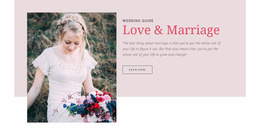
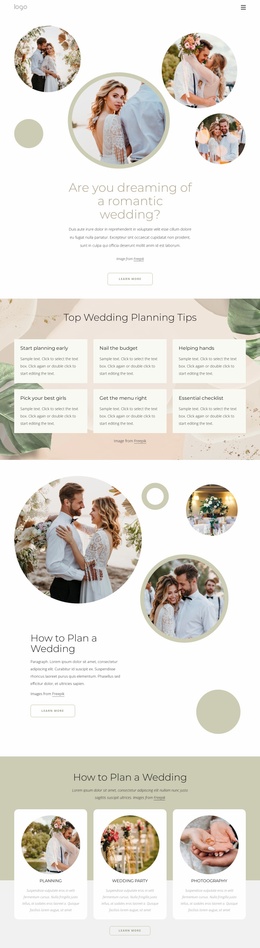
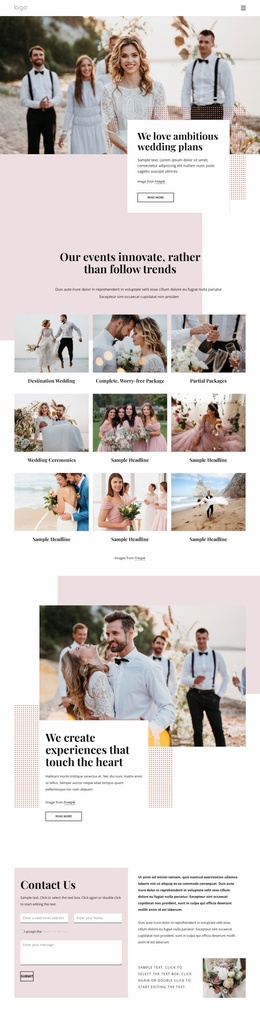
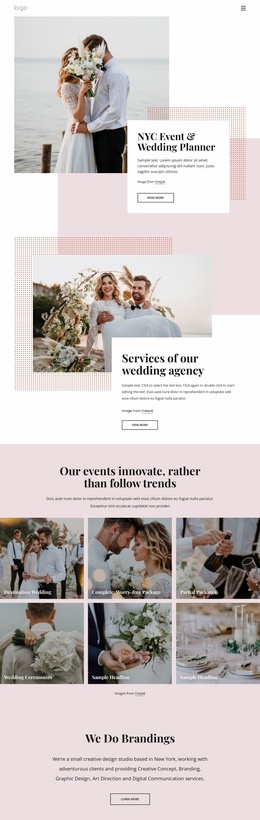
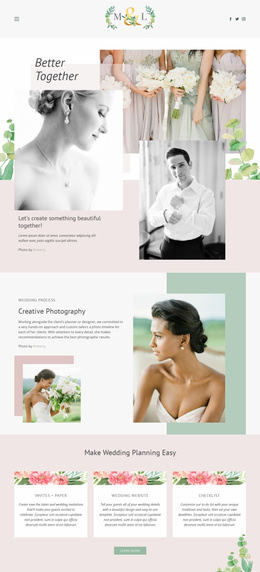
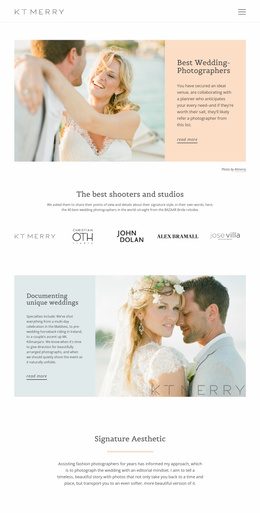
A strong wedding static website pairs emotional storytelling with practical guest information. It should keep dates, venue directions, RSVP access, and visual memories easy to scan, especially when guests return repeatedly during the final days before the ceremony. The structure should also make it simple to update public event details before the date, freeze the essential information for the wedding day, and preserve selected photographs afterward.
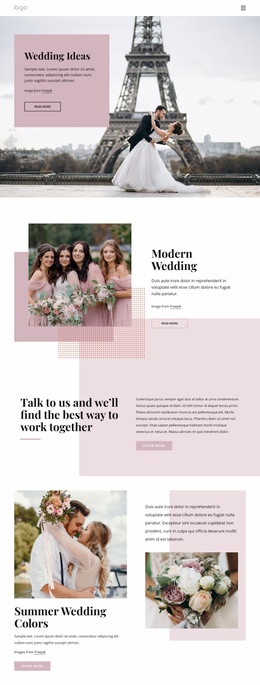
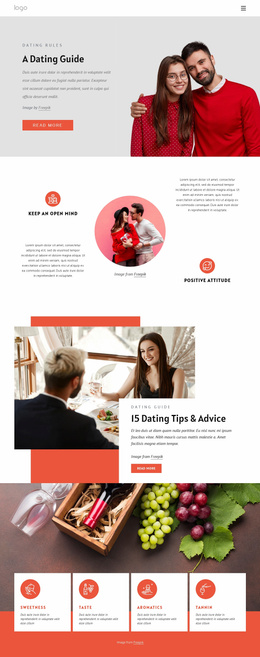
A refined wedding design direction can establish the visual language for the invitation, ceremony timeline, registry notes, and reception details. For softer typography, photo-led sections, and intimate color choices, romantic website ideas can help shape a more personal presentation.
Responsive Features for Wedding Static Sites
Use the visual page editor to arrange guest-facing content, then prepare the finished layout for mobile and desktop screens. Nicepage features that fit this workflow include:
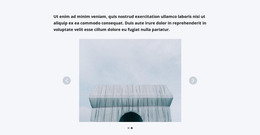
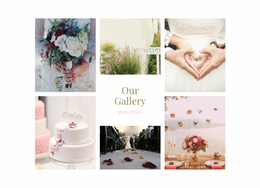
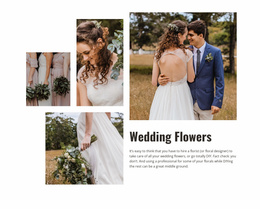
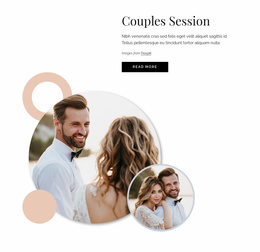
- Gallery Carousel Element for engagement portraits, venue photos, or a compact wedding-day gallery.
- Contact Form Element for inquiry or RSVP-style forms; the form itself is fully responsive.
- Image Lazy Loading to delay off-screen image loads and reduce the initial media burden on photo-heavy pages.
- SEO Page Properties for page titles, descriptions, keywords, and canonical settings where needed.
- Responsive Modes for targeted layout adjustments across desktops, laptops, tablets, and phone views through the responsive layout controls.
After the design is ready in the Online Builder or Desktop App, use the documented HTML export workflow to generate a static website for your preferred hosting environment. This suits a wedding site that may be actively updated before the event, remain stable during the ceremony weekend, and later be reduced to a curated archive rather than maintained as an open-ended CMS project.
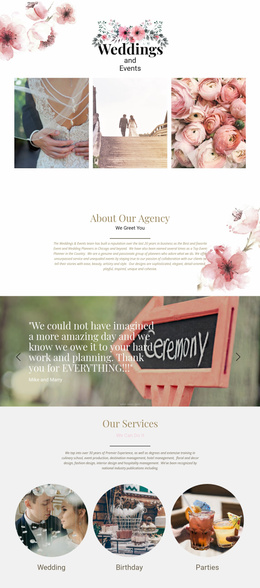
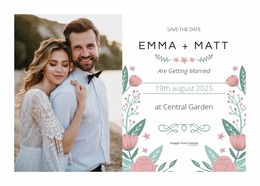
For stationery-inspired sections, wedding card layouts can also guide typography, borders, and the use of compact announcement blocks that visually match printed invitations.
Advanced Wedding Static Site Questions
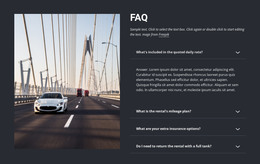
Can I host a wedding static website on a third-party hosting service?
Yes. Nicepage supports unlimited third-party hosting, so exported HTML websites can be hosted with the provider you choose.
Can I connect a custom domain to a wedding site hosted by Nicepage?
Yes. You can assign a custom domain to a site published and hosted on the Nicepage Network.
How can I present many wedding photos without making the page feel crowded?
Use the Gallery Carousel Element to display multiple images in a single interactive gallery. It lets guests move through photos inside a compact block rather than forcing every image into a long page.
What should happen to a wedding static site after the event?
Keep the pages that still have value, such as selected photographs, thank-you notes, or a short event archive, and remove guest details that no longer need to remain public. A static format makes it practical to reduce the site to a smaller long-term version after the wedding.
Creative Control From Design to Deployment
Ready to prepare a wedding site without giving up control of the final files?
- Select a design concept and open it in the Online Builder or Desktop App.
- Adjust ceremony sections, guest information, photos, forms, and responsive layouts in the visual design canvas.
- Export the static HTML/CSS files or publish online, then connect the preferred domain and go live.
Start for free, refine the visual details, and move the site through its natural wedding lifecycle: launch it for guests, update it as plans change, keep the key pages dependable on the wedding day, and later preserve the photographs and memories that still matter.