Our team story WordPress Theme


Stable Team Profiles Fit a WordPress-Managed Page Section
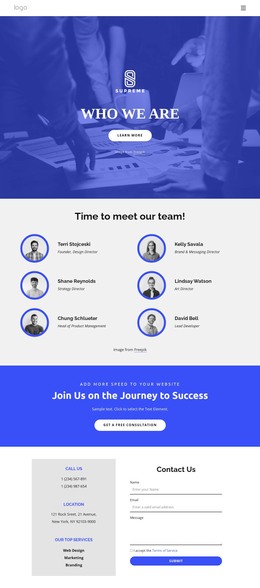
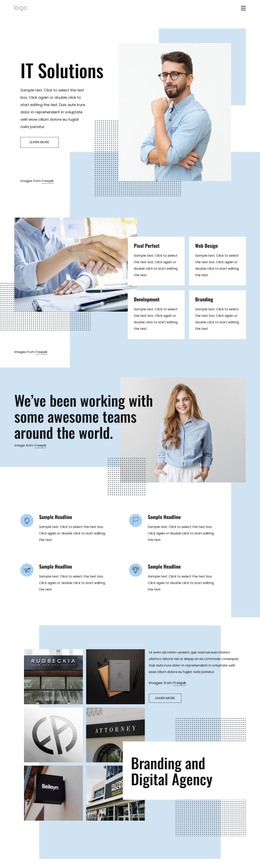
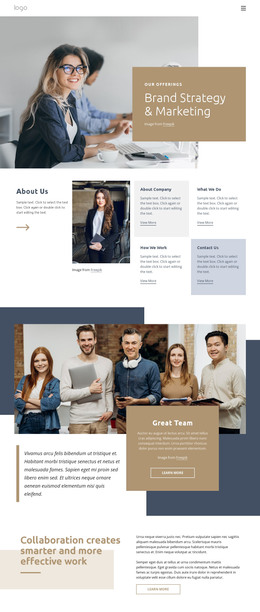
The heading and six profile items read as stable page content that can remain part of a WordPress-managed team or About area. Rather than depending on a stream of time-sensitive entries, the section groups people into a fixed visual arrangement: each profile contains a monochrome portrait, a role label, and a name. The repeated structure makes the content straightforward to recognize as one team collection while leaving the surrounding project free to handle other page content.
The layout supports that page-oriented role through clear organization. A centered two-line heading introduces the collection, with bold emphasis on the second line creating a stronger point of entry. Beneath it, three columns extend across two rows, giving six profiles comparable space and visual weight. The soft beige and pale blue background blocks create a bounded region that can sit within a larger page design, while generous spacing prevents the profile information from becoming a crowded list.
In a WordPress-oriented project, this block can serve as a reusable visual section for permanent team information on a page. The displayed role and name labels provide the profile model, while the portraits establish the human focus; the project can replace those contents without changing the grid logic. Other CMS-managed pages or content areas can surround it with services, work, articles, or contact information, keeping this section’s purpose specific and its scope at block level.
Customize with Nicepage
Open this ready-made template in the WordPress Website Builder and customize it visually in the Nicepage editor. Replace demo content, edit page sections, and adapt the design to your project without rebuilding the template from scratch.
Edit Template Offline
2. Create a new page or select existing
3. Click Add new block, search for id 89625 and click enter
Edit Template Online
Create Awesome Websites


Free Nicepage Builder
Keywords
Manage and Edit This Theme in WordPress
Customize and Install the WordPress Theme
Start with this ready-made theme instead of building the WordPress design from scratch. Customize its layout, content, typography, images, sections, and other design elements visually in Nicepage editor, then export and install the WordPress Theme, Plugin, and Pages on your WordPress site. The Nicepage WordPress Plugin lets you continue working with the site after installation.
Edit the Theme Directly in WordPress
After installation, you can edit the WordPress Theme directly in WordPress with the Nicepage WordPress Plugin. Use Site Style to customize site Colors, Fonts, Header, Footer, Blog, and Post Page Templates while working within your WordPress website.
Edit WordPress Pages Visually
Use the Nicepage WordPress Plugin to edit page content directly from the WordPress admin area. Open a WordPress Page with Nicepage and visually change its text, images, sections, and other page elements while continuing to manage the Page through WordPress.
WordPress Content and Theme Integration
Use the customized theme with WordPress Pages, Posts, Blog and Post Templates, menus, widgets, and other CMS-managed content. Shared theme elements such as Colors, Fonts, Header, Footer, Blog, and Post Page Templates can be managed as part of the overall site design, while WordPress provides the CMS environment for managing site content.
This workflow combines a ready-made WordPress Theme with visual customization, direct theme editing in WordPress, and continued content management through the Nicepage WordPress Plugin.