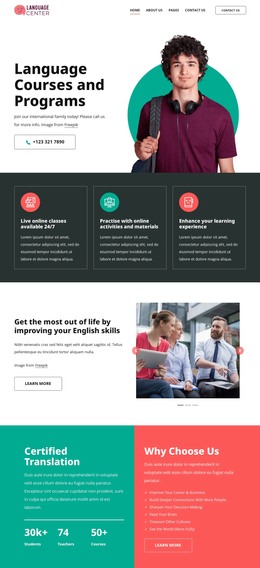
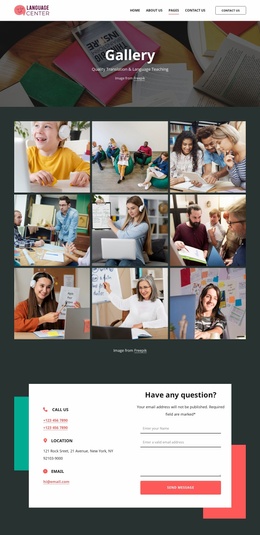
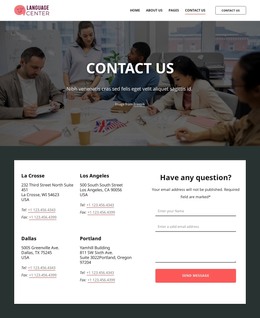
Best high quality courses WordPress Theme


Permanent Offering Content With a Separate Benefits Area
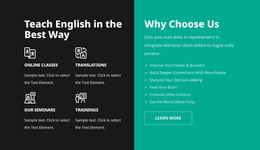
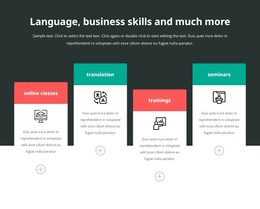
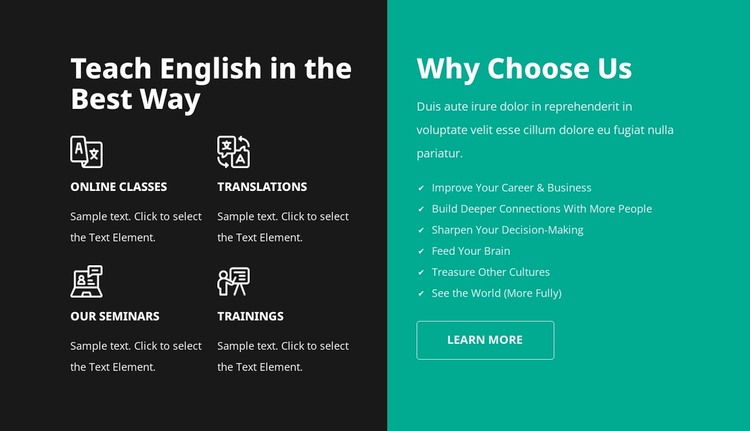
The left side of the block is well suited to stable page content because it groups four enduring language-training offerings: online classes, translations, seminars, and trainings. Each offering has an icon, title, and supporting description, giving the section more structure than a single promotional paragraph. The “Teach English in the Best Way” heading identifies the subject of this content group within a WordPress-managed page.
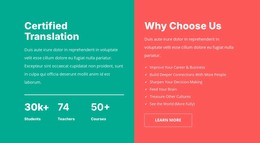
The right side serves a different page-content role. Under “Why Choose Us,” a supporting paragraph introduces six checkmarked benefit statements, including career and business improvement, deeper connections, decision-making, cultural discovery, and seeing the world more fully. The Learn More button then provides a clear destination for visitors who want to continue. This makes the panel useful as a compact supporting case alongside the more descriptive offering grid.
In a broader WordPress-oriented project, the block can remain a reusable visual section on a stable services or features page while other content areas handle related information. The charcoal-and-teal treatment gives the content a consistent presentation, but the block does not need to define the surrounding theme or page structure. Its practical contribution is a publishable section that keeps four offerings, six benefits, and one next step organized in a single readable arrangement.
Customize with Nicepage
Open this ready-made template in the WordPress Website Builder and customize it visually in the Nicepage editor. Replace demo content, edit page sections, and adapt the design to your project without rebuilding the template from scratch.
Edit Template Offline
2. Create a new page or select existing
3. Click Add new block, search for id 6414575 and click enter
Edit Template Online
Create Awesome Websites


Free Nicepage Builder
Keywords
Manage and Edit This Theme in WordPress
Customize and Install the WordPress Theme
Start with this ready-made theme instead of building the WordPress design from scratch. Customize its layout, content, typography, images, sections, and other design elements visually in Nicepage editor, then export and install the WordPress Theme, Plugin, and Pages on your WordPress site. The Nicepage WordPress Plugin lets you continue working with the site after installation.
Edit the Theme Directly in WordPress
After installation, you can edit the WordPress Theme directly in WordPress with the Nicepage WordPress Plugin. Use Site Style to customize site Colors, Fonts, Header, Footer, Blog, and Post Page Templates while working within your WordPress website.
Edit WordPress Pages Visually
Use the Nicepage WordPress Plugin to edit page content directly from the WordPress admin area. Open a WordPress Page with Nicepage and visually change its text, images, sections, and other page elements while continuing to manage the Page through WordPress.
WordPress Content and Theme Integration
Use the customized theme with WordPress Pages, Posts, Blog and Post Templates, menus, widgets, and other CMS-managed content. Shared theme elements such as Colors, Fonts, Header, Footer, Blog, and Post Page Templates can be managed as part of the overall site design, while WordPress provides the CMS environment for managing site content.
This workflow combines a ready-made WordPress Theme with visual customization, direct theme editing in WordPress, and continued content management through the Nicepage WordPress Plugin.