Get more out of travel with us WordPress Theme

Edit Template Offline
2. Create new page and search for id 6038954
Edit Template Online
Create Awesome Websites


Free Nicepage Builder
Keywords
Destination cards and recurring travel content suit a WordPress theme
The destination grid gives the design a strong set of permanent page content. Eight labeled cards—Bora Bora, Costa Rica, Tokyo, Indonesia, Paris, London, Maui, and Maldives—can represent a curated discovery area within a WordPress-managed travel site, with each item clearly separated by its image and label. The repeated structure makes the destinations feel related while leaving room for a project to develop its own content around each travel direction.
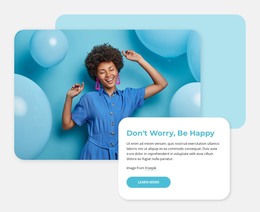
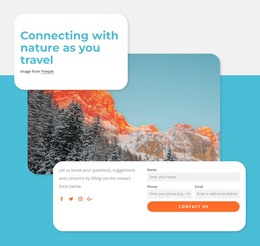
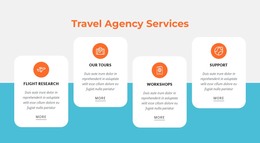
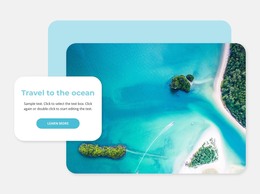
The other sections support different kinds of page-oriented information. Active Tours presents a focused travel offering, the traveler-category section groups ways of approaching a trip, and the nature block highlights a specific interest. The value-proposition section communicates the agency’s combination of technology and human touch, while the destination collage reinforces broader travel coverage. These relationships give the theme more useful content boundaries than a single image-led introduction alone.
The existing navigation links for Home, Landing, and Portfolio can connect the main areas of a wider project, while the closing contact section supplies a clear agency interaction point. Its form requests name, phone, and email, and its social links connect to Facebook, Twitter, Instagram, and Google. In a WordPress context, these permanent travel areas can sit alongside regularly updated content if the project later adds it, while the turquoise, coral, rounded-card visual direction keeps the site recognizable. The template therefore maps naturally to managed travel pages without claiming that posts or blog structures already exist.
Customize with Nicepage
Open this ready-made template in the WordPress Website Builder and customize it visually in the Nicepage editor. Replace demo content, edit page sections, and adapt the design to your project without rebuilding the template from scratch.
Manage and Edit This Theme in WordPress
Customize and Install the WordPress Theme
Start with this ready-made theme instead of building the WordPress design from scratch. Customize its layout, content, typography, images, sections, and other design elements visually in Nicepage editor, then export and install the WordPress Theme, Plugin, and Pages on your WordPress site. The Nicepage WordPress Plugin lets you continue working with the site after installation.
Edit the Theme Directly in WordPress
After installation, you can edit the WordPress Theme directly in WordPress with the Nicepage WordPress Plugin. Use Site Style to customize site Colors, Fonts, Header, Footer, Blog, and Post Page Templates while working within your WordPress website.
Edit WordPress Pages Visually
Use the Nicepage WordPress Plugin to edit page content directly from the WordPress admin area. Open a WordPress Page with Nicepage and visually change its text, images, sections, and other page elements while continuing to manage the Page through WordPress.
WordPress Content and Theme Integration
Use the customized theme with WordPress Pages, Posts, Blog and Post Templates, menus, widgets, and other CMS-managed content. Shared theme elements such as Colors, Fonts, Header, Footer, Blog, and Post Page Templates can be managed as part of the overall site design, while WordPress provides the CMS environment for managing site content.
This workflow combines a ready-made WordPress Theme with visual customization, direct theme editing in WordPress, and continued content management through the Nicepage WordPress Plugin.