Car repair in NYC WordPress Theme



Edit Template Offline
2. Create new page and search for id 6308599
Edit Template Online
Create Awesome Websites


Free Nicepage Builder
Keywords
Service content and recurring articles fit a WordPress-managed structure
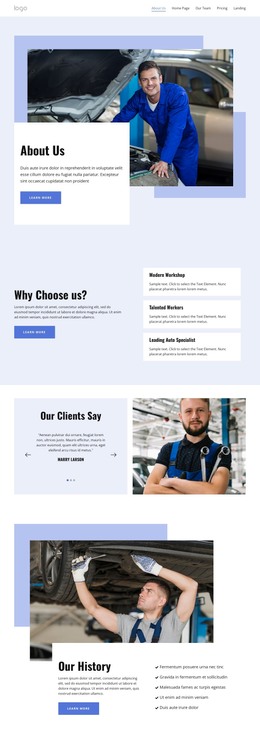
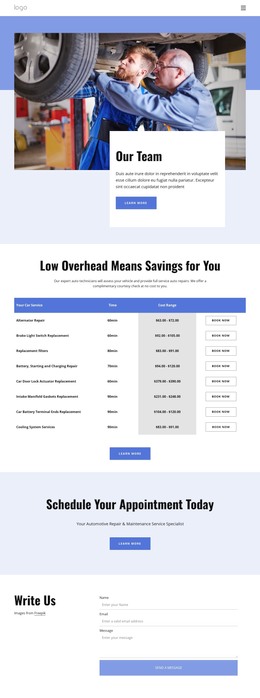
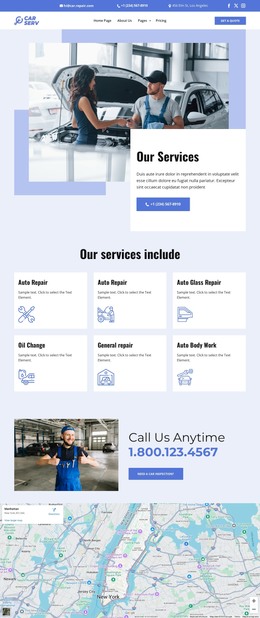
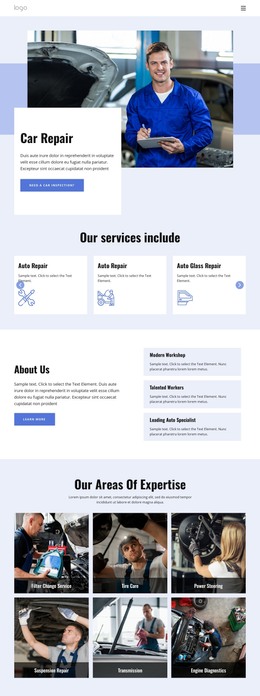
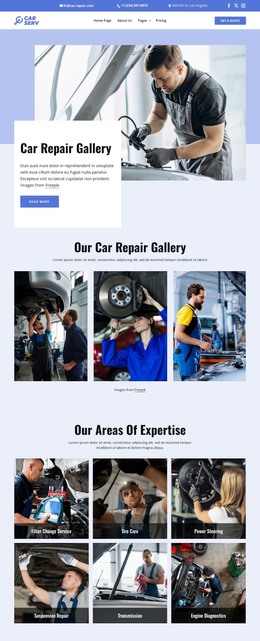
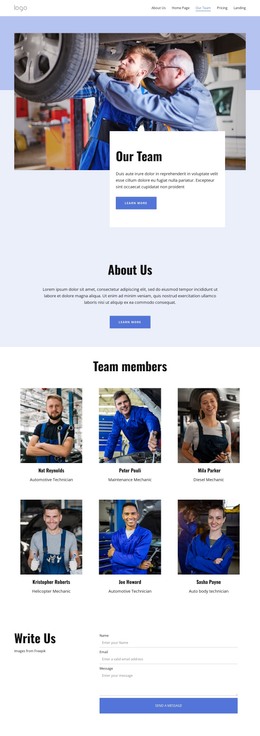
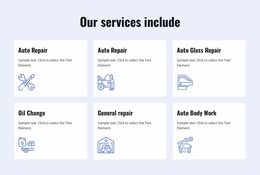
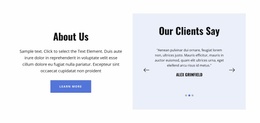
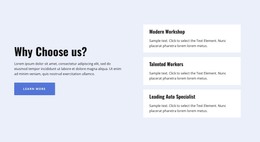
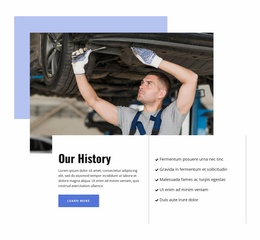
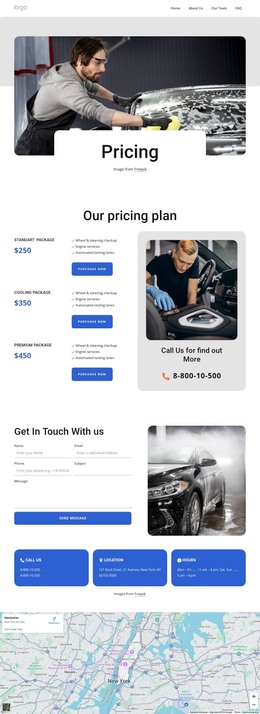
The service cards and expertise gallery provide clear permanent content areas for a WordPress-oriented automotive site. Auto Repair, Auto Glass Repair, Oil Change, Auto Body Work, tire care, suspension, transmission, and engine diagnostics are presented as separate information themes rather than one undifferentiated paragraph. The About Us section, team directory, FAQ accordion, and contact form add page-oriented content that can remain connected to the same visual system as the service information.
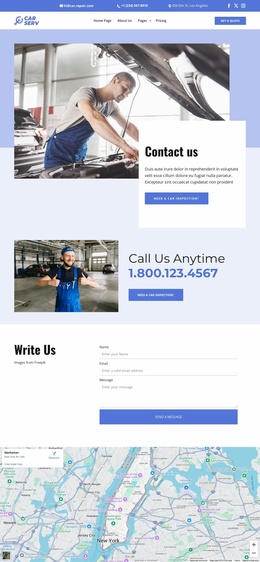
The Car Tips section introduces a different content rhythm through three image-led article cards with headlines, excerpts, and Read More links. The visible post labels are sample content, so they should not be treated as verified articles or real editorial history. Structurally, however, the section gives the design a natural place for regularly updated maintenance guidance, while testimonials and team cards support recurring content around the permanent service presentation. The map, operating hours, contact channels, and footer links complement those areas with practical site information.
This interpretation is different from simply calling the design a CMS theme: the page separates permanent repair information, recurring advice, people, customer proof, and inquiry content. WordPress can therefore provide a content environment around these distinct areas while the blue-white visual direction, workshop imagery, repeated cards, and dark footer preserve the template’s identity. The supplied design is one verified page, not evidence that posts or WordPress-specific structures already exist.
Customize with Nicepage
Open this ready-made template in the WordPress Website Builder and customize it visually in the Nicepage editor. Replace demo content, edit page sections, and adapt the design to your project without rebuilding the template from scratch.
Manage and Edit This Theme in WordPress
Customize and Install the WordPress Theme
Start with this ready-made theme instead of building the WordPress design from scratch. Customize its layout, content, typography, images, sections, and other design elements visually in Nicepage editor, then export and install the WordPress Theme, Plugin, and Pages on your WordPress site. The Nicepage WordPress Plugin lets you continue working with the site after installation.
Edit the Theme Directly in WordPress
After installation, you can edit the WordPress Theme directly in WordPress with the Nicepage WordPress Plugin. Use Site Style to customize site Colors, Fonts, Header, Footer, Blog, and Post Page Templates while working within your WordPress website.
Edit WordPress Pages Visually
Use the Nicepage WordPress Plugin to edit page content directly from the WordPress admin area. Open a WordPress Page with Nicepage and visually change its text, images, sections, and other page elements while continuing to manage the Page through WordPress.
WordPress Content and Theme Integration
Use the customized theme with WordPress Pages, Posts, Blog and Post Templates, menus, widgets, and other CMS-managed content. Shared theme elements such as Colors, Fonts, Header, Footer, Blog, and Post Page Templates can be managed as part of the overall site design, while WordPress provides the CMS environment for managing site content.
This workflow combines a ready-made WordPress Theme with visual customization, direct theme editing in WordPress, and continued content management through the Nicepage WordPress Plugin.