Team building expertise WordPress Theme


Edit Template Offline
2. Create new page and search for id 6287479
Edit Template Online
Create Awesome Websites


Free Nicepage Builder
Keywords
Page Content That Connects Advisory Areas With Ongoing Site Content
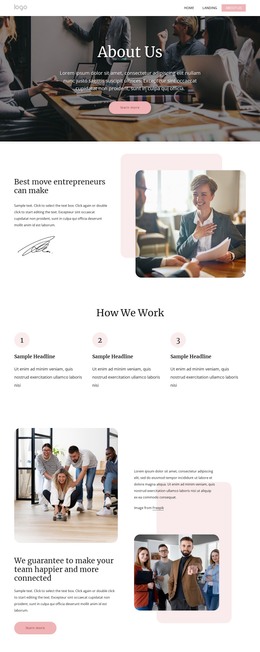
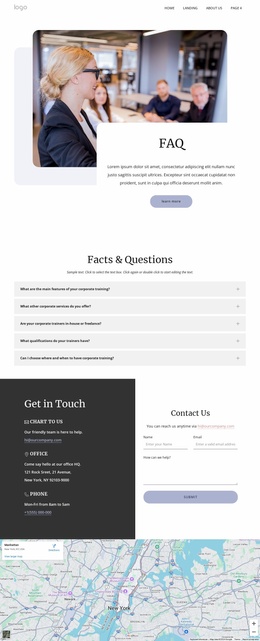
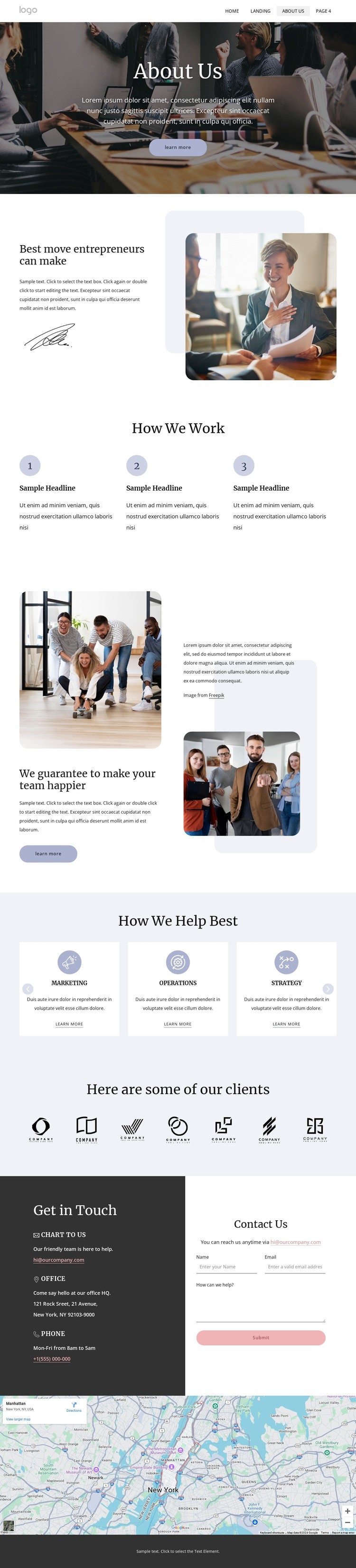
The page-oriented content is divided into clear editorial areas that suit a consulting site managed through WordPress. The About Us hero and entrepreneur-focused split section provide permanent organization content, while the three-step How We Work sequence gives the page a concise process narrative. Together, they create a stable foundation for explaining who the organization serves and how its advisory work is presented.
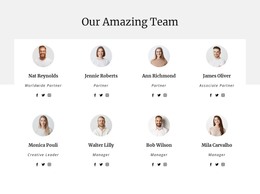
The six capability cards offer a second content relationship. Marketing, Operations, Strategy, Procurement, Private Equity, and Transformation are presented as a repeated group, which makes them easier to interpret as separate service themes within the same visual direction. They could guide page-oriented content about the organization’s areas of support, while the team section adds a people-focused editorial layer. The seven client logo images then provide a distinct visual reference section rather than blending client context into the service cards.
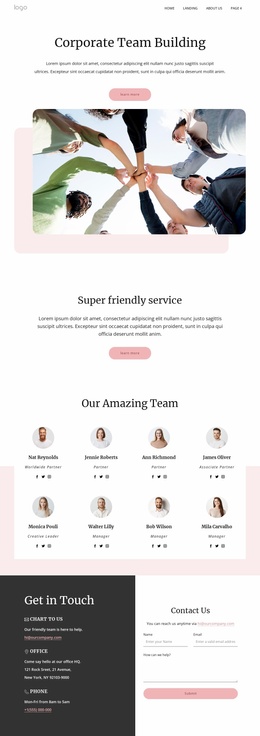
The contact content gives the page a practical publishing endpoint. Email, office, and phone channels are paired with an inquiry form, and the map extends that information into a location-oriented block. In a WordPress-managed project, these permanent areas can remain part of the theme’s page presentation while additional organization content is developed around them. The design therefore supports content that can grow beyond the original about-page copy without claiming that blog posts, categories, or other CMS structures already exist in this template.
Customize with Nicepage
Open this ready-made template in the WordPress Website Builder and customize it visually in the Nicepage editor. Replace demo content, edit page sections, and adapt the design to your project without rebuilding the template from scratch.
Manage and Edit This Theme in WordPress
Customize and Install the WordPress Theme
Start with this ready-made theme instead of building the WordPress design from scratch. Customize its layout, content, typography, images, sections, and other design elements visually in Nicepage editor, then export and install the WordPress Theme, Plugin, and Pages on your WordPress site. The Nicepage WordPress Plugin lets you continue working with the site after installation.
Edit the Theme Directly in WordPress
After installation, you can edit the WordPress Theme directly in WordPress with the Nicepage WordPress Plugin. Use Site Style to customize site Colors, Fonts, Header, Footer, Blog, and Post Page Templates while working within your WordPress website.
Edit WordPress Pages Visually
Use the Nicepage WordPress Plugin to edit page content directly from the WordPress admin area. Open a WordPress Page with Nicepage and visually change its text, images, sections, and other page elements while continuing to manage the Page through WordPress.
WordPress Content and Theme Integration
Use the customized theme with WordPress Pages, Posts, Blog and Post Templates, menus, widgets, and other CMS-managed content. Shared theme elements such as Colors, Fonts, Header, Footer, Blog, and Post Page Templates can be managed as part of the overall site design, while WordPress provides the CMS environment for managing site content.
This workflow combines a ready-made WordPress Theme with visual customization, direct theme editing in WordPress, and continued content management through the Nicepage WordPress Plugin.