Corporate team building WordPress Theme



Edit Template Offline
2. Create new page and search for id 6271233
Edit Template Online
Create Awesome Websites


Free Nicepage Builder
Keywords
Event Services and Team Content Fit a WordPress-Oriented Page Structure
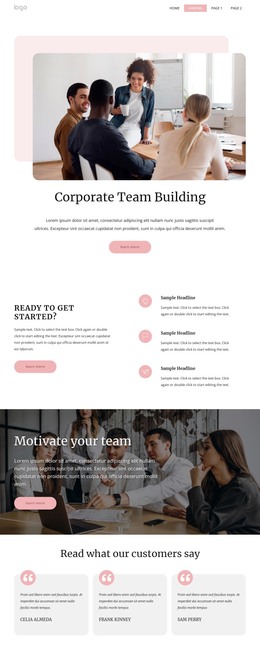
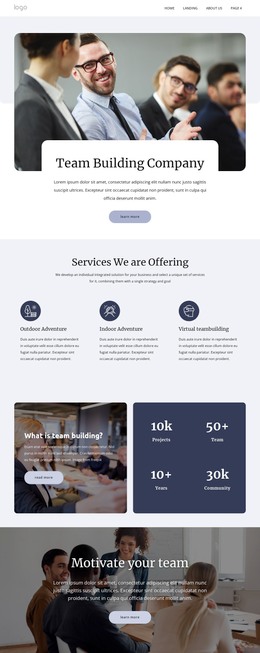
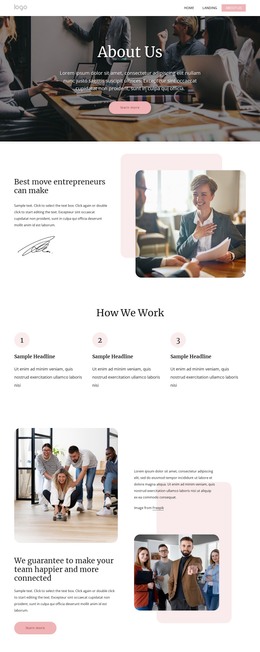
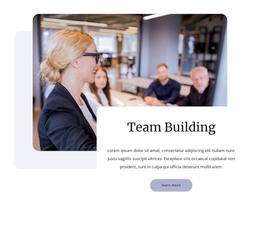
The page-oriented content is led by a clear Corporate Team Building introduction, followed by three highlighted items and image-led promotional sections. That sequence gives permanent service information a defined place before the design moves into recurring content patterns. Three testimonial cards can represent customer-proof content, while the three-image event gallery provides a visual area for activities. The six information cards add further short content units that can be adapted as service explanations or related corporate event topics.
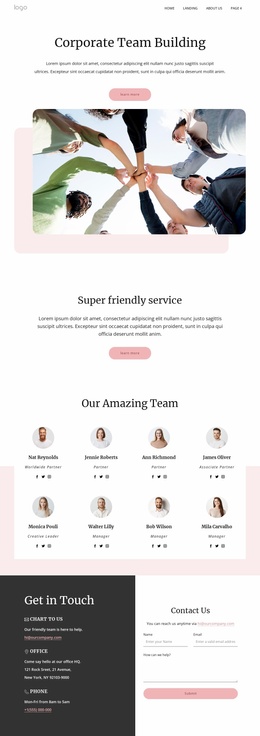
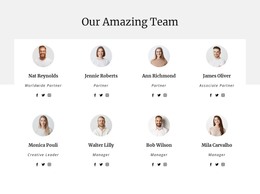
The named Outdoor Events and Indoor Events cards provide a useful distinction between two offerings, and the eight profile cards create a separate team-focused area. These facts support a WordPress interpretation based on organized page content rather than on an invented blog or post structure. The four metric cards may also be retained as a presentation area, but their sample values should be replaced or verified before publication. This keeps the visual theme connected to accurate business content.
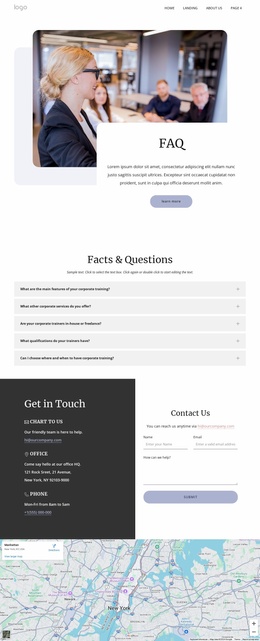
The FAQ, contact-information panel, inquiry form, map, and footer complete the page-oriented experience. They give visitors clarification, a response point, location context, and a consistent closing area around the service content. In a WordPress project, those regions can remain part of one coordinated theme while permanent page information and any later editorial content are managed through the CMS. The design’s value is its combination of reusable content zones and a recognizable visual system, not merely the presence of a CMS label.
Customize with Nicepage
Open this ready-made template in the WordPress Website Builder and customize it visually in the Nicepage editor. Replace demo content, edit page sections, and adapt the design to your project without rebuilding the template from scratch.
Manage and Edit This Theme in WordPress
Customize and Install the WordPress Theme
Start with this ready-made theme instead of building the WordPress design from scratch. Customize its layout, content, typography, images, sections, and other design elements visually in Nicepage editor, then export and install the WordPress Theme, Plugin, and Pages on your WordPress site. The Nicepage WordPress Plugin lets you continue working with the site after installation.
Edit the Theme Directly in WordPress
After installation, you can edit the WordPress Theme directly in WordPress with the Nicepage WordPress Plugin. Use Site Style to customize site Colors, Fonts, Header, Footer, Blog, and Post Page Templates while working within your WordPress website.
Edit WordPress Pages Visually
Use the Nicepage WordPress Plugin to edit page content directly from the WordPress admin area. Open a WordPress Page with Nicepage and visually change its text, images, sections, and other page elements while continuing to manage the Page through WordPress.
WordPress Content and Theme Integration
Use the customized theme with WordPress Pages, Posts, Blog and Post Templates, menus, widgets, and other CMS-managed content. Shared theme elements such as Colors, Fonts, Header, Footer, Blog, and Post Page Templates can be managed as part of the overall site design, while WordPress provides the CMS environment for managing site content.
This workflow combines a ready-made WordPress Theme with visual customization, direct theme editing in WordPress, and continued content management through the Nicepage WordPress Plugin.