Team building solutions WordPress Theme



Edit Template Offline
2. Create new page and search for id 6353848
Edit Template Online
Create Awesome Websites


Free Nicepage Builder
Keywords
Offering Cards and Profile Content Give WordPress Pages Clear Roles
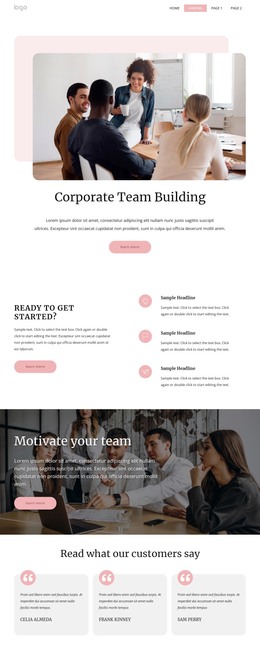
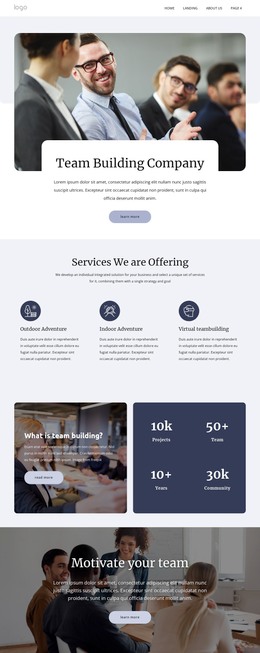
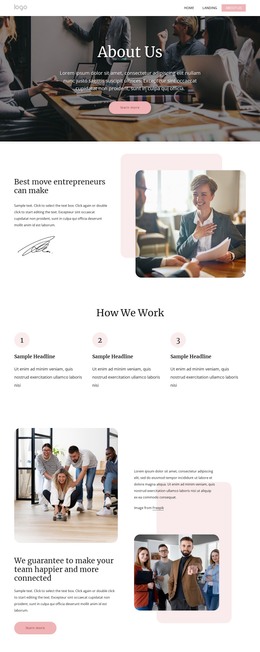
The service section gives the design a strong page-content core by separating Outdoor Adventure, Indoor Adventure, and Virtual teambuilding into three peer cards. The six benefit cards then provide a complementary content group focused on productivity, creativity, communication, trust, leadership, and morale. Together, these areas can support permanent explanatory content while leaving room for additional regularly updated material to sit alongside the main service presentation.
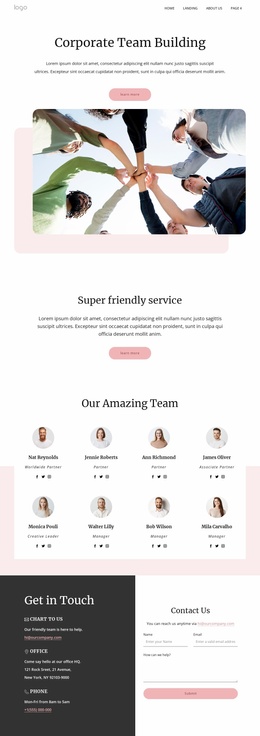
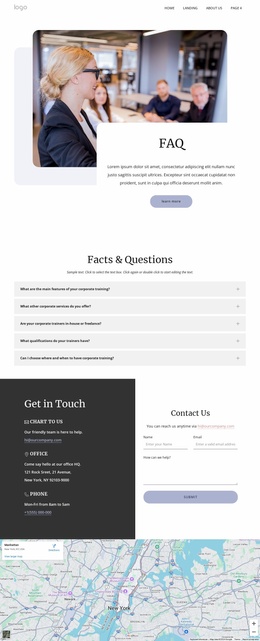
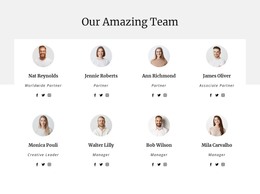
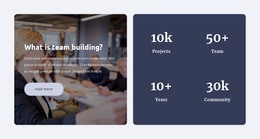
The eight named profile cards shift the emphasis toward the people represented by the organization, with role labels and social links providing a distinct team-content area. Four company logo marks and the social-proof claim create another region for credibility-oriented material, while the five FAQ rows offer a structured place for recurring questions. The In-Person and Virtual experience panels can connect those content groups to specific ways of delivering the service without changing the page’s visual character. At the end, contact channels, the inquiry form, and the map keep the main page oriented toward communication. In a WordPress-managed project, this combination of page-oriented sections and repeatable content areas can support a broader editorial environment, but the sample names, metrics, company claim, and contact details should be treated as template structure rather than verified business information.
Customize with Nicepage
Open this ready-made template in the WordPress Website Builder and customize it visually in the Nicepage editor. Replace demo content, edit page sections, and adapt the design to your project without rebuilding the template from scratch.
Manage and Edit This Theme in WordPress
Customize and Install the WordPress Theme
Start with this ready-made theme instead of building the WordPress design from scratch. Customize its layout, content, typography, images, sections, and other design elements visually in Nicepage editor, then export and install the WordPress Theme, Plugin, and Pages on your WordPress site. The Nicepage WordPress Plugin lets you continue working with the site after installation.
Edit the Theme Directly in WordPress
After installation, you can edit the WordPress Theme directly in WordPress with the Nicepage WordPress Plugin. Use Site Style to customize site Colors, Fonts, Header, Footer, Blog, and Post Page Templates while working within your WordPress website.
Edit WordPress Pages Visually
Use the Nicepage WordPress Plugin to edit page content directly from the WordPress admin area. Open a WordPress Page with Nicepage and visually change its text, images, sections, and other page elements while continuing to manage the Page through WordPress.
WordPress Content and Theme Integration
Use the customized theme with WordPress Pages, Posts, Blog and Post Templates, menus, widgets, and other CMS-managed content. Shared theme elements such as Colors, Fonts, Header, Footer, Blog, and Post Page Templates can be managed as part of the overall site design, while WordPress provides the CMS environment for managing site content.
This workflow combines a ready-made WordPress Theme with visual customization, direct theme editing in WordPress, and continued content management through the Nicepage WordPress Plugin.