I love to create design WordPress Theme


Edit Template Offline
2. Create new page and search for id 6169224
Edit Template Online
Create Awesome Websites


Free Nicepage Builder
Keywords
Service Categories and Editorial Sections Suit Managed Portfolio Content
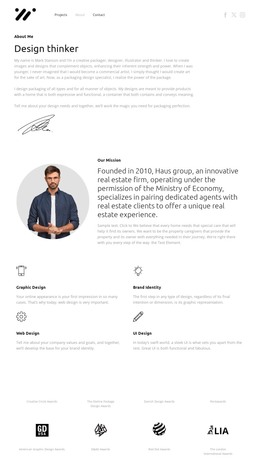
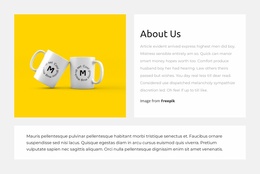
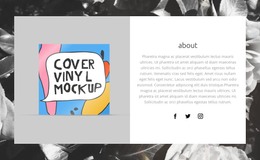
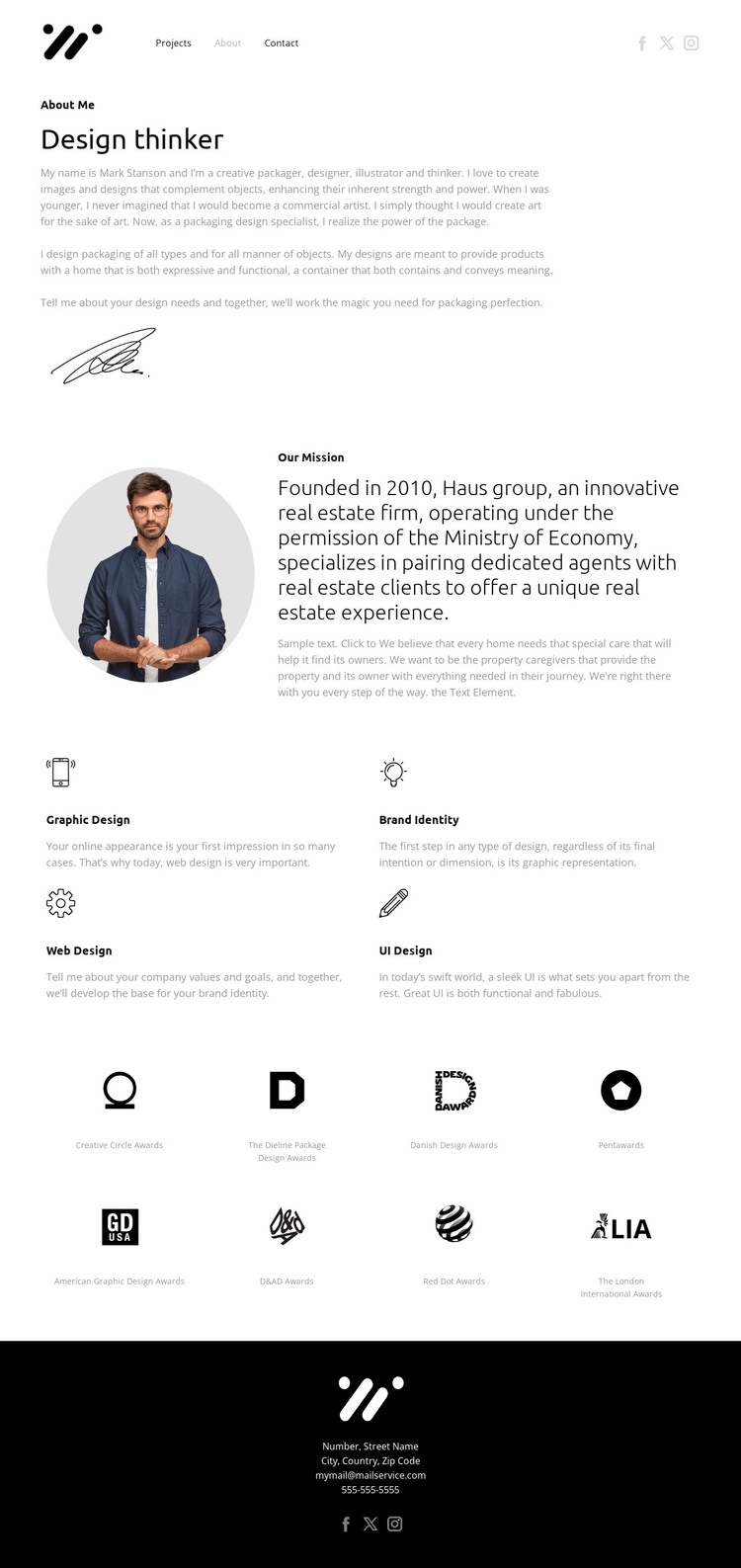
The biography and mission areas provide two different types of permanent page content for a designer-focused WordPress site. The opening introduction can represent the profile’s core identity, with the signature image supporting the personal presentation. The mission section then gives the site a separate place for positioning and process-related copy, combining a portrait with a heading and supporting paragraph rather than treating all information as one undivided text block.
The four service cards create a useful content relationship for managed page sections. Graphic Design, Brand Identity, Web Design, and UI Design are repeated categories with a common visual treatment, making them suitable for a consistent services presentation while leaving each category’s text and imagery open to revision. The eight award recognition items provide another recurring content group, but their role is different: they support the profile with a collection of recognition labels rather than describing the services themselves.
The footer’s contact information and social links complete the site-oriented structure. They provide shared-looking contact content that can remain connected to the designer profile as other portfolio pages are added. This interpretation does not assume that WordPress Posts, categories, or blog content already exist. Instead, it uses the verified page areas—profile, mission, service categories, recognition, navigation, and contact—to show how the design can organize managed portfolio content within one coherent visual direction.
Customize with Nicepage
Open this ready-made template in the WordPress Website Builder and customize it visually in the Nicepage editor. Replace demo content, edit page sections, and adapt the design to your project without rebuilding the template from scratch.
Manage and Edit This Theme in WordPress
Customize and Install the WordPress Theme
Start with this ready-made theme instead of building the WordPress design from scratch. Customize its layout, content, typography, images, sections, and other design elements visually in Nicepage editor, then export and install the WordPress Theme, Plugin, and Pages on your WordPress site. The Nicepage WordPress Plugin lets you continue working with the site after installation.
Edit the Theme Directly in WordPress
After installation, you can edit the WordPress Theme directly in WordPress with the Nicepage WordPress Plugin. Use Site Style to customize site Colors, Fonts, Header, Footer, Blog, and Post Page Templates while working within your WordPress website.
Edit WordPress Pages Visually
Use the Nicepage WordPress Plugin to edit page content directly from the WordPress admin area. Open a WordPress Page with Nicepage and visually change its text, images, sections, and other page elements while continuing to manage the Page through WordPress.
WordPress Content and Theme Integration
Use the customized theme with WordPress Pages, Posts, Blog and Post Templates, menus, widgets, and other CMS-managed content. Shared theme elements such as Colors, Fonts, Header, Footer, Blog, and Post Page Templates can be managed as part of the overall site design, while WordPress provides the CMS environment for managing site content.
This workflow combines a ready-made WordPress Theme with visual customization, direct theme editing in WordPress, and continued content management through the Nicepage WordPress Plugin.