UI Design WordPress Theme


Edit Template Offline
2. Create new page and search for id 6169218
Edit Template Online
Create Awesome Websites


Free Nicepage Builder
Keywords
Project Content and Related Work Shape a WordPress Portfolio Theme
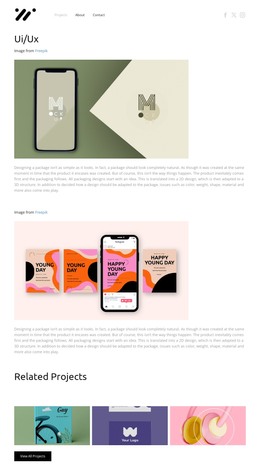
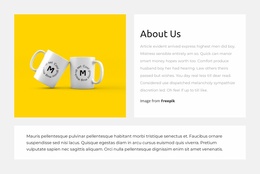
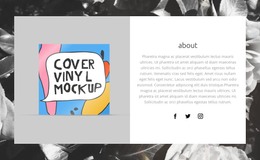
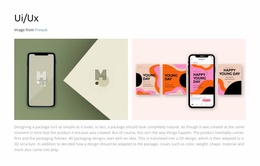
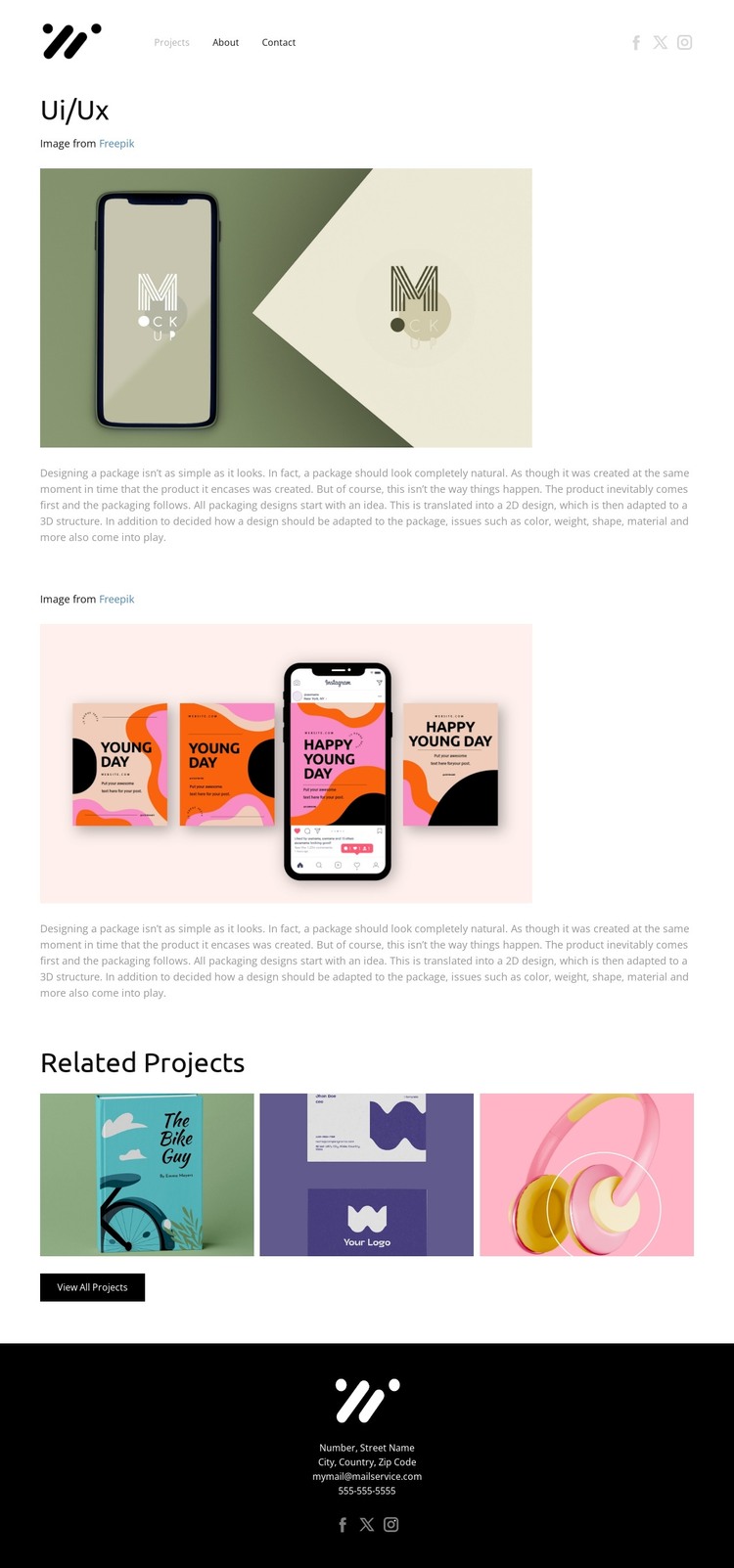
The Ui/Ux title and the two main project presentations create clear permanent content areas for a portfolio page. Each presentation keeps an attributed image together with descriptive copy, making the project work readable as more than a standalone visual. This arrangement can map naturally to WordPress-managed page content while preserving the same editorial relationship between imagery, attribution, and explanation.
The Related Projects section adds a different content role. Three thumbnails provide a compact preview of additional work, and the View All Projects button gives visitors a route toward the wider project collection. Although the analysis does not verify WordPress posts, blog structures, or categories in the template itself, this repeated project pattern offers a useful basis for organizing further portfolio content within a WordPress site. The Projects, About, and Contact links also establish page-oriented navigation around the featured work.
Shared presentation details help keep those content areas connected. The monochrome page, compact sans-serif typography, generous whitespace, and black footer create a consistent visual frame, while muted green, cream, pink, and purple tones remain concentrated in the project imagery. Header and footer social links provide recurring site access without competing with the case-study content. As a WordPress theme, the design therefore suits a portfolio that needs visually coordinated project pages, supporting information, and contact context while leaving the existing structure intact.
Customize with Nicepage
Open this ready-made template in the WordPress Website Builder and customize it visually in the Nicepage editor. Replace demo content, edit page sections, and adapt the design to your project without rebuilding the template from scratch.
Manage and Edit This Theme in WordPress
Customize and Install the WordPress Theme
Start with this ready-made theme instead of building the WordPress design from scratch. Customize its layout, content, typography, images, sections, and other design elements visually in Nicepage editor, then export and install the WordPress Theme, Plugin, and Pages on your WordPress site. The Nicepage WordPress Plugin lets you continue working with the site after installation.
Edit the Theme Directly in WordPress
After installation, you can edit the WordPress Theme directly in WordPress with the Nicepage WordPress Plugin. Use Site Style to customize site Colors, Fonts, Header, Footer, Blog, and Post Page Templates while working within your WordPress website.
Edit WordPress Pages Visually
Use the Nicepage WordPress Plugin to edit page content directly from the WordPress admin area. Open a WordPress Page with Nicepage and visually change its text, images, sections, and other page elements while continuing to manage the Page through WordPress.
WordPress Content and Theme Integration
Use the customized theme with WordPress Pages, Posts, Blog and Post Templates, menus, widgets, and other CMS-managed content. Shared theme elements such as Colors, Fonts, Header, Footer, Blog, and Post Page Templates can be managed as part of the overall site design, while WordPress provides the CMS environment for managing site content.
This workflow combines a ready-made WordPress Theme with visual customization, direct theme editing in WordPress, and continued content management through the Nicepage WordPress Plugin.