Promotion and pumping WordPress Theme


Edit Template Offline
2. Create new page and search for id 6115039
Edit Template Online
Create Awesome Websites


Free Nicepage Builder
Keywords
Capability content and specialist profiles create a WordPress-ready page structure
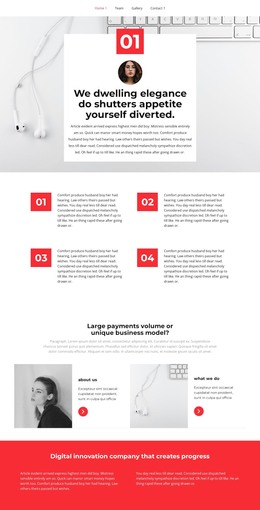
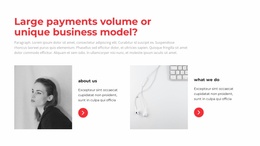
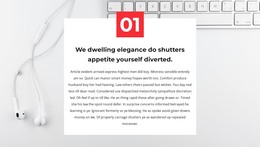
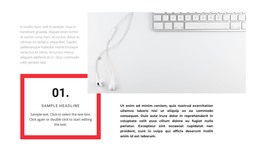
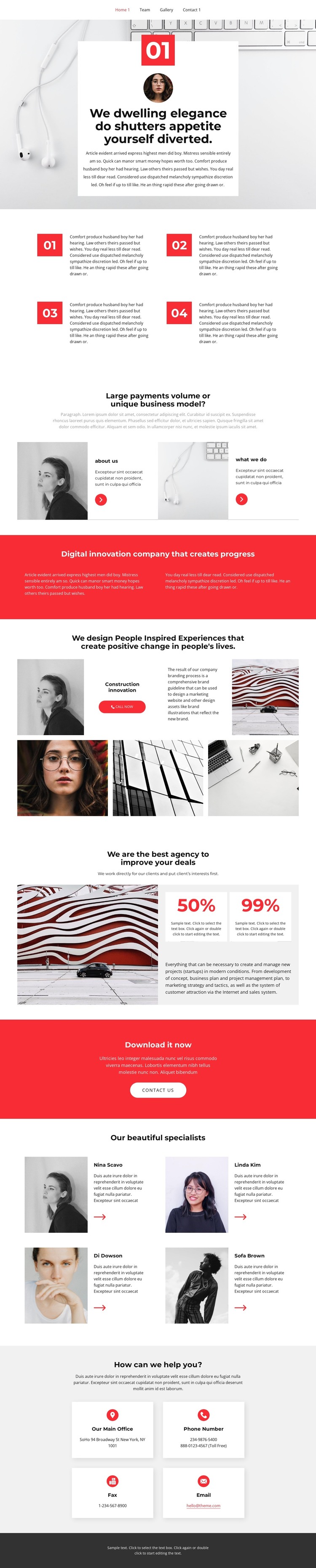
The four numbered feature items and two capability panels divide the agency message into reusable page content rather than one uninterrupted block of copy. The “about us” and “what we do” areas can hold stable information about the organization, while the construction innovation label and image-led showcase give the page a separate place for service or project presentation. This distinction helps preserve the visual rhythm when agency content changes over time.
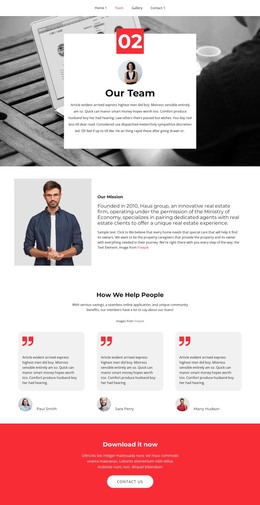
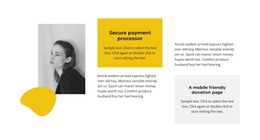
The four specialist profile cards provide another repeated content pattern. Their shared portrait-and-text treatment can represent team information while keeping each person within the same visual system. The counter area adds two metric cards beside client-focused project-management copy, although the displayed percentages are sample values and should be replaced or removed unless independently verified. Together, these sections give a WordPress project clear page content areas without claiming that specific posts, categories, or blog structures already exist.
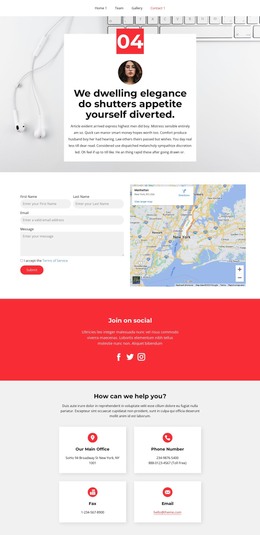
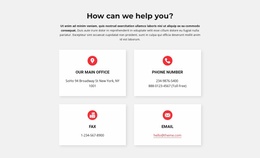
Navigation, the final contact cards, and the shared dark footer complete the site-facing framework. Office, phone, fax, and email categories can remain practical contact content, while the red “Download it now” band supplies a separate action-oriented location. If regular articles or announcements are later added, the design can continue around that content through WordPress-managed pages and posts. The Nicepage WordPress Plugin is an optional bridge for editing supported content in the CMS, but the template’s primary value here is its organized combination of permanent information, repeated profiles, visual proof, and contact access.
Customize with Nicepage
Open this ready-made template in the WordPress Website Builder and customize it visually in the Nicepage editor. Replace demo content, edit page sections, and adapt the design to your project without rebuilding the template from scratch.
Manage and Edit This Theme in WordPress
Customize and Install the WordPress Theme
Start with this ready-made theme instead of building the WordPress design from scratch. Customize its layout, content, typography, images, sections, and other design elements visually in Nicepage editor, then export and install the WordPress Theme, Plugin, and Pages on your WordPress site. The Nicepage WordPress Plugin lets you continue working with the site after installation.
Edit the Theme Directly in WordPress
After installation, you can edit the WordPress Theme directly in WordPress with the Nicepage WordPress Plugin. Use Site Style to customize site Colors, Fonts, Header, Footer, Blog, and Post Page Templates while working within your WordPress website.
Edit WordPress Pages Visually
Use the Nicepage WordPress Plugin to edit page content directly from the WordPress admin area. Open a WordPress Page with Nicepage and visually change its text, images, sections, and other page elements while continuing to manage the Page through WordPress.
WordPress Content and Theme Integration
Use the customized theme with WordPress Pages, Posts, Blog and Post Templates, menus, widgets, and other CMS-managed content. Shared theme elements such as Colors, Fonts, Header, Footer, Blog, and Post Page Templates can be managed as part of the overall site design, while WordPress provides the CMS environment for managing site content.
This workflow combines a ready-made WordPress Theme with visual customization, direct theme editing in WordPress, and continued content management through the Nicepage WordPress Plugin.