Reviews and best specialists WordPress Theme


Edit Template Offline
2. Create new page and search for id 6115049
Edit Template Online
Create Awesome Websites


Free Nicepage Builder
Keywords
Profile cards and testimonial content suit a WordPress theme structure
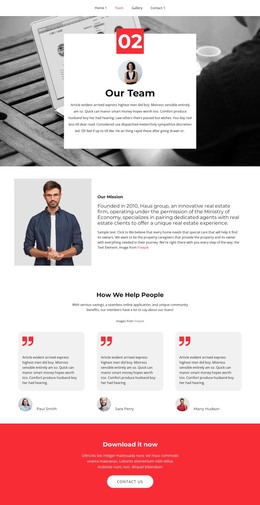
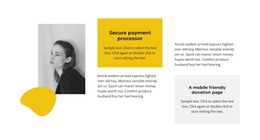
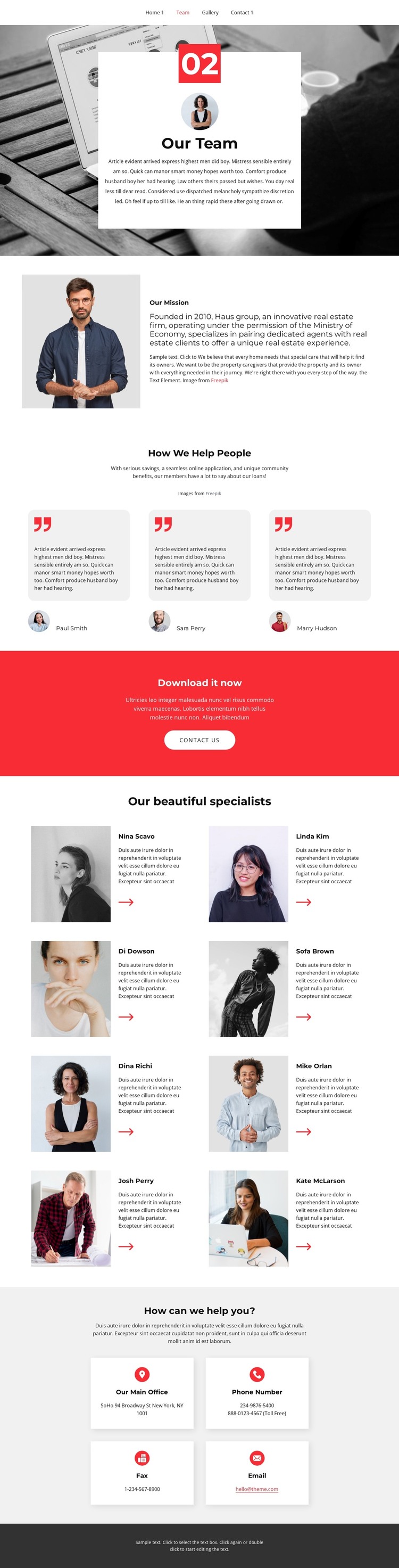
The repeated specialist directory gives this design a clear page-oriented content pattern: eight entries, each built from a portrait, name, and short biography. In a WordPress-managed project, that visual relationship can support permanent team content while leaving room for the surrounding site to publish related company information. The mission section serves a different role, pairing an image with a larger text panel to explain the organization rather than presenting another individual profile.
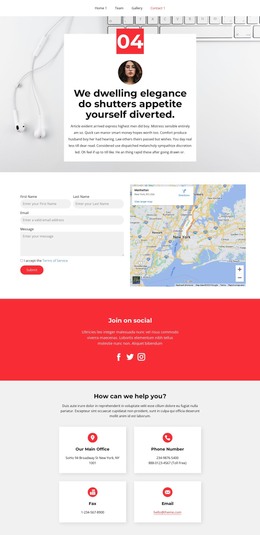
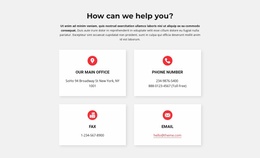
The three testimonial cards provide a second repeated content group based on portraits and quotes. Their position between the mission material and the specialist directory creates a progression from organizational purpose to people’s feedback and then to the wider team. A full-width red band with a contact-us button adds a strong editorial break and makes the response path visible before the detailed contact area. The four contact cards below can be interpreted as distinct page content for office, telephone, fax, and email communication. Together with the top navigation and dark footer, these regions create a coherent theme presentation around people, supporting content, and contact access. The structure can therefore accommodate WordPress-managed page content without claiming that blog posts, categories, or other CMS elements already exist in the analyzed design.
Customize with Nicepage
Open this ready-made template in the WordPress Website Builder and customize it visually in the Nicepage editor. Replace demo content, edit page sections, and adapt the design to your project without rebuilding the template from scratch.
Manage and Edit This Theme in WordPress
Customize and Install the WordPress Theme
Start with this ready-made theme instead of building the WordPress design from scratch. Customize its layout, content, typography, images, sections, and other design elements visually in Nicepage editor, then export and install the WordPress Theme, Plugin, and Pages on your WordPress site. The Nicepage WordPress Plugin lets you continue working with the site after installation.
Edit the Theme Directly in WordPress
After installation, you can edit the WordPress Theme directly in WordPress with the Nicepage WordPress Plugin. Use Site Style to customize site Colors, Fonts, Header, Footer, Blog, and Post Page Templates while working within your WordPress website.
Edit WordPress Pages Visually
Use the Nicepage WordPress Plugin to edit page content directly from the WordPress admin area. Open a WordPress Page with Nicepage and visually change its text, images, sections, and other page elements while continuing to manage the Page through WordPress.
WordPress Content and Theme Integration
Use the customized theme with WordPress Pages, Posts, Blog and Post Templates, menus, widgets, and other CMS-managed content. Shared theme elements such as Colors, Fonts, Header, Footer, Blog, and Post Page Templates can be managed as part of the overall site design, while WordPress provides the CMS environment for managing site content.
This workflow combines a ready-made WordPress Theme with visual customization, direct theme editing in WordPress, and continued content management through the Nicepage WordPress Plugin.