Number one among competitors WordPress Theme


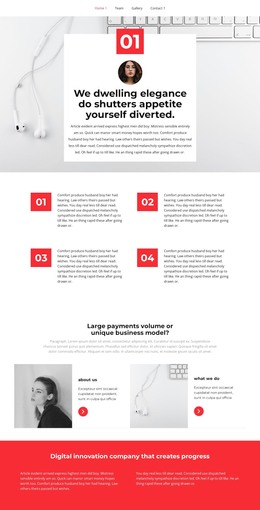
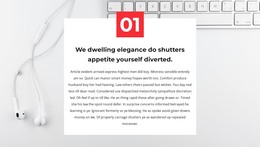
Stable page content flows from the office image to the 01 callout
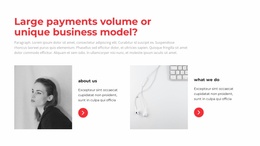
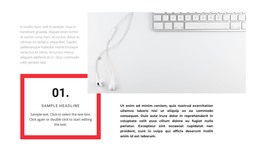
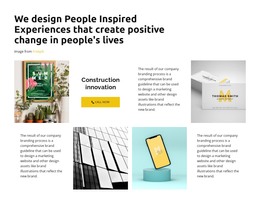
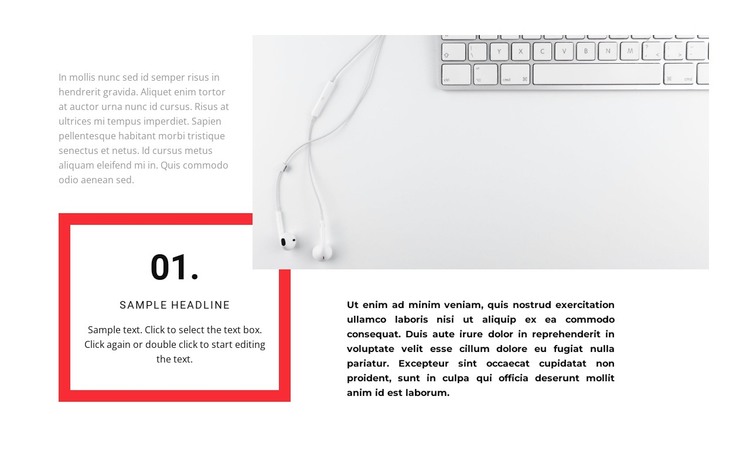
The upper part of the section pairs a compact introductory paragraph with one large office-themed image, creating a relationship between written context and a supporting visual. The lower part changes the rhythm: a red rectangular border frames the numbered callout on the left, while a bold paragraph on the right provides space for a fuller explanation. The number 01 gives the callout a clear identifying mark, but the block does not depend on interactive behavior, forms, galleries, or a repeated card system.
For a WordPress-managed page, this arrangement fits stable, publishable content such as a business explanation, process stage, or focused informational section. The placeholder headline and filler paragraphs can be replaced with the page's own copy, while the image and border maintain the distinction between the introductory context and the highlighted point. The section can therefore remain visually consistent even as its text is revised over time.
Its white background, restrained gray introduction, bold black supporting paragraph, and generous spacing make the block easy to position between other page sections. In a broader WordPress project, it can carry one defined content message while other page areas handle navigation, additional information, or response actions. The block contributes page content to the surrounding theme; it is not the theme itself.
Customize with Nicepage
Open this ready-made template in the WordPress Website Builder and customize it visually in the Nicepage editor. Replace demo content, edit page sections, and adapt the design to your project without rebuilding the template from scratch.
Edit Template Offline
2. Create a new page or select existing
3. Click Add new block, search for id 1638036 and click enter
Edit Template Online
Create Awesome Websites


Free Nicepage Builder
Keywords
Manage and Edit This Theme in WordPress
Customize and Install the WordPress Theme
Start with this ready-made theme instead of building the WordPress design from scratch. Customize its layout, content, typography, images, sections, and other design elements visually in Nicepage editor, then export and install the WordPress Theme, Plugin, and Pages on your WordPress site. The Nicepage WordPress Plugin lets you continue working with the site after installation.
Edit the Theme Directly in WordPress
After installation, you can edit the WordPress Theme directly in WordPress with the Nicepage WordPress Plugin. Use Site Style to customize site Colors, Fonts, Header, Footer, Blog, and Post Page Templates while working within your WordPress website.
Edit WordPress Pages Visually
Use the Nicepage WordPress Plugin to edit page content directly from the WordPress admin area. Open a WordPress Page with Nicepage and visually change its text, images, sections, and other page elements while continuing to manage the Page through WordPress.
WordPress Content and Theme Integration
Use the customized theme with WordPress Pages, Posts, Blog and Post Templates, menus, widgets, and other CMS-managed content. Shared theme elements such as Colors, Fonts, Header, Footer, Blog, and Post Page Templates can be managed as part of the overall site design, while WordPress provides the CMS environment for managing site content.
This workflow combines a ready-made WordPress Theme with visual customization, direct theme editing in WordPress, and continued content management through the Nicepage WordPress Plugin.