Experience and digital transformation WordPress Theme



Edit Template Offline
2. Create new page and search for id 6030859
Edit Template Online
Create Awesome Websites


Free Nicepage Builder
Keywords
Service Cards and Company Sections Create a Reusable Content Framework
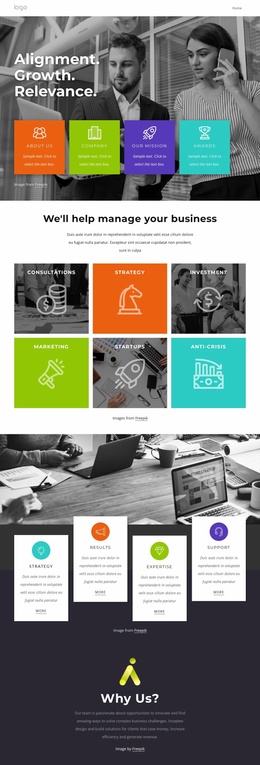
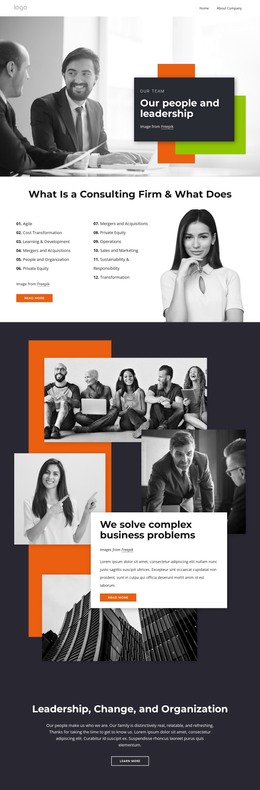
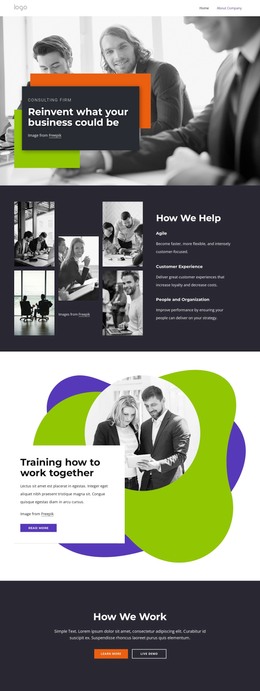
The page divides its permanent company information into clear areas that can remain visually coordinated as content develops. The opening statement and the “How We Help” section establish the firm’s general position and three capability subjects: Agile, Customer Experience, and People and Organization. Training, “How We Work,” and business expertise add supporting company content, while the global management consulting section provides a more focused explanation with a Learn More action.
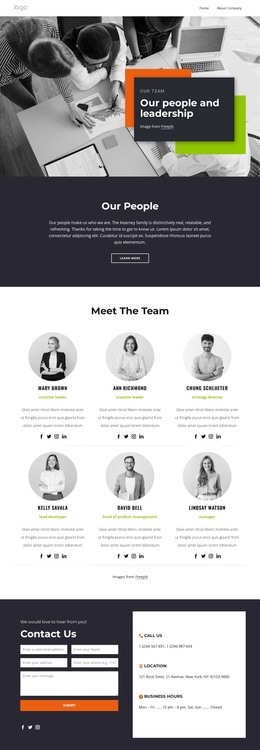
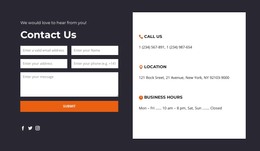
The six repeated service cards offer a useful content relationship for a WordPress-oriented project without requiring an unsupported claim that posts or blog structures already exist. Technology, Development, Trainings, Learning, Our people, and Leadership can be treated as distinct service or information areas, each retaining the shared image-card language of the design. The repeated pattern is important because future content can remain recognizable while the underlying subject matter changes. The contact area adds a separate permanent page-content role through its inquiry form, contact-channel cards, social links, and closing Contact Us heading.
Navigation and the shared footer provide the surrounding site frame, while the dark navy palette, editorial photography, overlapping cards, and bold headings preserve the theme’s visual character. This makes the design suitable for a WordPress-managed company presentation where fixed business information and recurring service content need to coexist. Any later editorial or regularly updated material would need to be configured separately; the verified template itself proves the company and service structure, not a pre-existing blog or post system.
Customize with Nicepage
Open this ready-made template in the WordPress Website Builder and customize it visually in the Nicepage editor. Replace demo content, edit page sections, and adapt the design to your project without rebuilding the template from scratch.
Manage and Edit This Theme in WordPress
Customize and Install the WordPress Theme
Start with this ready-made theme instead of building the WordPress design from scratch. Customize its layout, content, typography, images, sections, and other design elements visually in Nicepage editor, then export and install the WordPress Theme, Plugin, and Pages on your WordPress site. The Nicepage WordPress Plugin lets you continue working with the site after installation.
Edit the Theme Directly in WordPress
After installation, you can edit the WordPress Theme directly in WordPress with the Nicepage WordPress Plugin. Use Site Style to customize site Colors, Fonts, Header, Footer, Blog, and Post Page Templates while working within your WordPress website.
Edit WordPress Pages Visually
Use the Nicepage WordPress Plugin to edit page content directly from the WordPress admin area. Open a WordPress Page with Nicepage and visually change its text, images, sections, and other page elements while continuing to manage the Page through WordPress.
WordPress Content and Theme Integration
Use the customized theme with WordPress Pages, Posts, Blog and Post Templates, menus, widgets, and other CMS-managed content. Shared theme elements such as Colors, Fonts, Header, Footer, Blog, and Post Page Templates can be managed as part of the overall site design, while WordPress provides the CMS environment for managing site content.
This workflow combines a ready-made WordPress Theme with visual customization, direct theme editing in WordPress, and continued content management through the Nicepage WordPress Plugin.