Win today and in the future WordPress Theme


Innovations Content Framed by a Distinct Working Method
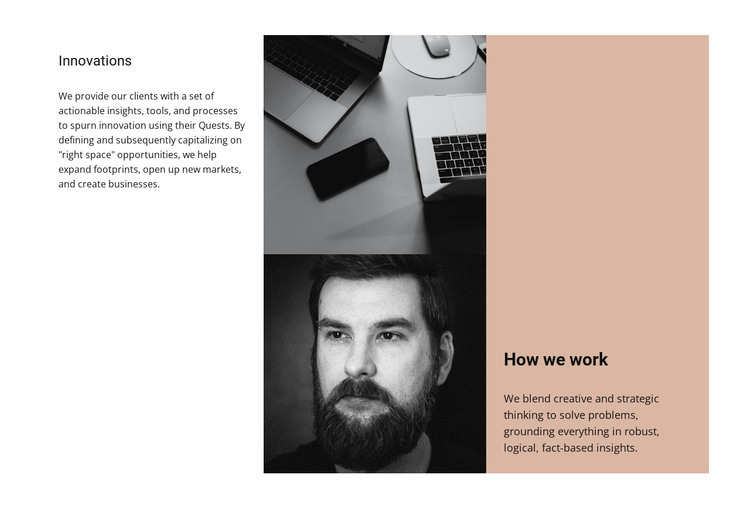
The left column establishes the block as a stable information section through the “Innovations” heading and text about actionable insights, tools, and processes. That content can read as permanent page material rather than a sequence of time-sensitive updates. The narrow center column then adds two vertically stacked monochrome images, giving the section a visual pause while maintaining a clear connection between the innovation message and the working approach beside it.
The right-hand region has a different content role. Its warm beige, full-height panel contains the “How we work” heading and a paragraph describing creative and strategic thinking supported by logical, fact-based insights. The contrast between the white background, monochrome imagery, and colored panel helps distinguish the two explanatory areas without breaking their relationship. Generous spacing and compact sans-serif typography also keep the three-column composition readable as one page section.
Within a WordPress-managed site, this block can function as reusable content for a stable services, capabilities, or company-information page. The section preserves its own headings, paragraphs, image pair, and visual grouping while the surrounding project handles other page content. Its structure suits a page-oriented content region that explains both an area of innovation and the method used to approach it, without becoming a complete WordPress Theme.
Customize with Nicepage
Open this ready-made template in the WordPress Website Builder and customize it visually in the Nicepage editor. Replace demo content, edit page sections, and adapt the design to your project without rebuilding the template from scratch.
Edit Template Offline
2. Create a new page or select existing
3. Click Add new block, search for id 60028 and click enter
Edit Template Online
Create Awesome Websites


Free Nicepage Builder
Keywords
Manage and Edit This Theme in WordPress
Customize and Install the WordPress Theme
Start with this ready-made theme instead of building the WordPress design from scratch. Customize its layout, content, typography, images, sections, and other design elements visually in Nicepage editor, then export and install the WordPress Theme, Plugin, and Pages on your WordPress site. The Nicepage WordPress Plugin lets you continue working with the site after installation.
Edit the Theme Directly in WordPress
After installation, you can edit the WordPress Theme directly in WordPress with the Nicepage WordPress Plugin. Use Site Style to customize site Colors, Fonts, Header, Footer, Blog, and Post Page Templates while working within your WordPress website.
Edit WordPress Pages Visually
Use the Nicepage WordPress Plugin to edit page content directly from the WordPress admin area. Open a WordPress Page with Nicepage and visually change its text, images, sections, and other page elements while continuing to manage the Page through WordPress.
WordPress Content and Theme Integration
Use the customized theme with WordPress Pages, Posts, Blog and Post Templates, menus, widgets, and other CMS-managed content. Shared theme elements such as Colors, Fonts, Header, Footer, Blog, and Post Page Templates can be managed as part of the overall site design, while WordPress provides the CMS environment for managing site content.
This workflow combines a ready-made WordPress Theme with visual customization, direct theme editing in WordPress, and continued content management through the Nicepage WordPress Plugin.