We measure our success by the success of our clients WordPress Theme



Edit Template Offline
2. Create new page and search for id 5274591
Edit Template Online
Create Awesome Websites


Free Nicepage Builder
Keywords
Capability Cards and Editorial Content Support a WordPress Theme Structure
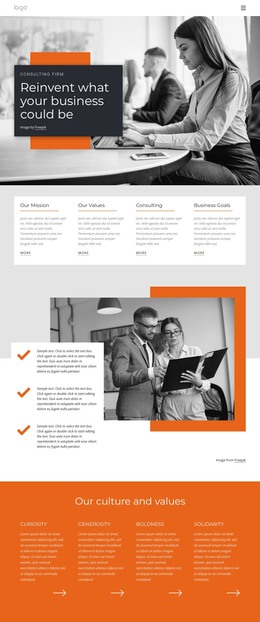
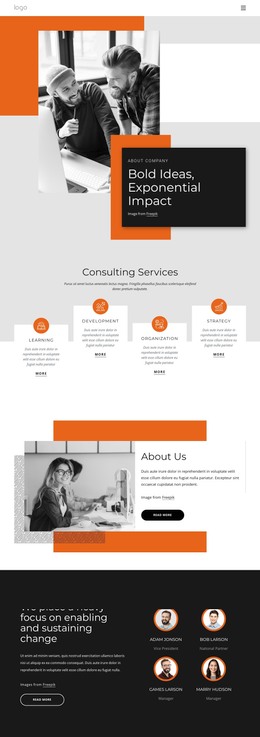
The six capability categories create a useful page-oriented content foundation for a consulting site: Learning, Development, Organization, Strategy, Consulting, and Market Intelligence. They are presented as repeated service cards beneath a shared heading, so related content can remain visually consistent while each category receives its own explanation in a broader project. The About Us section adds permanent company information through a side-by-side image and text composition, while the Our Values area contributes another distinct place for positioning content.
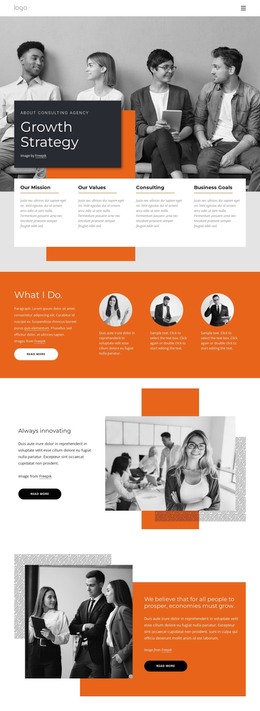
Other parts of the design support recurring content relationships. The change-focused team section presents four profile treatments beside company messaging, allowing people-oriented information to remain separate from service descriptions. The transformation expertise area combines a short statement with two percentage figures, and the testimonial section places two quote cards beside a client-focused text block. These areas can be interpreted as different content groups within a WordPress-managed site without claiming that Posts, categories, or blog content already appear in the template. The three numbered principle cards add a concise organizational framework built around Consulting, Leadership, and Growth. At the end, the Contact Us region combines Call us and Location details with a form for name, email, message, and terms acceptance. That combination gives permanent company content and visitor inquiries clear places within the same theme direction, while sample names, quotations, metrics, and contact values remain structural demo content to replace.
Customize with Nicepage
Open this ready-made template in the WordPress Website Builder and customize it visually in the Nicepage editor. Replace demo content, edit page sections, and adapt the design to your project without rebuilding the template from scratch.
Manage and Edit This Theme in WordPress
Customize and Install the WordPress Theme
Start with this ready-made theme instead of building the WordPress design from scratch. Customize its layout, content, typography, images, sections, and other design elements visually in Nicepage editor, then export and install the WordPress Theme, Plugin, and Pages on your WordPress site. The Nicepage WordPress Plugin lets you continue working with the site after installation.
Edit the Theme Directly in WordPress
After installation, you can edit the WordPress Theme directly in WordPress with the Nicepage WordPress Plugin. Use Site Style to customize site Colors, Fonts, Header, Footer, Blog, and Post Page Templates while working within your WordPress website.
Edit WordPress Pages Visually
Use the Nicepage WordPress Plugin to edit page content directly from the WordPress admin area. Open a WordPress Page with Nicepage and visually change its text, images, sections, and other page elements while continuing to manage the Page through WordPress.
WordPress Content and Theme Integration
Use the customized theme with WordPress Pages, Posts, Blog and Post Templates, menus, widgets, and other CMS-managed content. Shared theme elements such as Colors, Fonts, Header, Footer, Blog, and Post Page Templates can be managed as part of the overall site design, while WordPress provides the CMS environment for managing site content.
This workflow combines a ready-made WordPress Theme with visual customization, direct theme editing in WordPress, and continued content management through the Nicepage WordPress Plugin.