Growth strategy for startups WordPress Theme



Edit Template Offline
2. Create new page and search for id 2346545
Edit Template Online
Create Awesome Websites


Free Nicepage Builder
Keywords
Service Cards and Principles Translate into WordPress Page Content
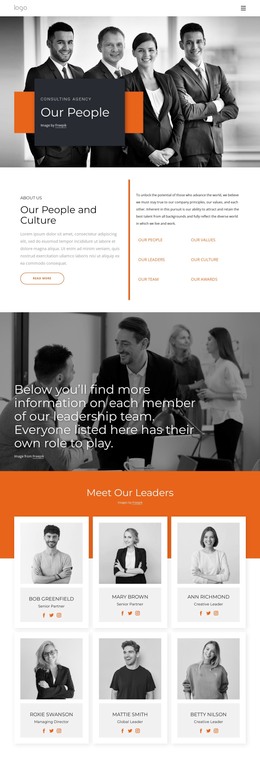
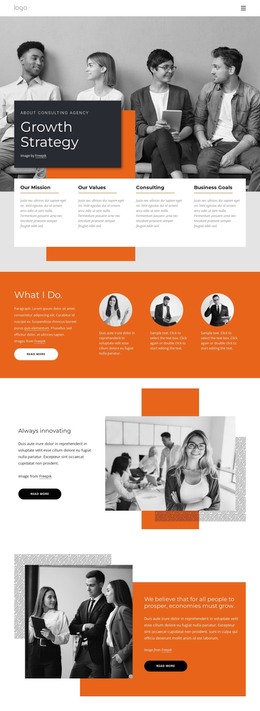
The repeated service items under What I Do create a natural page-oriented content group, while the opening cards provide concise permanent information about mission, values, consulting, and business goals. These areas can be treated as distinct parts of a WordPress-managed business presentation without claiming that the template already contains posts, categories, or a blog. Their roles are clear from the headings and repeated layouts: introductory information first, followed by expertise and supporting perspectives.
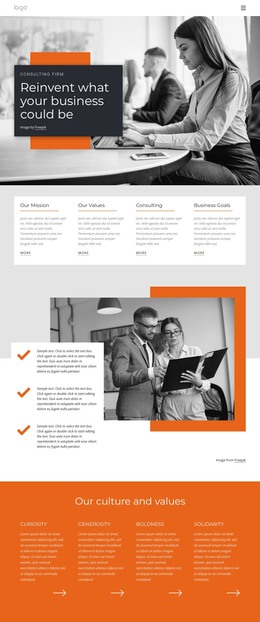
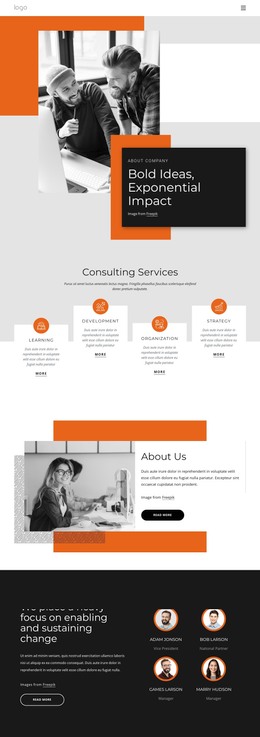
The six icon-led value statements add a second reusable pattern. They can hold short principle-based content alongside the longer split sections about innovation, prosperity, risk and reward, and Management Technology. The business photography gives those sections a strong editorial layer, while the orange geometric accents help recurring content remain visually connected when the surrounding text changes.
The final Contact Us area is suited to permanent page content because it combines service labels, contact information, and a form in one closing region. In a WordPress project, that relationship can sit alongside other managed business content while preserving the theme’s consulting character. The result is a design that accommodates both stable explanatory sections and content that may be expanded over time, without requiring unsupported assumptions about the site’s future publishing structure.
Customize with Nicepage
Open this ready-made template in the WordPress Website Builder and customize it visually in the Nicepage editor. Replace demo content, edit page sections, and adapt the design to your project without rebuilding the template from scratch.
Manage and Edit This Theme in WordPress
Customize and Install the WordPress Theme
Start with this ready-made theme instead of building the WordPress design from scratch. Customize its layout, content, typography, images, sections, and other design elements visually in Nicepage editor, then export and install the WordPress Theme, Plugin, and Pages on your WordPress site. The Nicepage WordPress Plugin lets you continue working with the site after installation.
Edit the Theme Directly in WordPress
After installation, you can edit the WordPress Theme directly in WordPress with the Nicepage WordPress Plugin. Use Site Style to customize site Colors, Fonts, Header, Footer, Blog, and Post Page Templates while working within your WordPress website.
Edit WordPress Pages Visually
Use the Nicepage WordPress Plugin to edit page content directly from the WordPress admin area. Open a WordPress Page with Nicepage and visually change its text, images, sections, and other page elements while continuing to manage the Page through WordPress.
WordPress Content and Theme Integration
Use the customized theme with WordPress Pages, Posts, Blog and Post Templates, menus, widgets, and other CMS-managed content. Shared theme elements such as Colors, Fonts, Header, Footer, Blog, and Post Page Templates can be managed as part of the overall site design, while WordPress provides the CMS environment for managing site content.
This workflow combines a ready-made WordPress Theme with visual customization, direct theme editing in WordPress, and continued content management through the Nicepage WordPress Plugin.