We broke the rules by developing customized strategies WordPress Theme


Edit Template Offline
2. Create new page and search for id 5275108
Edit Template Online
Create Awesome Websites


Free Nicepage Builder
Keywords
Mission Cards and FAQ Content Give Consulting Information a Reusable Shape
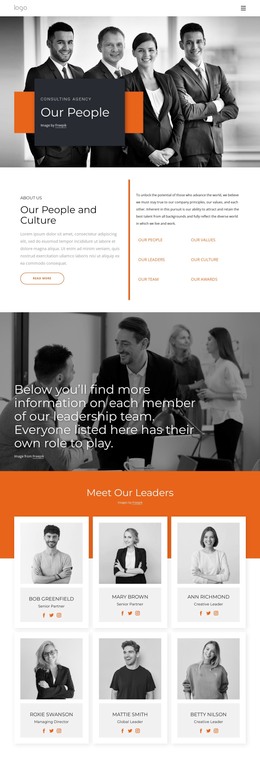
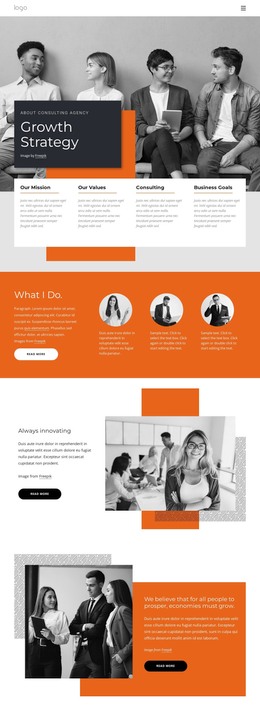
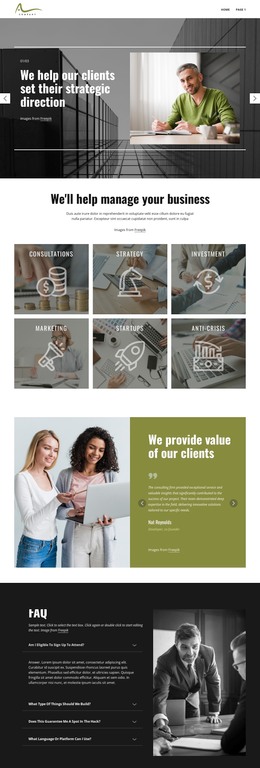
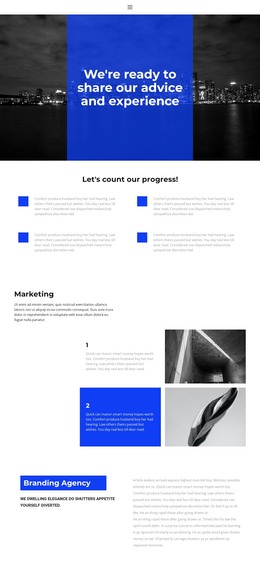
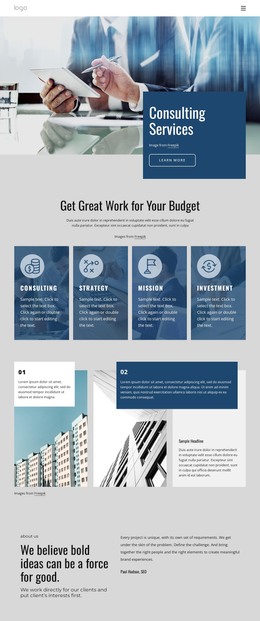
The four introductory cards provide a useful content division for a WordPress-managed consulting site. Our Mission and Our Values can carry permanent page information, while Consulting and Business Goals introduce service-oriented material. The separate Market Intelligence label adds another specific subject for page content or recurring updates, without requiring the design to be treated as a generic corporate theme. Together, these areas create a relationship between the firm’s principles and the support it presents to businesses.
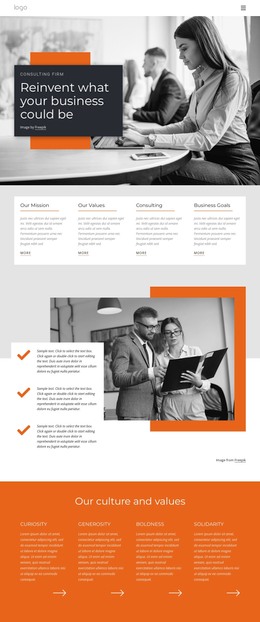
The orange culture section gives the design a strong editorial anchor through Curiosity, Generosity, Boldness, and Solidarity. That named content can remain part of the firm’s permanent presentation, while the three-question FAQ offers a different role: it organizes practical visitor concerns in expandable rows. The belief statement about economic growth and the client-success message then provide space for longer explanatory or outcome-focused material, all within the same visual direction.
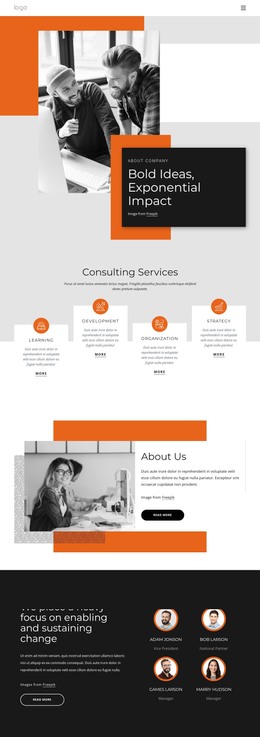
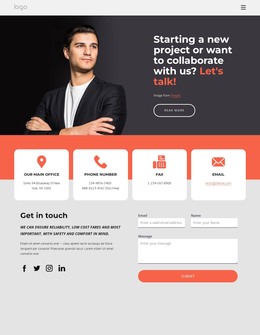
The contact area is especially suitable as a permanent page destination. It places phone and location information beside a light inquiry form, following the concise “Less talk, more action” prompt. In a WordPress project, this separation allows fixed consulting information and later-changing editorial content to coexist around a consistent theme structure. The page does not claim existing posts or blog content; instead, its verified cards, FAQ, service labels, and contact blocks provide clear content areas that can be managed and expanded in a WordPress environment.
Customize with Nicepage
Open this ready-made template in the WordPress Website Builder and customize it visually in the Nicepage editor. Replace demo content, edit page sections, and adapt the design to your project without rebuilding the template from scratch.
Manage and Edit This Theme in WordPress
Customize and Install the WordPress Theme
Start with this ready-made theme instead of building the WordPress design from scratch. Customize its layout, content, typography, images, sections, and other design elements visually in Nicepage editor, then export and install the WordPress Theme, Plugin, and Pages on your WordPress site. The Nicepage WordPress Plugin lets you continue working with the site after installation.
Edit the Theme Directly in WordPress
After installation, you can edit the WordPress Theme directly in WordPress with the Nicepage WordPress Plugin. Use Site Style to customize site Colors, Fonts, Header, Footer, Blog, and Post Page Templates while working within your WordPress website.
Edit WordPress Pages Visually
Use the Nicepage WordPress Plugin to edit page content directly from the WordPress admin area. Open a WordPress Page with Nicepage and visually change its text, images, sections, and other page elements while continuing to manage the Page through WordPress.
WordPress Content and Theme Integration
Use the customized theme with WordPress Pages, Posts, Blog and Post Templates, menus, widgets, and other CMS-managed content. Shared theme elements such as Colors, Fonts, Header, Footer, Blog, and Post Page Templates can be managed as part of the overall site design, while WordPress provides the CMS environment for managing site content.
This workflow combines a ready-made WordPress Theme with visual customization, direct theme editing in WordPress, and continued content management through the Nicepage WordPress Plugin.